Photoshop Sky Replacement Tutorial | Photoshop CC
TL;DR
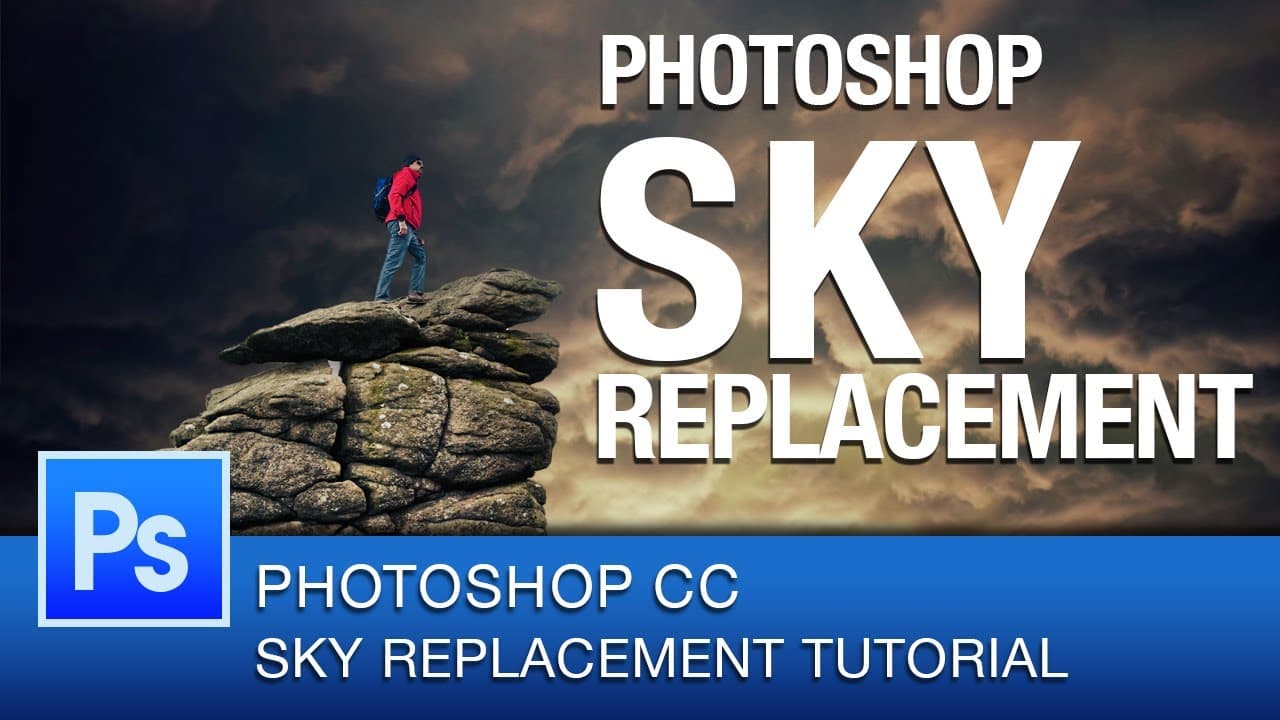
Learn how to replace skies in Photoshop CC for epic effects.
Transcript
hey youtube this is roberto blake and welcome to another Photoshop CC tutorial in today's tutorial I'm gonna be teaching you sky replacement this is gonna be quick and simple so let's go ahead and take our stock image and drop it on to our canvas as a smart object we're going to go ahead and zoom out and resize this just a little bit I just need th... Read More
Key Insights
- 🥃 Sky replacement in Photoshop involves masking out the original sky and replacing it with a new one.
- 😷 Tools like quick mask and refine edge are essential for precise sky replacement.
- 🆘 Blending techniques such as gradient maps and dodge and burn help merge the new sky seamlessly with the image.
- 🥃 Consider using decontaminate colors to ensure accurate color matching in sky replacement.
- 🤗 Sky replacement can open up new creative possibilities and enhance the visual impact of an image.
- 👀 Experiment with different blending techniques to achieve the desired look in sky replacement.
- 🥃 Regular practice and tutorials can improve your skills in sky replacement and Photoshop editing.
Install to Summarize YouTube Videos and Get Transcripts
Explore YouTube Video Summarizer or Get YouTube Transcript Extractor
Questions & Answers
Q: What tools are essential for replacing skies in Photoshop?
Essential tools include quick mask, refine edge, and decontaminate colors for accurate sky replacement in Photoshop.
Q: How can one blend the new sky seamlessly with the image?
Blend the new sky using techniques like gradient maps, curves adjustment, and dodge and burn tools for a realistic and consistent look.
Q: Is sky replacement difficult to achieve in Photoshop?
Sky replacement is not difficult, especially with the right tools and techniques like masking, blending, and color adjustments in Photoshop.
Q: What possibilities can sky replacement open up for an image?
Sky replacement can enhance the mood and overall impact of an image, creating epic scenes and transforming the look and feel of the original photo.
Summary & Key Takeaways
-
Replace the sky in Photoshop by masking out the original sky.
-
Use tools such as quick mask, refine edge, and decontaminate colors.
-
Blend the new sky with the image using techniques like gradient maps and dodge and burn.
Read in Other Languages (beta)
Share This Summary 📚
Summarize YouTube Videos and Get Video Transcripts with 1-Click
Try YouTube Summary with ChatGPT & Claude or YouTube Transcript Generator
Explore More Summaries from Roberto Blake 📚






Summarize YouTube Videos and Get Video Transcripts with 1-Click
Try YouTube Summary with ChatGPT & Claude or YouTube Transcript Generator