Introduction to Vue3 - Building a Stop Watch Timer (with Composition API)
TL;DR
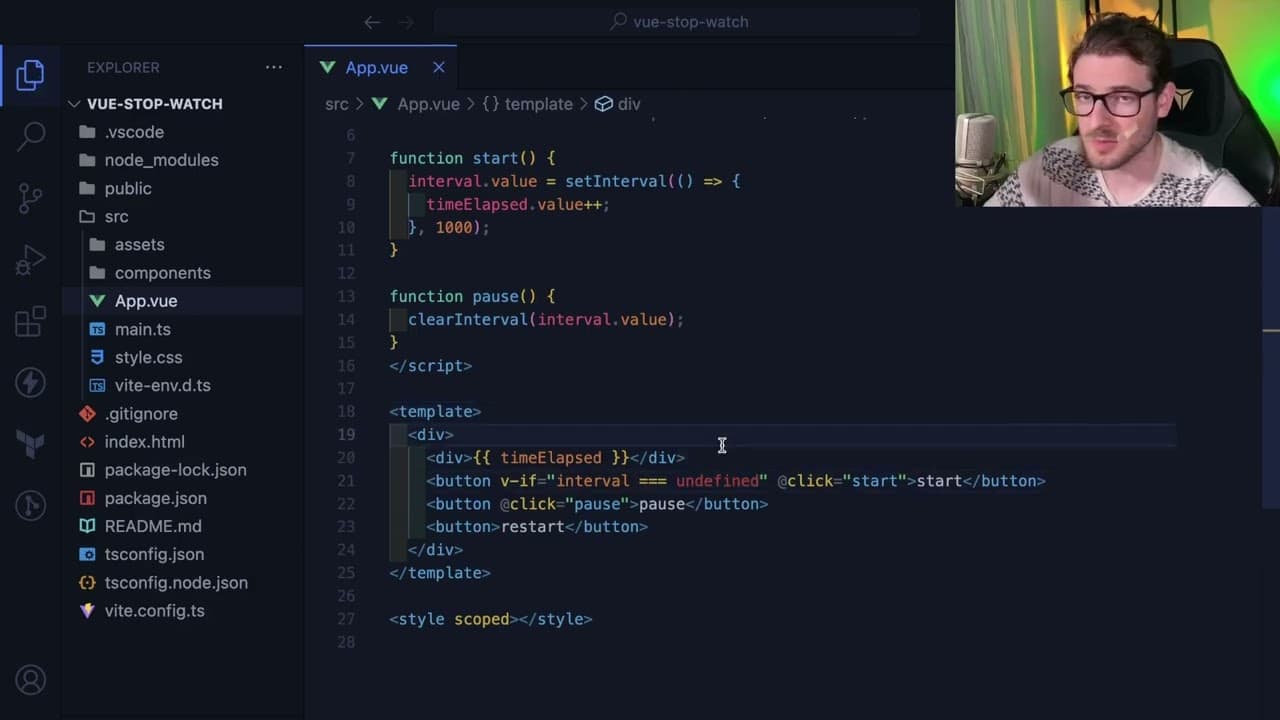
The video demonstrates how to build a stopwatch using Vue and the Composition API.
Transcript
all right how's it going everyone so like I mentioned I am probably going to be making a little bit more view content just because I do like using Vue it's very concise and it's fun to play with and I just need a break from using react so I'm going to try to build out a view stopwatch using Veet so I'm going to run an npm create Veet latest view st... Read More
Key Insights
- 💄 Vue offers a concise alternative to React, making development straightforward and enjoyable, especially for beginners.
- 👻 The Composition API allows cleaner code organization and easier state management within Vue components.
- 😀 Dynamic responsiveness of the DOM is facilitated through Vue's reactivity system, enhancing user interaction within the stopwatch app.
- 👤 Conditional rendering in Vue simplifies the visibility management of buttons based on the stopwatch's operational state, improving user experience.
- 💦 Error handling and debugging practices are integral as the creator works through challenges in implementing new features.
- 💁 Formatting elapsed time introduces additional complexity but significantly enhances the stopwatch's usability by presenting information clearly.
- 👨💻 Community engagement is encouraged, providing a platform for developers to seek help and share knowledge, fostering collaborative growth in coding skills.
Install to Summarize YouTube Videos and Get Transcripts
Explore YouTube Video Summarizer or Get YouTube Transcript Extractor
Questions & Answers
Q: Why did the creator choose to create a stopwatch using Vue instead of React?
The creator expressed a desire to take a break from using React and appreciates Vue's concise syntax and enjoyable development experience. They also wanted to reinforce their knowledge of Vue, having already worked on a side project utilizing it.
Q: What are the different sections of a Vue single file component?
A Vue single file component consists of three main sections: the script section, which contains JavaScript or TypeScript; the template section for HTML markup; and the styles section for CSS, which can be scoped to apply only to that specific component.
Q: How does the creator implement state management for the stopwatch?
State management for the stopwatch is accomplished using Vue's reactive ref method. The creator uses a ref to track the elapsed time, as well as the interval ID, allowing the stopwatch to reactively update the DOM whenever the state changes.
Q: What challenges did the creator face when adding the pause and restart functionality?
While implementing the pause and restart functionality, the creator struggled with managing the interval's ID and ensuring the representation of the stopwatch state correctly reflected the running, paused, and stopped conditions, necessitating a state machine approach.
Q: What feature does the creator want to enhance in the stopwatch?
To enhance the functionality of the stopwatch, the creator considers formatting the elapsed time to display minutes and seconds in a more readable manner, including left padding to ensure consistent display of time values.
Q: How does the creator handle button visibility based on stopwatch state?
The visibility of buttons is dynamically managed using conditional rendering in Vue, with directives like v-if to show or hide buttons based on the current state of the stopwatch (e.g., showing "Start" when stopped and "Pause" when running).
Q: What feedback does the creator seek from viewers at the end of the video?
The creator invites viewers to engage by leaving comments, subscribing, pressing the notification bell, and joining a Discord channel for direct interaction and community support related to development questions and challenges.
Summary & Key Takeaways
-
The creator shares a tutorial on building a simple stopwatch application using Vue, opting for Vue over React for its concise syntax and ease of use.
-
The tutorial focuses on utilizing the Composition API, with clear explanations on managing component states, event listeners, and rendering dynamic content.
-
Throughout the video, the creator encounters some challenges and choices in coding logic, making for an informative and engaging coding experience.
Read in Other Languages (beta)
Share This Summary 📚
Summarize YouTube Videos and Get Video Transcripts with 1-Click
Try YouTube Summary with ChatGPT & Claude or YouTube Transcript Generator
Explore More Summaries from Web Dev Cody 📚





Summarize YouTube Videos and Get Video Transcripts with 1-Click
Try YouTube Summary with ChatGPT & Claude or YouTube Transcript Generator