Install Windows 11 on Anything!!!
TL;DR
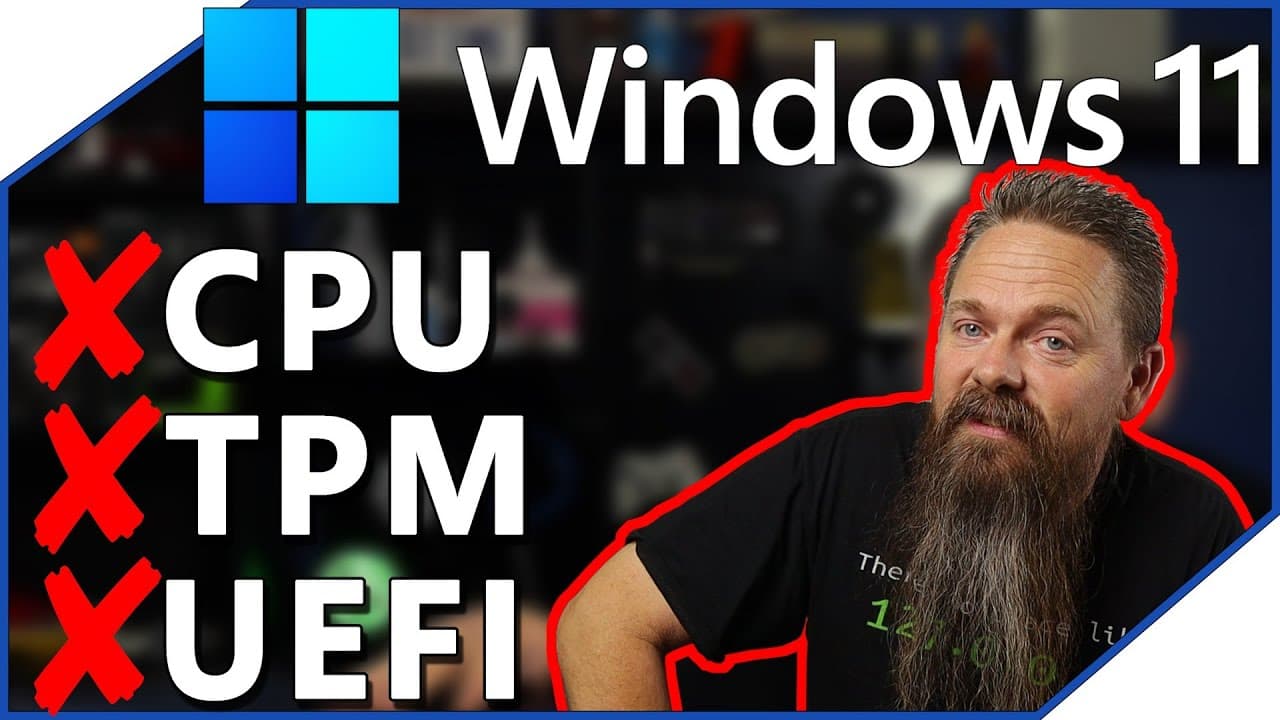
Learn how to install Windows 11 on older, unsupported hardware by bypassing the system requirements.
Transcript
i've made it no secret that i think windows 11 system requirements suck however today that doesn't really matter because i'm going to show you how to load it on pretty much whatever potato you want stay tuned oh yeah we just want to make sure you have the most secure computer possible windows 11 has some pretty crazy hardware requirements at least ... Read More
Key Insights
- 🏃 Windows 11 has strict hardware requirements, but it is possible to install and run it on unsupported hardware by modifying the installer.
- 👾 Installing Windows 11 on unsupported hardware may have limitations, such as compatibility issues and potential restrictions from game publishers.
- 👻 The script used in the video allows users to bypass the system requirements and successfully install Windows 11.
Install to Summarize YouTube Videos and Get Transcripts
Explore YouTube Video Summarizer or Get YouTube Transcript Extractor
Questions & Answers
Q: What are the hardware requirements for Windows 11?
Windows 11 requires an eighth generation Intel processor or higher, a TPM 2.0 chip, and a UEFI BIOS with GPT partition.
Q: Can I install Windows 11 on older, unsupported hardware?
Yes, by using a script to modify the Windows 11 installer and bypass the system requirements, it is possible to install Windows 11 on unsupported hardware.
Q: Will Windows 11 run smoothly on unsupported hardware?
Windows 11 may run well on unsupported hardware if the performance was satisfactory with Windows 10. However, compatibility issues and potential future restrictions should be considered.
Q: Are there any potential issues when installing Windows 11 on unsupported hardware?
Some game publishers may enforce the Windows 11 system requirements, which can prevent the installation of certain games. Additionally, future restrictions on secure boot and TPM may arise.
Key Insights:
- Windows 11 has strict hardware requirements, but it is possible to install and run it on unsupported hardware by modifying the installer.
- Installing Windows 11 on unsupported hardware may have limitations, such as compatibility issues and potential restrictions from game publishers.
- The script used in the video allows users to bypass the system requirements and successfully install Windows 11.
- Performance on unsupported hardware may vary, but the video demonstrates that Windows 11 runs smoothly on an older AMD FX 4300 processor.
Summary & Key Takeaways
-
Windows 11 has strict hardware requirements, including an eighth generation Intel processor or higher, a TPM chip, and a UEFI BIOS with GPT partition.
-
The video demonstrates how to install Windows 11 on an AMD FX 4300 processor, which doesn't meet any of the system requirements.
-
By using a script to modify the Windows 11 installer and patching the current system, it is possible to install and run Windows 11 on unsupported hardware.
Read in Other Languages (beta)
Share This Summary 📚
Summarize YouTube Videos and Get Video Transcripts with 1-Click
Try YouTube Summary with ChatGPT & Claude or YouTube Transcript Generator
Explore More Summaries from CyberCPU Tech 📚



Summarize YouTube Videos and Get Video Transcripts with 1-Click
Try YouTube Summary with ChatGPT & Claude or YouTube Transcript Generator