Add a Step-by-Step guide to your Website with intro.js
TL;DR
Learn how to incorporate step-by-step guides or tutorials on your website to showcase new features or updates.
Transcript
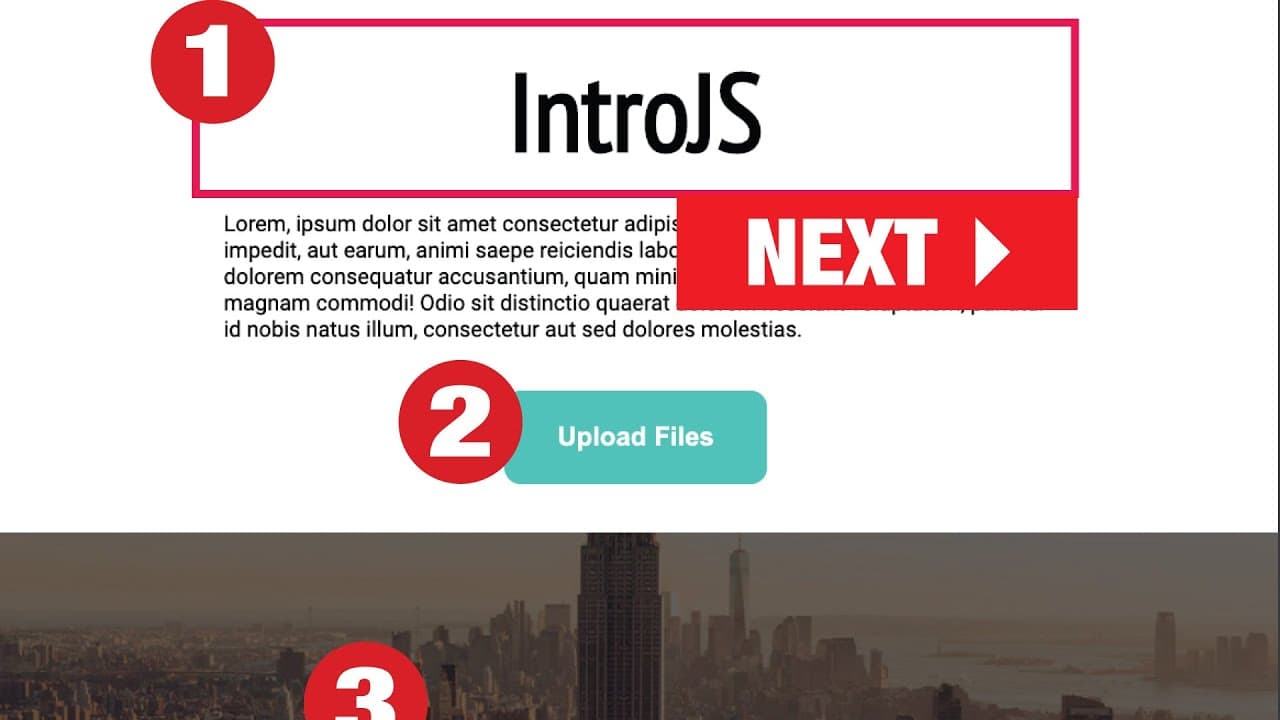
what's going on my name is Jay and in this video I want to show you how you can add a step by step guide to your website or your web app Here I am in the intro Gia's web site and if I click on this demo button you can see what I'm talking about so it's like you can call it up like instructions or a tour tutorial something they will show you and the... Read More
Key Insights
- 😀 Adding a step-by-step guide can be an effective way to introduce new features or updates on a website or web app.
- 💨 Intro.js provides a simple and straightforward way to implement the guide, using CSS and JavaScript files.
- 👻 Customization options allow for personalization and tailoring the guide to the specific needs of the project.
Install to Summarize YouTube Videos and Get Transcripts
Explore YouTube Video Summarizer or Get YouTube Transcript Extractor
Questions & Answers
Q: Why would I want to add a step-by-step guide to my website or web app?
Adding a guide can be useful for showcasing new features or updates to your users, ensuring they understand how to use them effectively.
Q: Is it necessary to download the CSS and JavaScript files, or can I use CDN links?
You have the option to either download the files from the Intro.js website or use CDN links. CDN links provide convenience and eliminate the need for file downloads.
Q: Can I customize the steps in the guide?
Yes, you can customize the steps by providing unique content for each one. This allows you to tailor the guide to fit your specific needs.
Q: How can I trigger the step-by-step guide to start again?
You can add a button or element with a specific class and use event listeners to trigger the "intro.start()" function whenever it's clicked. This will restart the guide.
Key Insights:
- Adding a step-by-step guide can be an effective way to introduce new features or updates on a website or web app.
- Intro.js provides a simple and straightforward way to implement the guide, using CSS and JavaScript files.
- Customization options allow for personalization and tailoring the guide to the specific needs of the project.
- Triggering the guide to start again can be achieved by adding a button or element with a class, and utilizing event listeners.
Summary & Key Takeaways
-
This video demonstrates how to add a step-by-step guide to a website or web app using Intro.js.
-
The process involves adding CSS and JavaScript files to the project.
-
Once added, the guide can be customized with different steps and content to provide a tour or tutorial for users.
Read in Other Languages (beta)
Share This Summary 📚
Summarize YouTube Videos and Get Video Transcripts with 1-Click
Try YouTube Summary with ChatGPT & Claude or YouTube Transcript Generator
Explore More Summaries from iEatWebsites 📚
Summarize YouTube Videos and Get Video Transcripts with 1-Click
Try YouTube Summary with ChatGPT & Claude or YouTube Transcript Generator