The Instagram Scheduling App You NEED to Use
TL;DR
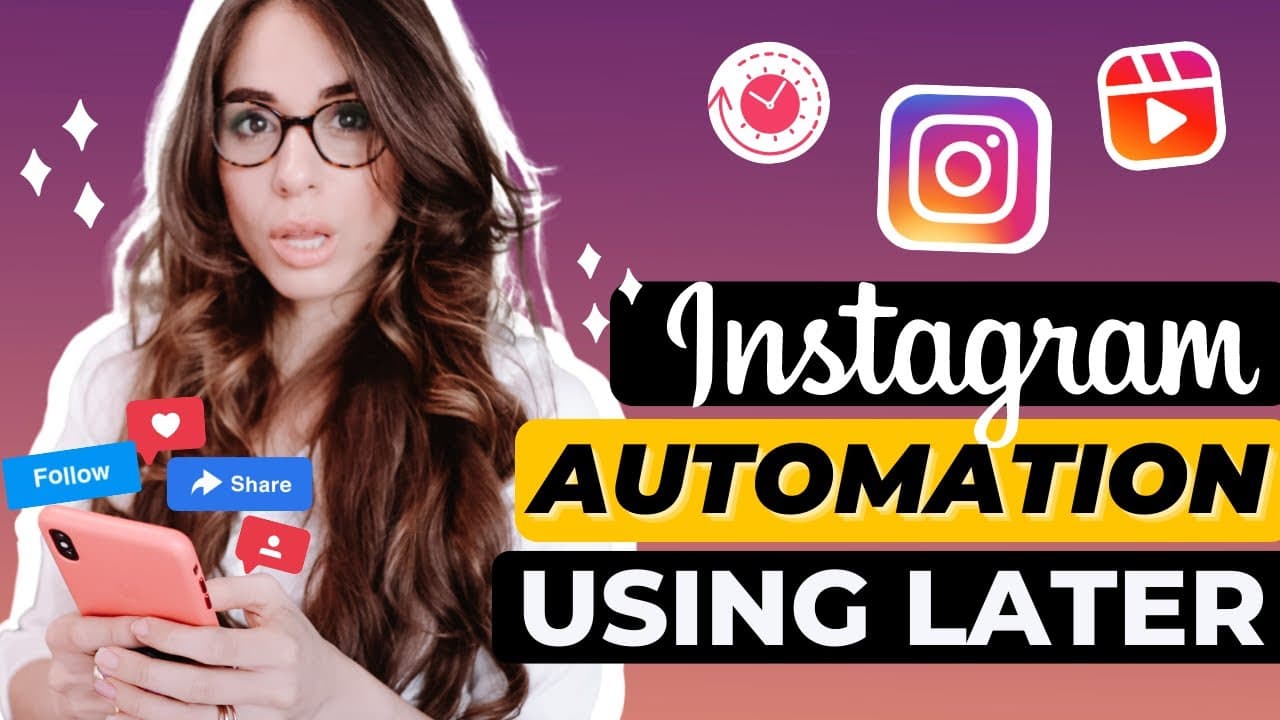
Later is an effective tool for scheduling Instagram posts and stories.
Transcript
hey what's up familia in this episode i'm going to show you how you can schedule instagram posts both direct and manually using my favorite tool later so i know there's a million instagram tools out there but this is the one that i love trust and have used for years and the same one that i recommend to all my members inside the business lounge as w... Read More
Key Insights
- Later allows users to schedule Instagram posts both directly and manually, making it a versatile tool for content management.
- The app supports up to two Instagram accounts on its paid plan, making it suitable for small teams or partnerships.
- Later's asset library helps organize media by allowing users to filter by used or unused content, enhancing content management.
- The app offers advanced features like hashtag suggestions and saved captions, streamlining the process of adding hashtags to posts.
- Later provides a link-in-bio feature that can be customized for each post, increasing audience engagement and directing traffic to specific content.
- Users can choose between auto-publishing posts or receiving notifications to publish manually, offering flexibility in content management.
- Later's analytics provide detailed insights into post performance, engagement rates, and audience demographics, complementing Instagram's native analytics.
- The app's calendar view allows users to preview and rearrange posts, ensuring a cohesive and visually appealing Instagram feed.
Install to Summarize YouTube Videos and Get Transcripts
Explore YouTube Video Summarizer or Get YouTube Transcript Extractor
Questions & Answers
Q: How does Later help in managing Instagram posts?
Later simplifies Instagram post management by allowing users to schedule posts directly or manually. It offers features like an asset library for organizing media, advanced hashtag suggestions, and saved captions. These tools help streamline the content creation process and ensure efficient management of Instagram accounts.
Q: What are the benefits of using Later's asset library?
Later's asset library offers a structured way to manage media by allowing users to filter images and videos by used or unused status. This feature helps in organizing content efficiently, making it easier to plan future posts and ensuring that all media assets are utilized effectively.
Q: How does the link-in-bio feature work in Later?
Later's link-in-bio feature allows users to add a unique link to their Instagram bio, which can be customized for each post. This feature helps direct followers to specific content, such as podcast episodes, YouTube videos, or product pages, increasing engagement and driving traffic to targeted destinations.
Q: Can users auto-publish posts with Later?
Yes, Later allows users to auto-publish posts directly to Instagram. Users can also opt for manual publishing by receiving notifications on their smartphones. This flexibility caters to different user preferences, allowing them to choose the method that best fits their workflow.
Q: What insights can Later's analytics provide?
Later's analytics offer detailed insights into post performance, engagement rates, and audience demographics. Users can view data on best-performing posts, engagement metrics, and audience locations. This information complements Instagram's native analytics and helps users optimize their content strategy for better results.
Q: How does Later's calendar view enhance content planning?
Later's calendar view allows users to preview and rearrange their Instagram posts visually. This feature helps ensure a cohesive and visually appealing feed by letting users organize content based on aesthetics and scheduling needs. It's particularly beneficial for social media managers looking to maintain a consistent brand image.
Q: Is Later suitable for team use?
Yes, Later is suitable for team use, especially for small teams or partnerships. The paid plan supports up to two Instagram accounts, allowing team members to collaborate on content management and scheduling. This makes it a practical tool for businesses with multiple social media managers.
Q: What makes Later a valuable tool for content creators?
Later is valuable for content creators due to its comprehensive features like advanced hashtag suggestions, saved captions, and a customizable link-in-bio. It offers flexibility in publishing options and provides detailed analytics, helping creators optimize their Instagram strategy and engage their audience effectively.
Summary & Key Takeaways
-
Later is a powerful Instagram scheduling tool that allows users to manage posts and stories efficiently. It supports multiple accounts and offers features like an asset library, hashtag suggestions, and a customizable link-in-bio.
-
The tool provides flexibility with auto-publishing and manual publishing options, catering to different user preferences. Its analytics feature offers detailed insights, helping users optimize their Instagram strategy.
-
Later's calendar view and post preview features enable users to organize and rearrange their content visually, ensuring an attractive and cohesive Instagram feed. It's a valuable tool for social media managers and content creators.
Read in Other Languages (beta)
Share This Summary 📚
Summarize YouTube Videos and Get Video Transcripts with 1-Click
Try YouTube Summary with ChatGPT & Claude or YouTube Transcript Generator
Explore More Summaries from Kimberly Ann Jimenez 📚


Summarize YouTube Videos and Get Video Transcripts with 1-Click
Try YouTube Summary with ChatGPT & Claude or YouTube Transcript Generator