How to Create your Own Animated Stickers (GIFs)
TL;DR
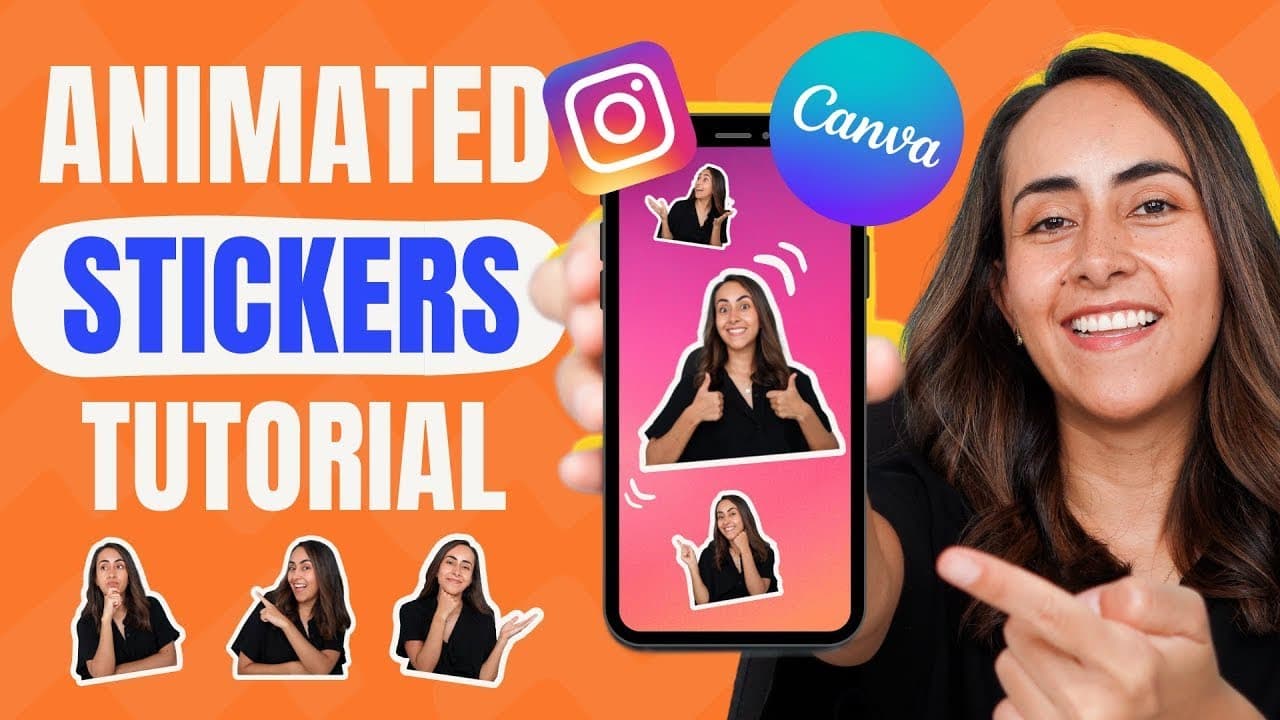
Record a motion, remove background with online tool, add sticker to Canva for Instagram Stories.
Transcript
if you want to learn how to create your own custom sticker like this one so you can create stories like this one or any kind of animation like this one this video is for you the first step is to record yourself doing a motion or an action and you can record yourself with a camera or with a phone just remember to do it in a well lit area and if you ... Read More
Key Insights
- 👋 Recording in good lighting is crucial for creating clear videos.
- 👤 iPhone users should use Safari to convert videos for online tools.
- 🥶 The free version of the online tool includes a watermark.
- 👤 Canva is a user-friendly platform for designing Instagram Stories.
- 🛃 Custom stickers enhance the creativity of Instagram Stories.
- 🔨 Options to change background or add images in online tool.
- 😄 Ease of sharing directly from Canva to Instagram for iPhone users.
Install to Summarize YouTube Videos and Get Transcripts
Explore YouTube Video Summarizer or Get YouTube Transcript Extractor
Questions & Answers
Q: How can I create custom stickers for Instagram?
Start by recording a motion in good lighting and use onscreen.com to remove the background. Add the sticker to Canva and upload it to Instagram Stories.
Q: Are there differences in creating custom stickers for Android and iPhone users?
Yes, iPhone users need to use Safari for the online tool to convert videos. Both Android and iPhone users can add stickers to Canva for Instagram Stories.
Q: Is it necessary to have a pro version for creating custom stickers?
No, the online tool is free to use with a watermark and lower quality. The pro version allows for higher quality downloads without a watermark.
Q: How can I add custom stickers to Instagram Stories from my phone?
Use Canva to add the sticker to your story and directly share it to Instagram. iPhone users can also directly add stickers from their camera roll to Instagram Stories.
Summary & Key Takeaways
-
Record a motion in a well-lit area to create a video.
-
Use onscreen.com to remove the background from the video.
-
Add the sticker to Canva and upload it to Instagram Stories.
Read in Other Languages (beta)
Share This Summary 📚
Summarize YouTube Videos and Get Video Transcripts with 1-Click
Try YouTube Summary with ChatGPT & Claude or YouTube Transcript Generator
Explore More Summaries from Design with Canva 📚






Summarize YouTube Videos and Get Video Transcripts with 1-Click
Try YouTube Summary with ChatGPT & Claude or YouTube Transcript Generator