DJI FPV Tips, Tricks & Review | WHY IT'S SO GOOD!!!
TL;DR
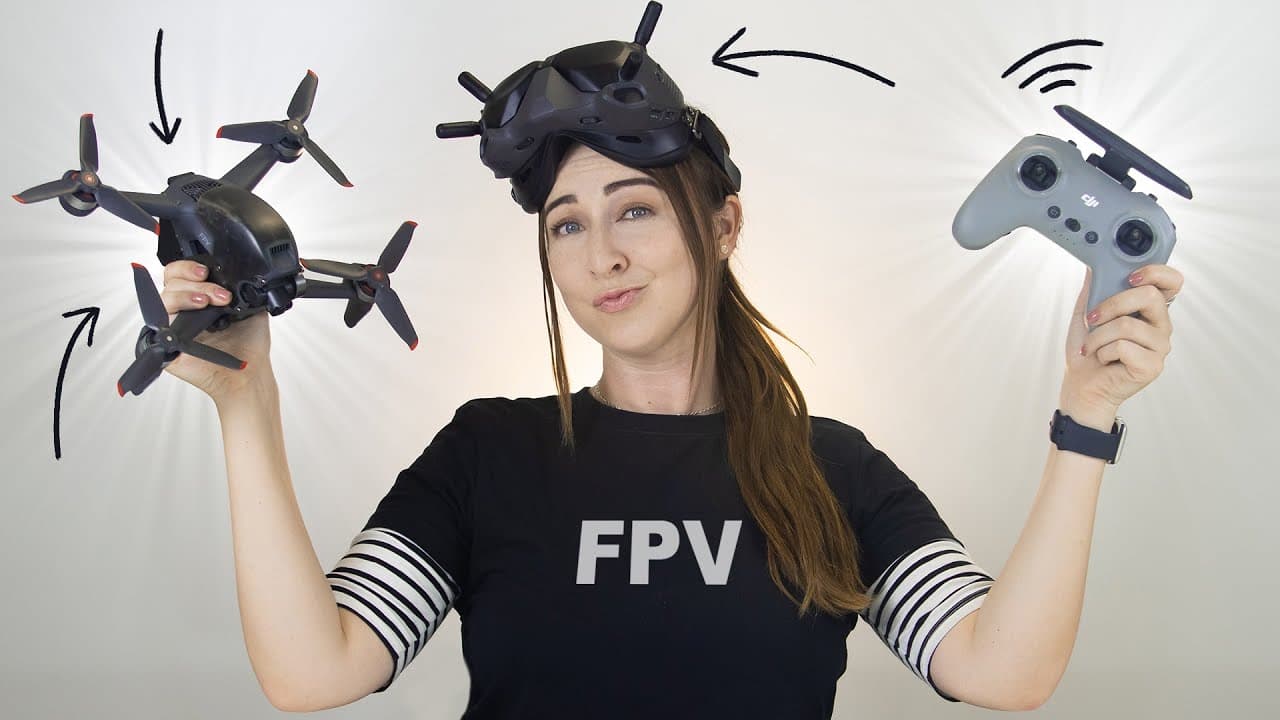
Get the most out of your DJI FPV Drone with these tips and tricks for flying modes, customizing LED lights, using the motion controller, and more.
Transcript
so i have some pretty cool tips and tricks on the dji fpv drone like cruise control customizing the led lights the motion controller and even getting some sick shots so let's see what this beast can do jumping right into normal mode and this is probably the easiest mode to fly on this dji fpv drone and definitely feels the most similar to other dji... Read More
Key Insights
- 🛂 The DJI FPV Drone has three flying modes: normal, sports, and manual, each offering different levels of control and speed.
- 🙂 Customization options allow users to personalize their drone with LED lights and a different top shell.
- 😀 The DJI Virtual Flight app serves as a simulator to learn how to fly the drone before taking it out for a real flight.
- 🎮 The DJI motion controller provides a unique and intuitive way to control the drone's movements.
- 👻 Adjusting video quality and using slow-motion mode allows for capturing stunning footage.
- 🍳 Safety features like find my drone and quick break help in locating and controlling the drone during unexpected situations.
Install to Summarize YouTube Videos and Get Transcripts
Explore YouTube Video Summarizer or Get YouTube Transcript Extractor
Questions & Answers
Q: What are the different flying modes of the DJI FPV Drone?
The drone offers three modes: normal mode, sports mode, and manual mode. Normal mode is beginner-friendly, sports mode is faster and more responsive, and manual mode provides maximum maneuverability for FPV-style flying.
Q: How can I customize my DJI FPV Drone?
You can customize the LED lights using the goggles and change the top shell for better visibility. Additionally, you can add stickers to personalize your drone.
Q: How can I learn how to fly the DJI FPV Drone?
Download the DJI Virtual Flight app, which is a simulator that teaches you how to fly the drone. Connect your goggles to your phone, run through the basic controls, and practice flying in the simulator.
Q: What are some useful features of the DJI FPV Drone?
The drone offers features like the DJI motion controller for intuitive flying, changing video quality for different recording options, safety features like find my drone, and quick break for instant braking.
Summary & Key Takeaways
-
The DJI FPV Drone has three flying modes: normal mode is beginner-friendly with sensors to help navigate, sports mode is faster and more responsive, while manual mode offers maximum maneuverability for FPV-style flying.
-
Customize your drone by changing the LED lights and even the top shell. Use the DJI Virtual Flight app to learn how to fly and practice with a simulator.
-
The DJI motion controller provides a new way to fly with intuitive controls. Adjust video quality to capture stunning footage, and utilize safety features like find my drone and quick break.
Read in Other Languages (beta)
Share This Summary 📚
Summarize YouTube Videos and Get Video Transcripts with 1-Click
Try YouTube Summary with ChatGPT & Claude or YouTube Transcript Generator
Explore More Summaries from Hayls World 📚






Summarize YouTube Videos and Get Video Transcripts with 1-Click
Try YouTube Summary with ChatGPT & Claude or YouTube Transcript Generator