How to Customize Your iPhone Home Screen Effectively
TL;DR
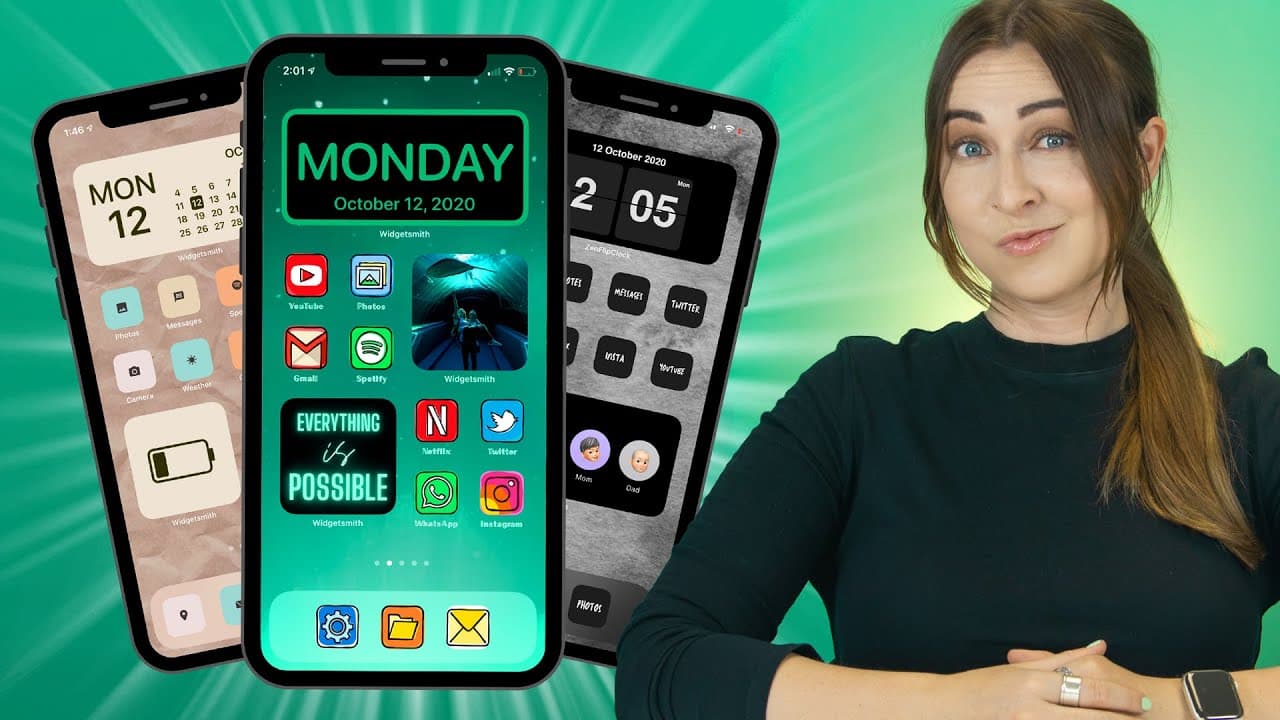
To customize your iPhone home screen, start by creating custom icons using Icon Finder or Canva. Use the Shortcuts app to add these icons and customize them with unique fonts generated from tools like Lingo Jam. Finally, complement your design with matching wallpapers and widgets from Widgetsmith for a personalized touch.
Transcript
you may have seen you can now customize the heck out of your iphone or home screen and in this video i'm going to show you some sick designs and some things that no one else shows you like where to get epic free icon packs great wallpapers amazing widgets and some other secret tricks i also have some free downloads for you guys so let's get into it... Read More
Key Insights
- 🥶 Icon Finder and Canva provide free icon packs and wallpapers for customizing your iPhone home screen.
- 😀 The Shortcuts app allows you to create custom shortcuts with personalized icons and names for quick access to apps.
- 😀 Lingo Jam offers various font options for adding unique and creative app labels.
- 👪 Choosing a matching wallpaper enhances the overall theme of your home screen.
- 😀 Apps like Widgetsmith offer customizable widgets, adding functionality and aesthetics to your home screen.
- 😀 Reduce Motion settings increase app opening speed for a smoother user experience.
- 😀 Automating app opening when plugging in your phone can be achieved through the Shortcuts app.
Install to Summarize YouTube Videos and Get Transcripts
Explore YouTube Video Summarizer or Get YouTube Transcript Extractor
Questions & Answers
Q: How can I create custom icons for my iPhone home screen?
You can create custom icons by using websites like Icon Finder or by downloading iOS home screen collections from the Canva app.
Q: How can I add shortcuts to my home screen?
Use the Shortcuts app to create shortcuts by adding actions like "Open App" and customize their icons, names, and images. Then, add the shortcuts to your home screen.
Q: Can I use custom fonts for the app labels on my home screen?
Yes, you can use custom fonts by using text generators like Lingo Jam. Simply generate the desired text, copy it, and paste it into the Shortcuts app under the "Add to Home Screen" option.
Q: How can I find and download free wallpapers for my home screen?
You can find free wallpapers on websites like Canva or the creator's website (guyshalesworld.com) mentioned in the video. Download the wallpaper, set it as your home screen or lock screen background using the "Use as Wallpaper" option.
Summary & Key Takeaways
-
The video provides a step-by-step guide on customizing your iPhone home screen, starting with creating custom icons using Icon Finder or Canva.
-
It explains how to use the Shortcuts app to create custom shortcuts and add them to your home screen for quick access to your favorite apps.
-
The video also demonstrates how to use fancy text generators to add custom fonts, choose matching wallpapers, and install widgets using apps like Widgetsmith.
Read in Other Languages (beta)
Share This Summary 📚
Summarize YouTube Videos and Get Video Transcripts with 1-Click
Try YouTube Summary with ChatGPT & Claude or YouTube Transcript Generator
Explore More Summaries from Hayls World 📚






Summarize YouTube Videos and Get Video Transcripts with 1-Click
Try YouTube Summary with ChatGPT & Claude or YouTube Transcript Generator