EASY Way To Get PERFECT LENS FLARES Everytime
TL;DR
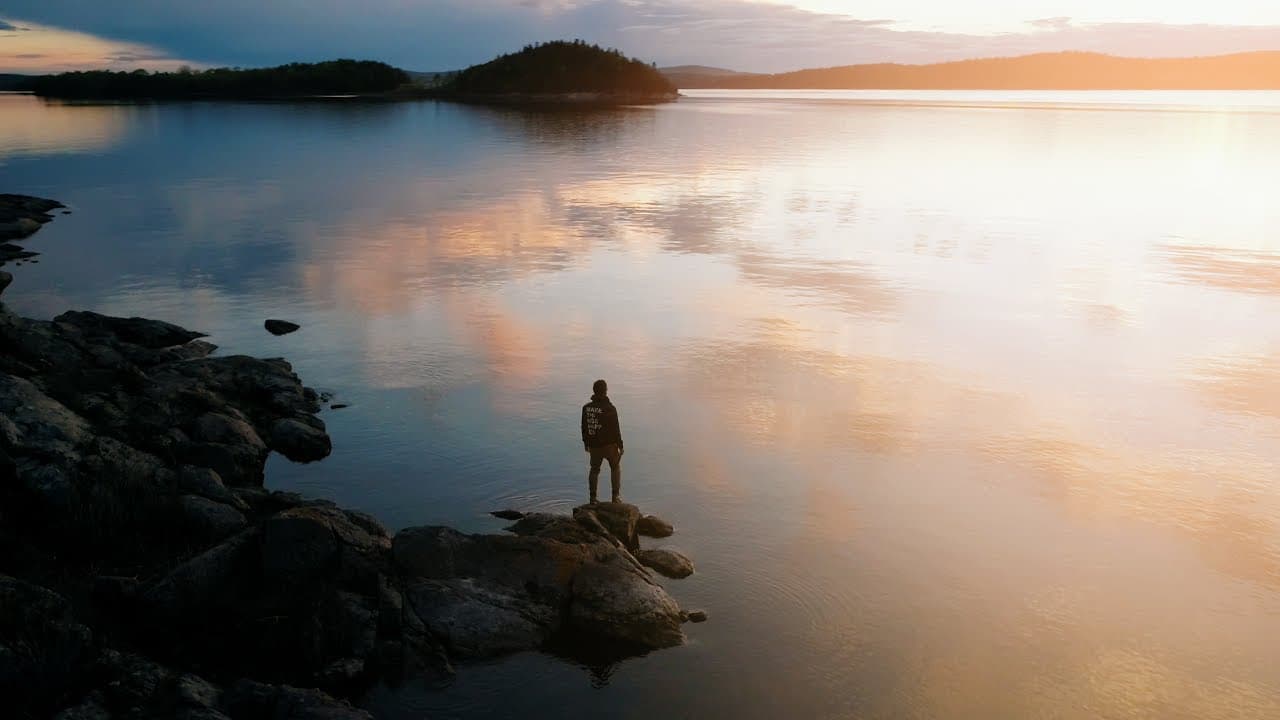
Easily enhance your videos with post-production lens flares for a cinematic look.
Transcript
- Hey guys, welcome to Travel Feels. Today I'm gonna show you how to get perfect lens flares every time. (uplifting music) I love lens flares, lens flares are a really cool look, I think, but a lot of lenses these days don't actually produce very nice lens flares and even if they do have a nice lens flare, you have to sacrifice composition a lot of... Read More
Key Insights
- 🎥 Post-production lens flares can enhance the look of videos without sacrificing composition during filming.
- 🎮 Experimenting with creating your own lens flares can offer unique and customized effects for your videos.
- ✋ Using high-quality lens flares from professional packs like Lens Distortion can elevate the quality of your footage.
- 🙂 Matching the direction of the lens flare with the light source is crucial for a natural and realistic look.
- 😥 Lens flares can be used as transitions to smoothen edit points and create a cohesive flow in the video.
- 🎑 Adding lens flares should be done thoughtfully to complement the scene and enhance the storytelling.
- 👀 Natural-looking lens flares can significantly impact the overall mood and aesthetics of a video.
Install to Summarize YouTube Videos and Get Transcripts
Explore YouTube Video Summarizer or Get YouTube Transcript Extractor
Questions & Answers
Q: How can you create lens flares in post-production for videos?
You can add lens flares in post by using video files available online or creating your own by filming a black background and shining a light into the sensor.
Q: What are Lens Distortion's Light Pack and how can they enhance videos?
Lens Distortion's Light Pack offers high-quality lens flares and light leaks that can be easily added to video footage to give it a cinematic and professional look.
Q: How important is it to match the direction of the lens flare with the light source in the scene?
Matching the direction of the lens flare with the light source is crucial to make the effect look natural and realistic, enhancing the overall visual appeal of the video.
Q: In what ways can lens flares be used in video editing to elevate the footage?
Lens flares can be used to add a cinematic touch to videos, enhance the lighting, create transitions, and overall elevate the visual impact of the footage.
Summary & Key Takeaways
-
Achieve perfect lens flares in videos by adding them in post-production using video files or creating your own.
-
Use high-quality lens flares and light leaks from Lens Distortion's Light Pack for organic and natural-looking effects.
-
Adjust the lens flare to match the direction of light in the scene and use them to enhance the overall look of your videos.
Read in Other Languages (beta)
Share This Summary 📚
Summarize YouTube Videos and Get Video Transcripts with 1-Click
Try YouTube Summary with ChatGPT & Claude or YouTube Transcript Generator
Explore More Summaries from Matti Haapoja 📚
Summarize YouTube Videos and Get Video Transcripts with 1-Click
Try YouTube Summary with ChatGPT & Claude or YouTube Transcript Generator