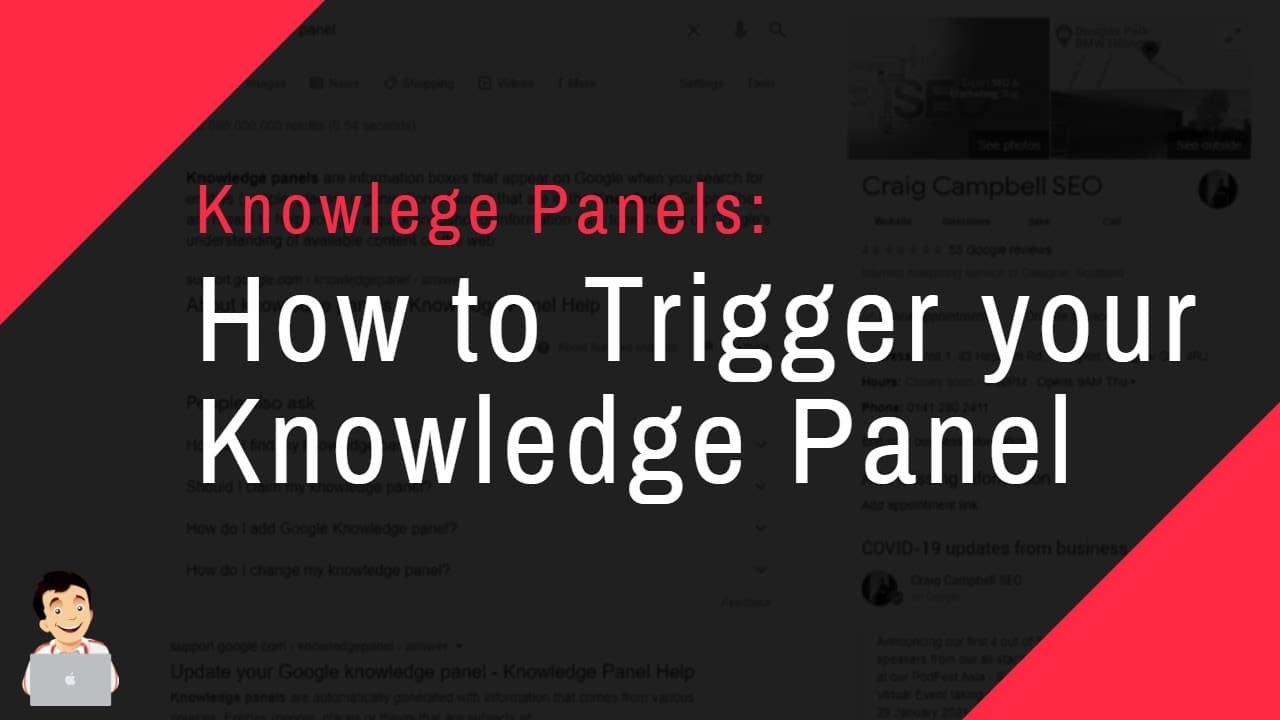
How to Trigger your Knowledge Panel, Dominate your Brand Search
TL;DR
Learn how to trigger a Google Knowledge Panel effectively.
Transcript
hi guys so i'm going to show you a bit on how to trigger a knowledge panel and what i've done to be able to trigger mine uh and i'm going to give you some things to totally avoid in this section as well but first things first the knowledge panel if we google it can't multitask and so if we put in knowledge panel um they appear in google when you se... Read More
Key Insights
- Knowledge panels are automatically generated by Google and require connecting various online profiles and information to trigger.
- Creating a comprehensive brand account on Google with all relevant social media and professional profiles is crucial.
- Schema markup, especially Person schema, can help link different profiles and information to a single identity.
- Avoid using titles like 'SEO Specialist' in knowledge panel creation as they may lead to removal by Google.
- Hiring professionals from platforms like Legit can be an effective way to create and claim a knowledge panel.
- Having a Wikipedia or Wikidata profile is not essential for triggering a knowledge panel, but can be helpful.
- It's important to claim and verify the knowledge panel once it's created, providing evidence for the claim.
- Additional PR efforts and submitting to various entities can help solidify and maintain the knowledge panel.
Install to Summarize YouTube Videos and Get Transcripts
Explore YouTube Video Summarizer or Get YouTube Transcript Extractor
Questions & Answers
Q: What is a knowledge panel and how is it generated?
A knowledge panel is an automatically generated information box that appears in Google search results for entities like people or businesses. It is created by Google by collating data from various high-profile sources. To trigger a knowledge panel, individuals need to connect various online profiles and information, effectively 'joining the dots' for Google.
Q: What initial steps did the speaker take to trigger their knowledge panel?
The speaker initially created a comprehensive brand account on Google, linking all relevant social media and professional profiles, including IMDb, Crunchbase, and SoundCloud. They also added schema markup, specifically Person schema, to their website to connect different profiles and information to a single identity. However, these efforts alone did not trigger the knowledge panel.
Q: Why did the speaker decide to hire a professional to create their knowledge panel?
Despite extensive efforts to trigger the knowledge panel organically, the speaker faced challenges, including a common name shared with a comedian, which complicated the process. As a result, they decided to hire a professional from a platform like Legit to create and claim the knowledge panel for them, saving time and effort.
Q: What mistakes should be avoided when creating a knowledge panel?
One key mistake is using titles like 'SEO Specialist' in the knowledge panel, as Google may remove such panels. The speaker advises against using titles that are not commonly associated with knowledge panels in the SEO industry. Instead, they suggest using broader or more recognized titles to avoid removal.
Q: Is having a Wikipedia or Wikidata profile necessary for a knowledge panel?
No, having a Wikipedia or Wikidata profile is not necessary for triggering a knowledge panel. While these profiles can be helpful, the speaker managed to trigger their knowledge panel without them, despite initially making mistakes with Wikidata. Other online profiles and PR efforts can also contribute to the process.
Q: What should be done after claiming a knowledge panel?
After claiming a knowledge panel, individuals should update it with accurate information and images to ensure it reflects the most current and correct details. This includes providing evidence for the claim and requesting edits to the information, if necessary, to maintain the panel's accuracy and relevance.
Q: What additional efforts can help maintain a knowledge panel?
To maintain a knowledge panel, individuals should engage in PR efforts and submit their information to various entities and high-profile sources. This helps solidify the panel's presence and ensures that Google continues to recognize and update the information accurately. Continuous online presence and credibility building are crucial.
Q: What advice does the speaker give to those struggling to trigger a knowledge panel?
The speaker advises against spending excessive time and effort trying to trigger a knowledge panel organically if challenges arise, such as having a common name. Instead, they recommend hiring a professional to create and claim the panel, which can be a cost-effective solution, allowing individuals to focus on other important tasks.
Summary & Key Takeaways
-
The video discusses the process of triggering a Google Knowledge Panel, emphasizing the importance of connecting various online profiles and using schema markup. Despite efforts to organically trigger the panel, the speaker eventually hired a professional to create and claim it.
-
The speaker highlights common mistakes, such as using inappropriate titles, and suggests using platforms like Legit for help. They also clarify that a Wikipedia profile is not mandatory but can aid in the process.
-
Once the knowledge panel is claimed, the speaker advises updating it with accurate information and images. They also mention the importance of additional PR efforts and submitting information to various entities to maintain the panel.
Read in Other Languages (beta)
Share This Summary 📚
Summarize YouTube Videos and Get Video Transcripts with 1-Click
Try YouTube Summary with ChatGPT & Claude or YouTube Transcript Generator
Explore More Summaries from Craig Campbell SEO 📚
Summarize YouTube Videos and Get Video Transcripts with 1-Click
Try YouTube Summary with ChatGPT & Claude or YouTube Transcript Generator