Beginners Guide to Making YouTube Videos - STEP BY STEP
TL;DR
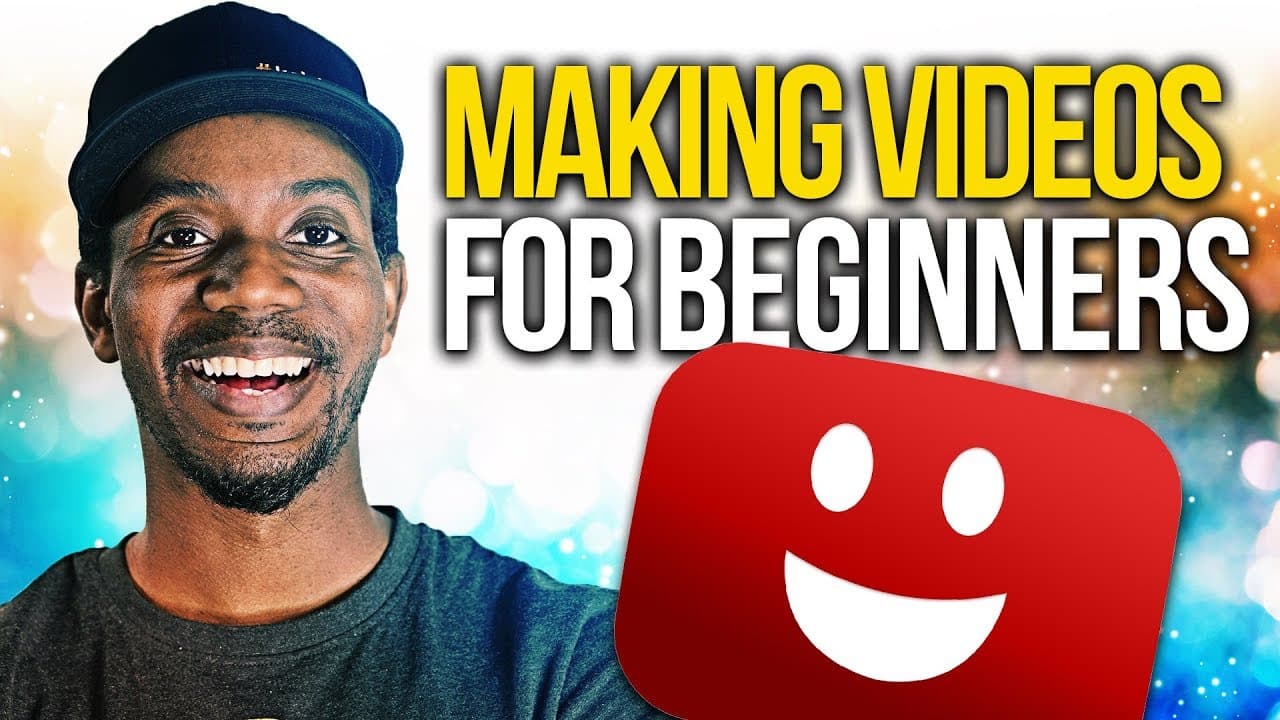
Roberto Blake shares insights on camera gear, lighting, audio setup, and editing process for YouTube videos.
Transcript
- My name is Roberto Blake, and I've made over 1000 videos on YouTube. Which is kind of a lot. There are a lot of you who have asked how I make my YouTube videos, and today I'm going to walk you through what that process looks like. What camera gear do I use, what's the lighting set up, the audio. How do I edit my videos and make my thumbnails befo... Read More
Key Insights
- 🫵 Roberto Blake emphasizes the importance of engaging thumbnails to attract viewers.
- ⌛ Audible audio quality is crucial for video production, and Roberto gradually upgraded his microphone setup over time.
- 🎮 Lighting plays a significant role in video quality, with Roberto utilizing a variety of setups to ensure optimal brightness and minimal shadows.
- 🎥 Roberto's journey from using basic camera equipment to upgrading to more advanced options demonstrates the evolution of his video production process.
- 🦻 Adobe Stock serves as a valuable resource for Roberto's graphic design needs, aiding in creating visually appealing thumbnails and motion graphics.
- 🏛️ Roberto's preference for a direct conversational style in his videos focuses on building a rapport with his audience.
- 💇 The simplicity of Roberto's video editing process, characterized by jump cuts and occasional transitions, highlights his goal of maintaining a straightforward communication style.
Install to Summarize YouTube Videos and Get Transcripts
Explore YouTube Video Summarizer or Get YouTube Transcript Extractor
Questions & Answers
Q: What camera gear does Roberto Blake use for his YouTube videos?
Roberto primarily uses a Sony A7R III with a 16-35mm zoom lens for filming his videos, but he started with a Nikon D3200 and gradually upgraded his camera equipment.
Q: How does Roberto Blake come up with ideas for his videos?
Roberto often listens to audience suggestions from the comments section or focuses on topics he is passionate about. He recommends using scripts for creators who need structure in their videos.
Q: What lighting setups does Roberto Blake use for his videos?
Initially starting with basic lights, Roberto now uses the Aperture Tech Light Storm 120D and a newer ring light to eliminate shadows. He also incorporates an additional panel light for a three light setup.
Q: What software does Roberto Blake use for video editing and thumbnails?
Roberto utilizes Adobe Premiere Pro for video editing and Adobe Photoshop for creating YouTube thumbnails. He often sources assets from Adobe Stock to enhance the visual appeal of his content.
Summary & Key Takeaways
-
Roberto Blake details his YouTube video-making process, including camera gear, lighting setups, audio equipment, and editing techniques.
-
He emphasizes the importance of thumbnails and using Adobe Stock for graphics.
-
Roberto discusses how he generates video ideas and the tools he recommends for creators.
Read in Other Languages (beta)
Share This Summary 📚
Summarize YouTube Videos and Get Video Transcripts with 1-Click
Try YouTube Summary with ChatGPT & Claude or YouTube Transcript Generator
Explore More Summaries from Roberto Blake 📚






Summarize YouTube Videos and Get Video Transcripts with 1-Click
Try YouTube Summary with ChatGPT & Claude or YouTube Transcript Generator