These 4 Things Will Get YOUR YouTube Channel DELETED
TL;DR
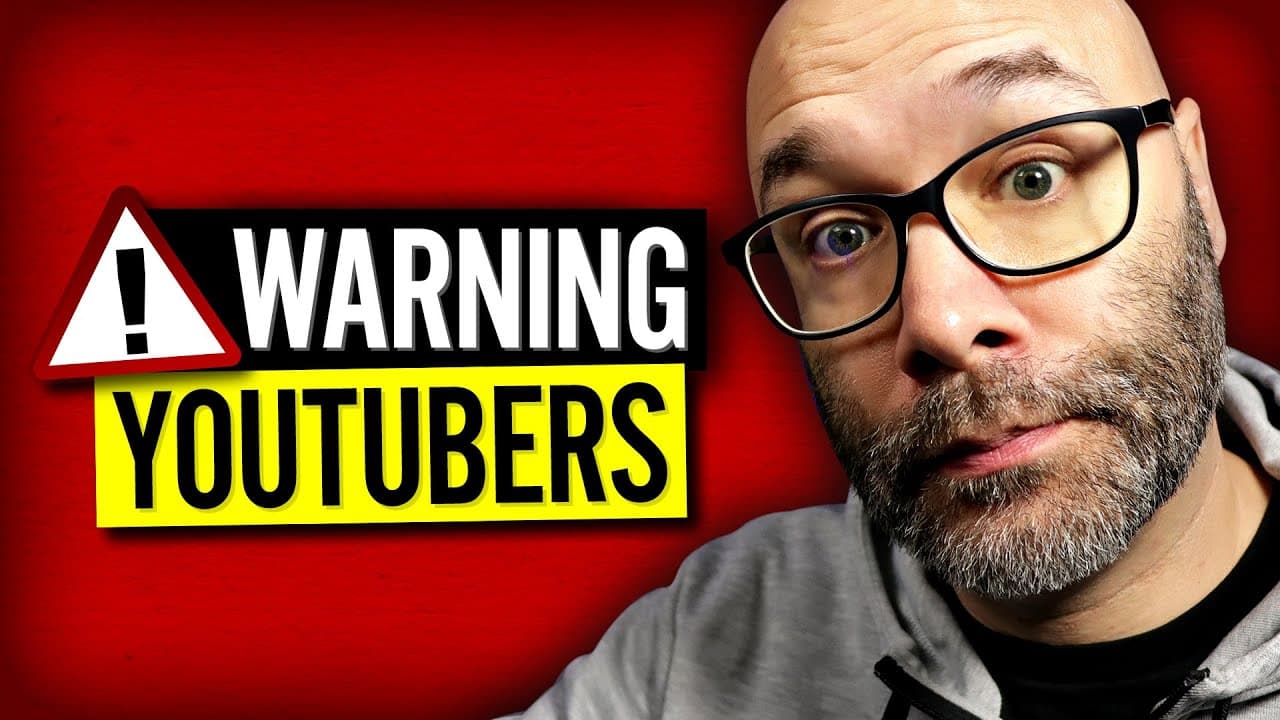
Content creators should avoid tag stuffing, using other creator's channel names in metadata, spamming, and copyright violations to prevent their YouTube channels from being deleted.
Transcript
- I'm going to tell you four things that tons of content creators do that can get your channel deleted off of YouTube, which means all of that hard work and effort that you're putting into your channel, gone! It will no longer exist. So pay attention to all of the things that I'm going to be talking about here. And we're starting right now. This vi... Read More
Key Insights
- ⚡ Tag stuffing, or keyword stuffing, is a common mistake where content creators place excessive tags in the video description instead of the designated tag box, violating YouTube's guidelines.
- 🥺 Using another content creator's channel name in tags or metadata, unless directly related or collaboration, is seen as misleading metadata and can lead to channel deletion.
- 🤗 Spamming, particularly leaving repetitive comments like "sub for sub" or "hug for hug" on other YouTube channels, is considered spam and can result in channel deletion.
- 😒 Copyright violations, such as using clips or parts of music without permission or a fair use argument, are strictly prohibited on YouTube and can lead to channel deletion.
Install to Summarize YouTube Videos and Get Transcripts
Explore YouTube Video Summarizer or Get YouTube Transcript Extractor
Questions & Answers
Q: What is tag stuffing and why is it problematic?
Tag stuffing, or keyword stuffing, refers to the practice of cramming excessive tags or keywords into the video description instead of using the designated tag box. It violates YouTube's guidelines and can result in channel deletion as YouTube specifically prohibits the placement of excessive tags in the video description.
Q: Can I use another content creator's channel name in my metadata?
Unless your video is directly related to the content creator or it is a collaboration video, it is best to avoid using another content creator's channel name in your tags or metadata. This falls under misleading metadata, which can lead to channel deletion.
Q: How does spamming contribute to channel deletion?
Spamming, particularly by leaving repetitive comments such as "sub for sub" or "hug for hug" on other YouTube channels, can get your channel deleted. This activity is seen as spam by YouTube and content creators can block or report users who engage in this behavior, ultimately leading to channel deletion.
Q: Are there any exceptions to using copyrighted music in YouTube videos?
Using clips or parts of music in your YouTube videos without permission or a fair use argument is not allowed. There are no exceptions for using copyrighted music, regardless of the duration of the clip. It is important to obtain the necessary licenses or permissions to use copyrighted material to avoid copyright violations and potential channel deletion.
Summary & Key Takeaways
-
Content creators often make mistakes that can lead to the deletion of their YouTube channels, such as tag stuffing, using other creator's channel names in metadata, spamming, and copyright violations.
-
Tag stuffing, or keyword stuffing, involves placing excessive tags in the video description instead of using the designated tag box, which is against YouTube's guidelines and can result in channel deletion.
-
Using another content creator's channel name in tags or metadata, unless it is relevant to the video or collaboration, is considered misleading metadata and can also lead to channel deletion.
-
Spamming, particularly by leaving repetitive comments on other YouTube channels, such as "sub for sub" or "hug for hug," is seen as spamming and can result in channel deletion.
-
Copyright violations, such as using clips or parts of music without permission or a fair use argument, are not allowed on YouTube and can lead to channel deletion.
Read in Other Languages (beta)
Share This Summary 📚
Summarize YouTube Videos and Get Video Transcripts with 1-Click
Try YouTube Summary with ChatGPT & Claude or YouTube Transcript Generator
Explore More Summaries from Nick Nimmin 📚


Summarize YouTube Videos and Get Video Transcripts with 1-Click
Try YouTube Summary with ChatGPT & Claude or YouTube Transcript Generator