What Is the Best Note-Taking App for You?
TL;DR
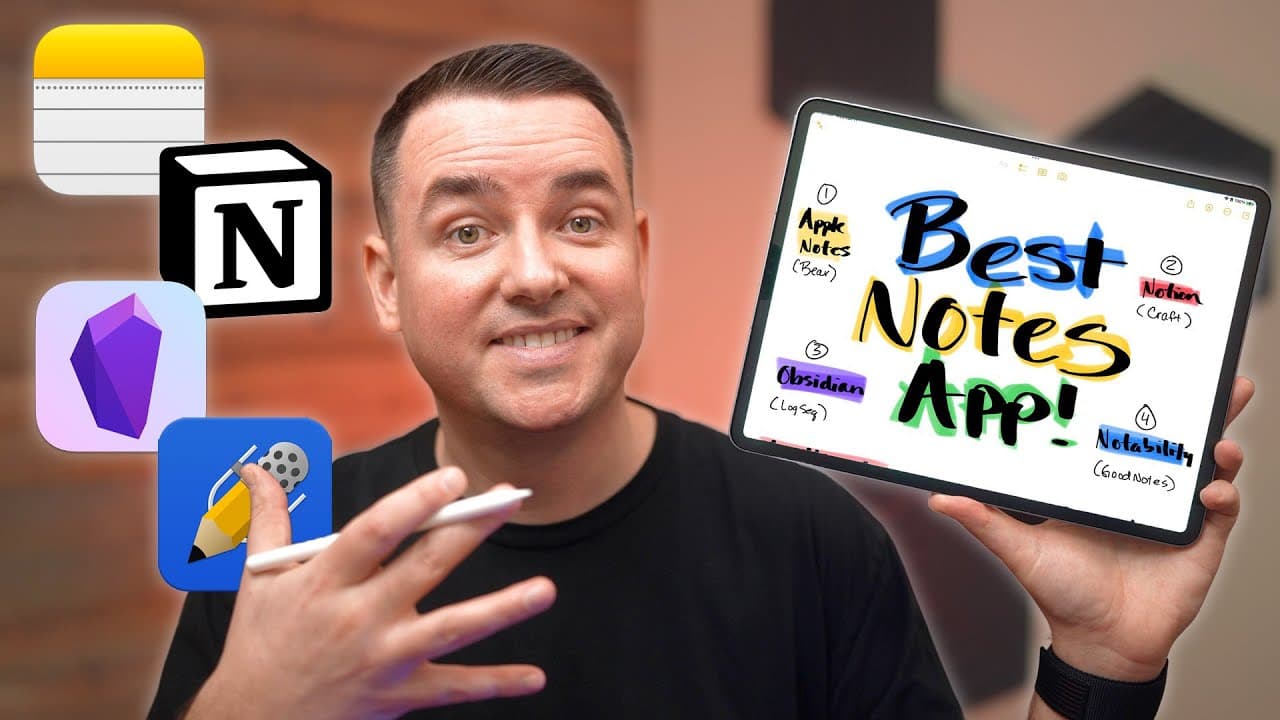
The best note-taking app depends on your specific needs: Apple Notes is great for simple integration with Apple devices, Notion offers extensive customization and features for comprehensive organization, Obsidian excels in text-based notes with strong linking capabilities, and Notability is ideal for handwritten notes and sketches. Consider factors like privacy, pricing, and the role of the app in your workflow to make the best choice.
Transcript
hey it's Chris how do you pick the best note-taking app for yourself it's a question that I asked myself recently as I began looking to kind of get a fresh start start over with my note-taking system be a little bit more purposeful with it so the good news for you is that I've already put a lot of thought and effort into it did all the research and... Read More
Key Insights
- 😀 Choosing a note-taking app requires considering individual needs, preferences, and the integration of the app into one's workflow.
- 🎵 Different note-taking apps excel in different areas, such as integration with Apple's ecosystem (Apple Notes), customization options (Notion), minimalistic and text-based notes (Obsidian), and handwriting support (Notability).
- 💁 Privacy and encryption options should be taken into account when storing sensitive information.
- 😀 Pricing models vary among the apps, with some offering free versions and others requiring paid upgrades for additional features and functionalities.
- 😀 Backlinking, media integration, and AI support are additional features to consider when choosing a note-taking app.
- 😀 Alternative note-taking apps, such as Craft, Agenda, Noted, and LogsEQ, provide unique features and interfaces for different user preferences.
Install to Summarize YouTube Videos and Get Transcripts
Explore YouTube Video Summarizer or Get YouTube Transcript Extractor
Questions & Answers
Q: What factors should I consider when choosing a note-taking app?
When choosing a note-taking app, consider its integration with your existing workflow, the purpose for which you'll use it, its features (such as handwriting support or backlinking), privacy and encryption options, and pricing.
Q: Which note-taking app is best for handwriting and sketching?
Notability is an ideal choice for those who prefer handwriting and sketching, as it offers stylus-first functionality and audio recording capabilities.
Q: Can I integrate AI into my note-taking process?
Yes, apps like Jasper AI and Muse can optimize the pre-production, production, and post-production phases of note-taking by providing assistance in capturing, curating, conceptualizing, and storing information.
Q: Are there any alternatives to the popular note-taking apps mentioned?
Yes, alternatives such as Craft, Agenda, Noted, and LogsEQ offer different features and interfaces, catering to specific preferences and needs.
Key Insights:
- Choosing a note-taking app requires considering individual needs, preferences, and the integration of the app into one's workflow.
- Different note-taking apps excel in different areas, such as integration with Apple's ecosystem (Apple Notes), customization options (Notion), minimalistic and text-based notes (Obsidian), and handwriting support (Notability).
- Privacy and encryption options should be taken into account when storing sensitive information.
- Pricing models vary among the apps, with some offering free versions and others requiring paid upgrades for additional features and functionalities.
- Backlinking, media integration, and AI support are additional features to consider when choosing a note-taking app.
- Alternative note-taking apps, such as Craft, Agenda, Noted, and LogsEQ, provide unique features and interfaces for different user preferences.
- The importance of a comprehensive guide and updates on productivity tools, including note-taking apps, is highlighted, encouraging viewers to sign up for updates on the productivity course.
Summary & Key Takeaways
-
The video discusses popular note-taking apps such as Apple Notes, Notion, Obsidian, and Notability, highlighting their strengths, weaknesses, and unique features.
-
The importance of considering the role of a note-taking app in one's workflow and information processing pipeline is emphasized.
-
The para framework and different organization methods are explored, along with the integration of AI in the note-taking process.
Read in Other Languages (beta)
Share This Summary 📚
Summarize YouTube Videos and Get Video Transcripts with 1-Click
Try YouTube Summary with ChatGPT & Claude or YouTube Transcript Generator
Explore More Summaries from DailyTekk 📚


Summarize YouTube Videos and Get Video Transcripts with 1-Click
Try YouTube Summary with ChatGPT & Claude or YouTube Transcript Generator