How to Use SEMRush Traffic Analytics Effectively
TL;DR
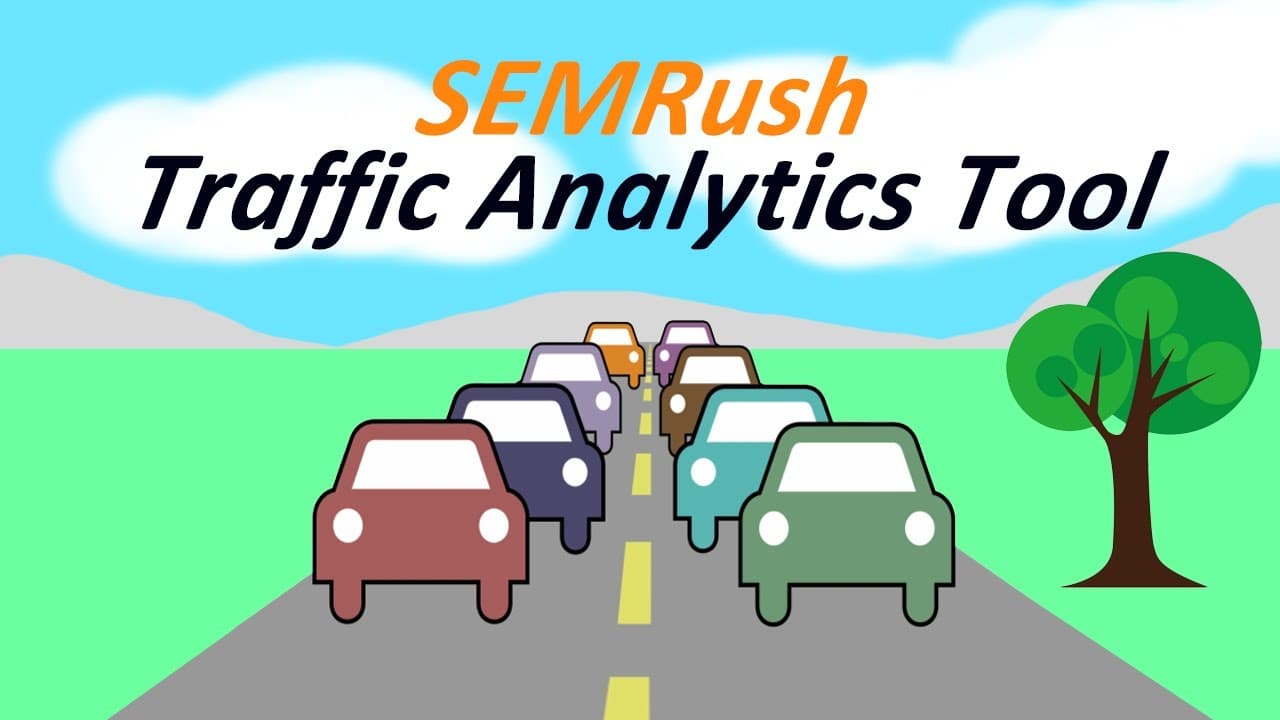
SEMRush Traffic Analytics provides detailed insights into competitors' website traffic, including sources, geographic distribution, and audience overlap. This tool helps businesses analyze competition and improve their own strategies. Users can compare multiple domains, explore market trends, and make informed decisions to enhance their online presence.
Transcript
hi guys so just doing a quick video on the same rush traffic analytics - so this is gonna just give you an overview of what has to does and everything else that has to know about it so traffic analytics - first of all can be found under a couple of different sections here so I'm just going to close that over so on the left hand side will it says th... Read More
Key Insights
- SEMRush Traffic Analytics is an add-on feature that provides detailed competitive analysis data.
- The tool offers insights into traffic sources, geographic distribution, and audience overlap.
- Users can benchmark their website against competitors to identify market opportunities.
- Traffic Analytics allows for the analysis of up to 200 domains simultaneously.
- The Market Explorer feature helps users analyze industry trends and relevant websites.
- Traffic Analytics includes data on traffic generation strategies and social media distribution.
- The tool provides metrics such as bounce rates and traffic saturation for high-profile websites.
- Users can utilize a 14-day free trial, but Traffic Analytics requires an additional subscription.
Install to Summarize YouTube Videos and Get Transcripts
Explore YouTube Video Summarizer or Get YouTube Transcript Extractor
Questions & Answers
Q: How to access SEMRush Traffic Analytics?
To access SEMRush Traffic Analytics, navigate to the 'Main Analytics' section on the left-hand side of the SEMRush dashboard. The tool is also accessible under 'Marketing and Sales.' Note that Traffic Analytics is an add-on feature requiring an additional subscription beyond the standard SEMRush plan.
Q: What data does SEMRush Traffic Analytics provide?
SEMRush Traffic Analytics provides data on competitors' website traffic, including monthly visits, unique visitors, traffic sources, geographic distribution, and audience overlap. It also offers insights into traffic generation strategies, social media distribution, and high-profile websites' metrics like bounce rates and traffic saturation.
Q: How can SEMRush Traffic Analytics help improve my website?
SEMRush Traffic Analytics helps improve your website by providing insights into competitors' traffic patterns and strategies. By analyzing this data, you can identify market opportunities, optimize your traffic generation strategies, and enhance your online presence. The tool allows you to benchmark your site against competitors and make informed decisions for digital marketing.
Q: What is the Market Explorer feature in SEMRush?
The Market Explorer feature in SEMRush allows users to analyze industry trends and identify relevant websites within a specific market. By narrowing or broadening the focus, users can gain insights into market dynamics, traffic strategies, and potential opportunities for growth. This feature is valuable for understanding competitive landscapes and making strategic business decisions.
Q: Can I compare multiple domains using SEMRush Traffic Analytics?
Yes, SEMRush Traffic Analytics allows you to compare up to 200 domains simultaneously. This feature enables comprehensive competitive analysis by providing detailed data on various websites, helping you understand competitors' traffic patterns, sources, and strategies. Such comparisons are crucial for identifying strengths, weaknesses, and opportunities in your market.
Q: Is there a free trial available for SEMRush Traffic Analytics?
SEMRush offers a 14-day free trial for its services, including Traffic Analytics. However, Traffic Analytics is an additional feature that requires a separate subscription beyond the standard SEMRush plan. The free trial provides an opportunity to explore the tool's capabilities before committing to a subscription.
Q: What insights can I gain from the audience overlap feature?
The audience overlap feature in SEMRush Traffic Analytics helps you understand the shared audience between your website and competitors. It provides insights into market share, showing how much of the audience is unique to each site. This information is useful for identifying potential growth areas and understanding competitive dynamics in your industry.
Q: How does SEMRush Traffic Analytics enhance competitive analysis?
SEMRush Traffic Analytics enhances competitive analysis by providing detailed insights into competitors' traffic sources, audience demographics, and market trends. It allows businesses to benchmark their performance against competitors, identify market opportunities, and optimize their digital strategies. The tool's comprehensive data helps businesses make informed decisions and improve their competitive positioning.
Summary & Key Takeaways
-
SEMRush Traffic Analytics is a powerful tool for analyzing competitors' website traffic, offering insights into traffic sources, geographic distribution, and audience overlap. It enables users to benchmark their sites against competitors and identify market opportunities. The tool also provides data on traffic generation strategies and social media distribution, helping businesses improve their online presence.
-
The Traffic Analytics tool allows for the analysis of up to 200 domains at once, making it ideal for comprehensive competitive analysis. The Market Explorer feature further aids in understanding industry trends and relevant websites. Users can access a 14-day free trial but need to subscribe for continued access to this advanced data.
-
With SEMRush Traffic Analytics, businesses can gain a deeper understanding of competitors' traffic patterns, including metrics like bounce rates and traffic saturation. This information is crucial for making informed decisions and optimizing digital marketing strategies. The tool's insights are essential for businesses aiming to enhance their website's performance and competitive edge.
Read in Other Languages (beta)
Share This Summary 📚
Summarize YouTube Videos and Get Video Transcripts with 1-Click
Try YouTube Summary with ChatGPT & Claude or YouTube Transcript Generator
Explore More Summaries from Craig Campbell SEO 📚




Summarize YouTube Videos and Get Video Transcripts with 1-Click
Try YouTube Summary with ChatGPT & Claude or YouTube Transcript Generator