Grab and Release Objects in VR
TL;DR
Learn how to code the interaction of grabbing and releasing objects in VR using Unity.
Transcript
good day everyone in our past few lectures we have been looking at various interactions and how to code them or we are in unity such as teleportation walking and babies others in the final chapter today we will be learning about how do you grab and release objects in vr today we will be learning this interaction because it is very useful when you a... Read More
Key Insights
- ♻️ Grabbing and releasing objects in VR is a useful interaction for navigating and interacting with virtual environments.
- 💳 The Unity platform provides tools and scripting capabilities for implementing grabbing functionality.
- 🧘 The position and hierarchy of objects, cameras, and reticles are crucial for a seamless VR experience.
- 🐭 Different input methods can be used to simulate grabbing, such as mouse clicks, tapping, or triggers.
- 🤗 The grabbing and releasing functionality can be customized and refined by adjusting the position and behavior of the hand object.
- 💳 Error checking and compilation are important steps to ensure smooth execution of the script.
- 🏆 The tutorial highlights the importance of solving compile errors and testing the functionality in Unity.
Install to Summarize YouTube Videos and Get Transcripts
Explore YouTube Video Summarizer or Get YouTube Transcript Extractor
Questions & Answers
Q: How is the VR scene set up in Unity?
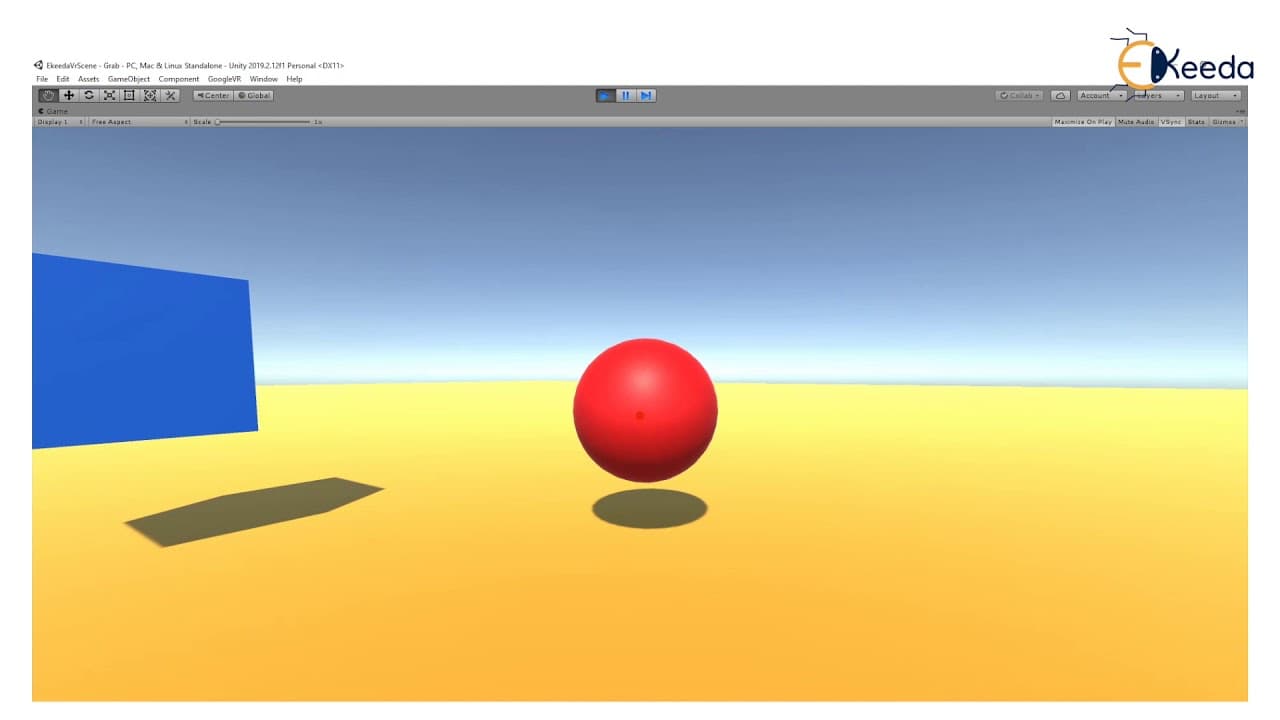
The instructor demonstrates creating a ground plane, adding random objects for grabbing, and setting up materials for the objects. The main camera and reticle pointer are added to simulate the eyes and gaze interaction in VR.
Q: How is the grabbing functionality implemented?
A hand object is created and positioned near the main camera to emulate the user's hand in VR. A script is written to capture the position of the hand and the object to be grabbed. When the mouse button is clicked, the position of the object is transformed to the hand's position, creating the grabbing effect.
Q: Can the grabbing functionality be simulated differently?
Yes, instead of using the mouse click, various input methods can be used, such as tapping on a phone or using a trigger connected to a VR headset. The script can be modified to accommodate different input methods.
Q: How is the releasing functionality implemented?
The script checks if the object is already in the hand, and if not, it brings the object into the hand. When the mouse button is clicked again, the object is released and returns to its original position. The script uses the original position of the object, which is stored when the script starts, to reset the object's position.
Summary & Key Takeaways
-
In this tutorial, the instructor demonstrates how to create a VR scene in Unity and code the functionality of grabbing and releasing objects.
-
The tutorial covers setting up the scene, creating objects, adding materials, setting up the camera and reticle, and simulating the hand for grabbing.
-
The instructor provides step-by-step instructions on writing a script to grab and release objects using mouse clicks, and demonstrates the functionality in Unity.
Read in Other Languages (beta)
Share This Summary 📚
Summarize YouTube Videos and Get Video Transcripts with 1-Click
Try YouTube Summary with ChatGPT & Claude or YouTube Transcript Generator
Explore More Summaries from Ekeeda 📚






Summarize YouTube Videos and Get Video Transcripts with 1-Click
Try YouTube Summary with ChatGPT & Claude or YouTube Transcript Generator