How To Live Stream On YouTube With OBS | Fast Start Guide
TL;DR
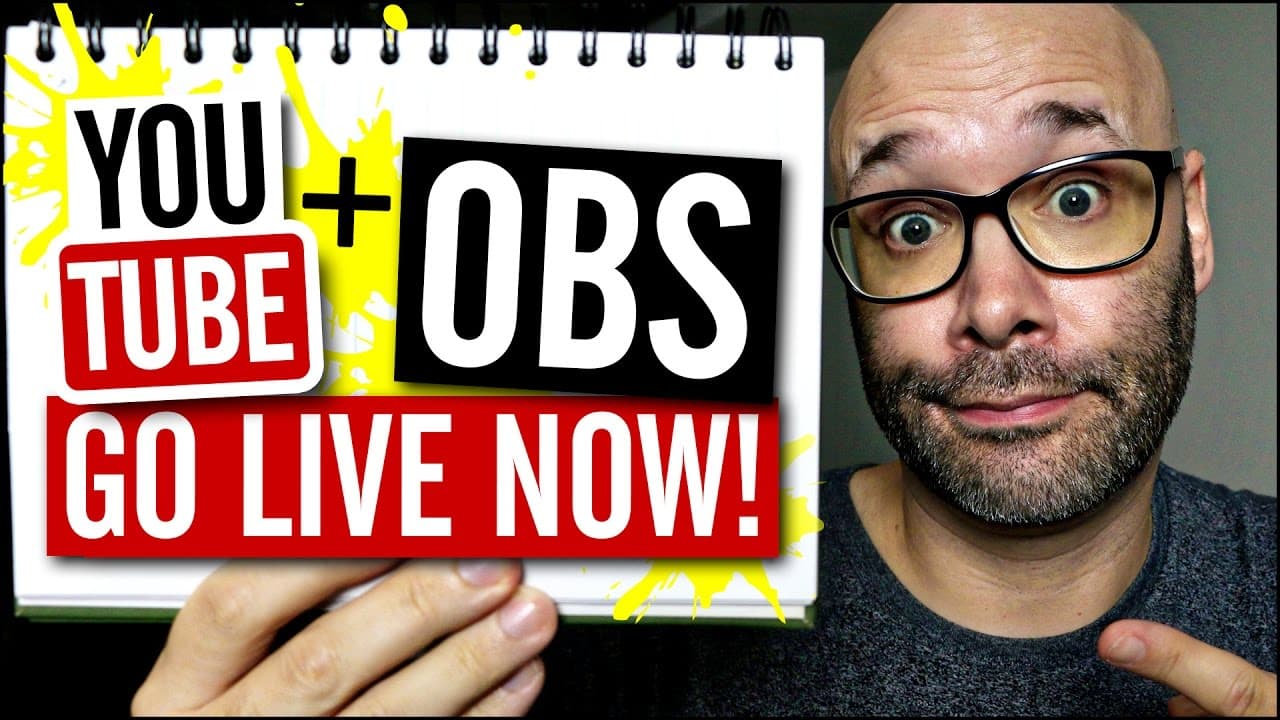
Learn how to live stream on YouTube using OBS in just 5 easy steps.
Transcript
- I'm gonna show you the five easy steps to how to live stream on YouTube using OBS so that as soon as this video's finished, you can start live streaming. And we're startin' right now. (rap music) What is goin' on? My name is Nick, welcome to another video. If this is your first time here, and you wanna learn how to grow your channel and make vide... Read More
Key Insights
- 🥶 OBS Studio is a free and popular software for live streaming on platforms like YouTube.
- 😭 Copying the stream name from the YouTube live dashboard is crucial for connecting OBS to your YouTube account.
- 🎏 Proper audio sync adjustment can avoid audio lag issues during live streams.
- 👻 Customizing video resolution in OBS allows for a more professional and tailored live stream experience.
- 🤪 Testing your audio before going live is essential to ensure an optimal streaming experience.
- 😫 Setting up stream details, such as title, description, and tags, is important for optimizing searchability and discoverability on YouTube.
- 😭 OBS provides advanced features and customization options, making it a versatile tool for live streamers.
Install to Summarize YouTube Videos and Get Transcripts
Explore YouTube Video Summarizer or Get YouTube Transcript Extractor
Questions & Answers
Q: What is OBS and why should I use it for live streaming on YouTube?
OBS (Open Broadcaster Software) is a free and widely-used software for live streaming. It provides advanced features, customization options, and compatibility with multiple platforms, making it a popular choice for YouTubers.
Q: How do I install OBS Studio on my computer?
To install OBS Studio, visit the official OBS website and download the version compatible with your operating system (Windows, Mac, or Linux). Run the setup file and follow the on-screen instructions to complete the installation.
Q: Why is it important to test my audio before going live?
Testing your audio before going live ensures that your viewers will have a seamless experience without any audio sync issues. Adjusting the audio sync in OBS settings can compensate for any lag between the video and audio streams.
Q: Can I customize the resolution of my live stream using OBS?
Yes, you can customize the resolution of your live stream in OBS by adjusting the settings of the video capture device. In OBS, go to Sources > Add > Video Capture Device and select the desired resolution under the resolution tab.
Summary & Key Takeaways
-
Install OBS Studio, a free software available for Windows, Mac, and Linux.
-
Copy the stream name from your YouTube live dashboard and paste it into OBS settings.
-
Connect your webcam and add a video capture device in OBS.
-
Adjust audio sync in OBS to avoid any lag issues.
-
Set up your stream details on YouTube, including title, description, and tags, and test your audio before going live.
Read in Other Languages (beta)
Share This Summary 📚
Summarize YouTube Videos and Get Video Transcripts with 1-Click
Try YouTube Summary with ChatGPT & Claude or YouTube Transcript Generator
Explore More Summaries from Nick Nimmin 📚



Summarize YouTube Videos and Get Video Transcripts with 1-Click
Try YouTube Summary with ChatGPT & Claude or YouTube Transcript Generator