I got 10x faster performance from this simple Node.js refactor
TL;DR
Learn how to utilize Node.js worker threads for improved performance in CPU-intensive tasks.
Transcript
so if you don't already know no. JS is single-threaded meaning that if you have CPU intensive work it's not going to be that efficient it's not going to utilize all of your cores because it's just going to run all your CPU stuff on one thread so one approach that you can use to get around that is use something called node worker threads which I'm g... Read More
Key Insights
- 🧵 Node.js single-threaded architecture can hinder performance for CPU-heavy tasks, making worker threads a valuable solution.
- 🧑⚕️ Proper implementation of worker threads can decrease processing time drastically—for example, from 43 seconds to under 6 seconds in the demonstrated scenario.
- 👻 Managing workload through semaphores allows for better CPU utilization and prevents the system from becoming unresponsive.
- 🥺 Caching frequently accessed resources, like images, can lead to performance gains by minimizing unnecessary loading times.
- 🧵 Monitoring CPU usage with tools like htop can help identify performance bottlenecks and optimize thread counts for specific systems.
- 🧑⚕️ Automated testing with increasing worker counts can help determine the optimal number of workers for a particular task and hardware configuration.
- 🧑💻 Reducing overhead from console logging during intensive computations can result in notable performance improvements.
Install to Summarize YouTube Videos and Get Transcripts
Explore YouTube Video Summarizer or Get YouTube Transcript Extractor
Questions & Answers
Q: What are the main limitations of Node.js regarding processing tasks?
Node.js is single-threaded, meaning that it only runs tasks on one thread at a time. This can lead to inefficiencies in handling CPU-intensive tasks, as it does not utilize all available cores effectively, potentially resulting in slower performance during heavy computational tasks.
Q: How do worker threads help in improving performance in Node.js?
Worker threads allow Node.js to execute tasks in parallel by distributing workloads across multiple threads, effectively utilizing multiple CPU cores. This parallel processing capability enables faster execution of computationally intensive tasks, such as generating images or performing complex calculations, which would otherwise be constrained by the single-threaded nature of Node.js.
Q: What are the key considerations when using worker threads in Node.js?
When implementing worker threads, it's essential to manage the number of workers to prevent system overload. Using constructs like semaphores can help control the rate at which work is distributed, ensuring that the main thread and worker threads communicate effectively and that the system remains responsive during high workloads.
Q: What optimizations were discussed in the video to further improve performance?
The video highlighted several optimizations, such as caching images to avoid repeated loading, managing the number of concurrent worker threads using semaphores, and reducing logging during execution, as excessive console logs can slow down the process. These changes helped achieve a significant reduction in overall processing time.
Summary & Key Takeaways
-
Node.js operates on a single thread, making it inefficient for CPU-intensive tasks, but worker threads can enhance performance by utilizing multiple cores for processing.
-
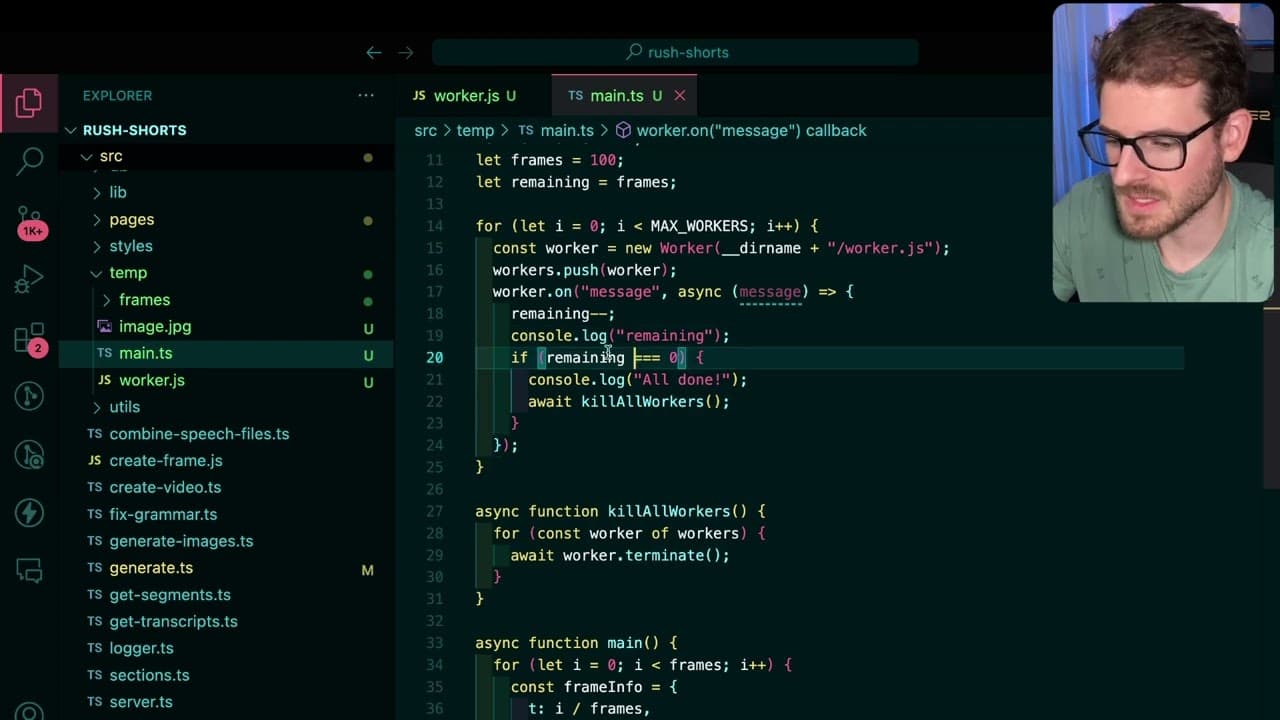
The video demonstrates the implementation of worker threads to generate video frames concurrently, significantly reducing processing time from 43 seconds to under 6 seconds in tests with eight workers.
-
By employing a semaphore pattern, the workload is balanced among workers, preventing system overload and optimizing CPU utilization for time-sensitive tasks like image processing.
Read in Other Languages (beta)
Share This Summary 📚
Summarize YouTube Videos and Get Video Transcripts with 1-Click
Try YouTube Summary with ChatGPT & Claude or YouTube Transcript Generator
Explore More Summaries from Web Dev Cody 📚





Summarize YouTube Videos and Get Video Transcripts with 1-Click
Try YouTube Summary with ChatGPT & Claude or YouTube Transcript Generator