Fitting a line to data | Regression | Probability and Statistics | Khan Academy
TL;DR
Learn how to fit data to a line and make predictions using Excel's regression feature.
Transcript
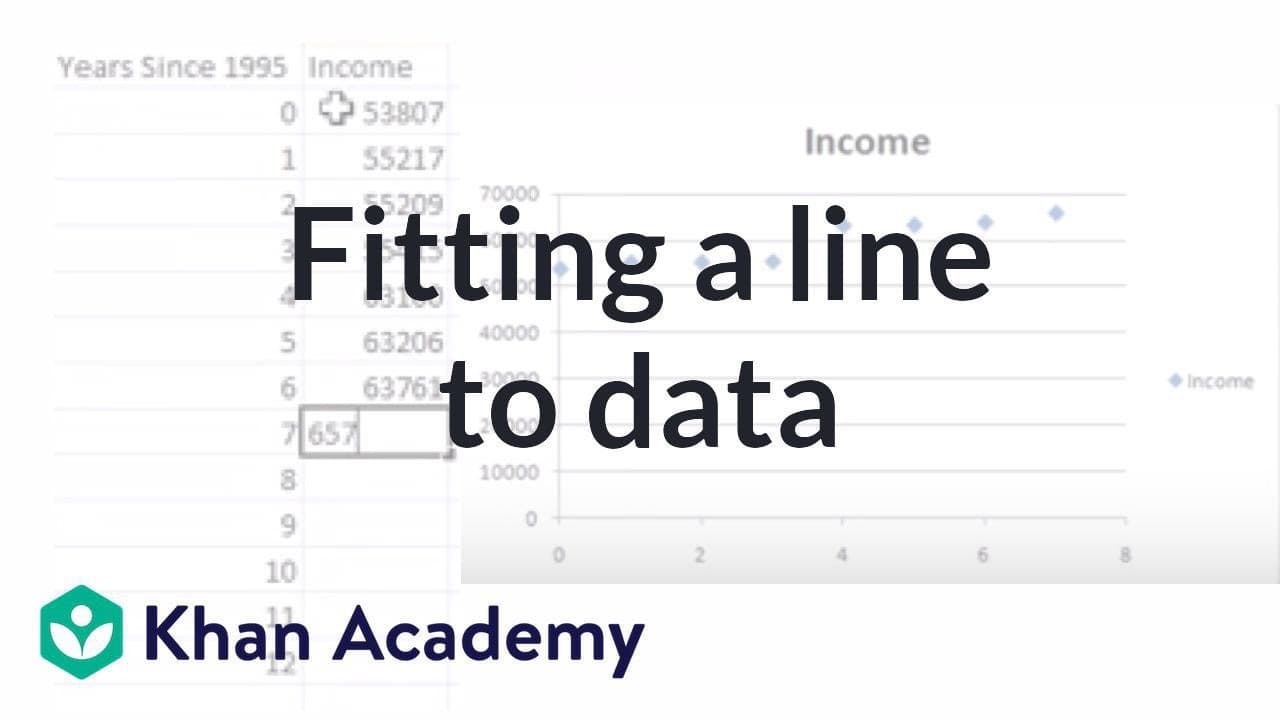
In this video I want to give you an example of what it means to fit data to a line. Instead of doing my traditional video using my little pen tablet, I'm going to do it straight on Excel so you could see how to do this for yourself, so if you have Excel or some other type of a spreadsheet program. We're not going to go into the math of it. I really... Read More
Key Insights
- 🫥 Excel allows for easy plotting of data and fitting a line using the regression feature.
- 🫥 The equation of the line obtained through regression provides a model for predicting values.
- ☠️ Extrapolating predictions based on linear regression assumes a constant rate of change over time.
- 💄 Regression analysis is useful for understanding relationships and making estimations in data analysis.
Install to Summarize YouTube Videos and Get Transcripts
Explore YouTube Video Summarizer or Get YouTube Transcript Extractor
Questions & Answers
Q: How can you fit data to a line using Excel?
In Excel, you can select your data and insert a scatter plot. Then, using the regression feature, you can fit a line to the data and obtain the equation.
Q: What does the slope and y-intercept represent in this scenario?
In this scenario, the slope represents the rate of change in median income per year, while the y-intercept represents the estimated median income in 1995.
Q: How accurate is the line's prediction of the median income in 2010?
The line's prediction is an extrapolation based on the fitted data. While it provides an estimate, it may not be completely accurate since it assumes a linear relationship between time and income.
Q: What is the significance of using regression in data analysis?
Regression analysis helps identify the relationship between variables and allows for predictions or estimations based on that relationship. It is a valuable tool for interpreting data and making projections.
Summary & Key Takeaways
-
The video demonstrates how to fit data to a line using Excel and interpret the results.
-
A scatter plot is created using median California income data from 1995 to 2002.
-
Excel's regression feature is used to fit a line to the data and provide the equation.
-
The equation is used to predict the median annual income of a California family in 2010.
Read in Other Languages (beta)
Share This Summary 📚
Summarize YouTube Videos and Get Video Transcripts with 1-Click
Try YouTube Summary with ChatGPT & Claude or YouTube Transcript Generator
Explore More Summaries from Khan Academy 📚



Summarize YouTube Videos and Get Video Transcripts with 1-Click
Try YouTube Summary with ChatGPT & Claude or YouTube Transcript Generator