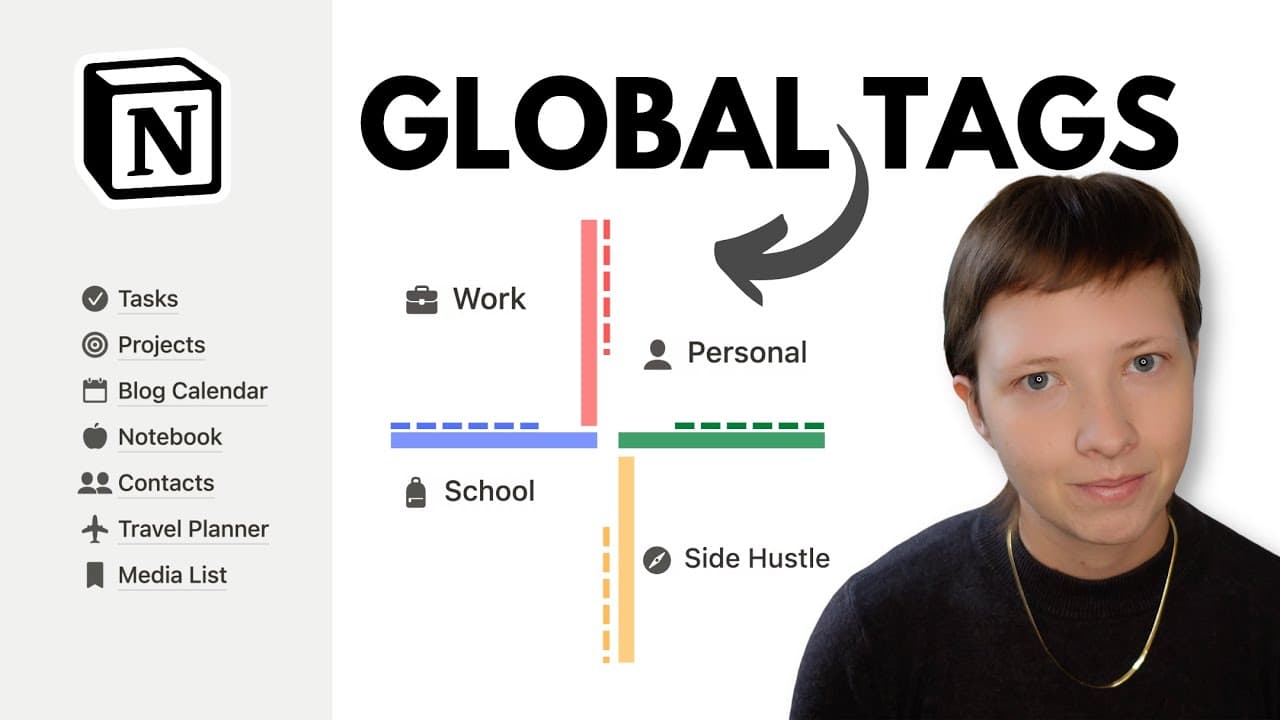
Productive Life Wiki for Notion: Optimize with Global Tags (Free Template)
TL;DR
Learn how to create a comprehensive global tags database in Notion to organize your workspace effectively.
Transcript
today we're going to take a look at how to create a global tags database you could also call this something like Master tags database any Global tags database is exactly what it sounds like it's a place to gather a collection of tags to help you organize the pages in your workspace so instead of using something like a select or a multi-select prope... Read More
Key Insights
- 🉐 A global tags database in Notion allows you to centralize and organize tags from multiple databases in your workspace.
- 🉐 Configuring the layout and properties of the global tags database helps customize how tags are displayed.
- 🌐 Relation properties are used to connect other databases to the global tags database, creating a system for categorizing and organizing information.
Install to Summarize YouTube Videos and Get Transcripts
Explore YouTube Video Summarizer or Get YouTube Transcript Extractor
Questions & Answers
Q: What is a global tags database in Notion?
A global tags database is a centralized place to gather a collection of tags to help organize the pages in your workspace.
Q: How can I create a global tags database in Notion?
To create a global tags database, you can go to the body of a page, search for the "database" block, select the "new database" option, and configure its layout and properties.
Q: How do I connect other databases to the global tags database?
To connect other databases to the global tags database, you can use relation properties and select the global tags database as the target. This creates a backlink and allows you to easily associate pages with tags.
Q: How can I apply templates to new pages in the global tags database?
By setting a template as the default for a specific database view, you can automatically apply the template to new pages created in that view. This helps maintain consistency and structure in your workspace.
Key Insights:
- A global tags database in Notion allows you to centralize and organize tags from multiple databases in your workspace.
- Configuring the layout and properties of the global tags database helps customize how tags are displayed.
- Relation properties are used to connect other databases to the global tags database, creating a system for categorizing and organizing information.
- Templates can be applied to new pages in the global tags database, ensuring consistency and efficiency in your workspace organization.
Summary & Key Takeaways
-
Create a new global tags database in Notion to organize pages from multiple databases.
-
Configure the layout of the database to customize how the tags are displayed.
-
Use relation properties to connect other databases to the global tags database.
-
Create templates for different categories of tags and apply them to new pages.
Read in Other Languages (beta)
Share This Summary 📚
Summarize YouTube Videos and Get Video Transcripts with 1-Click
Try YouTube Summary with ChatGPT & Claude or YouTube Transcript Generator
Explore More Summaries from Red Gregory 📚
Summarize YouTube Videos and Get Video Transcripts with 1-Click
Try YouTube Summary with ChatGPT & Claude or YouTube Transcript Generator