Photoshop CC Tutorial Billboard Mockup
TL;DR
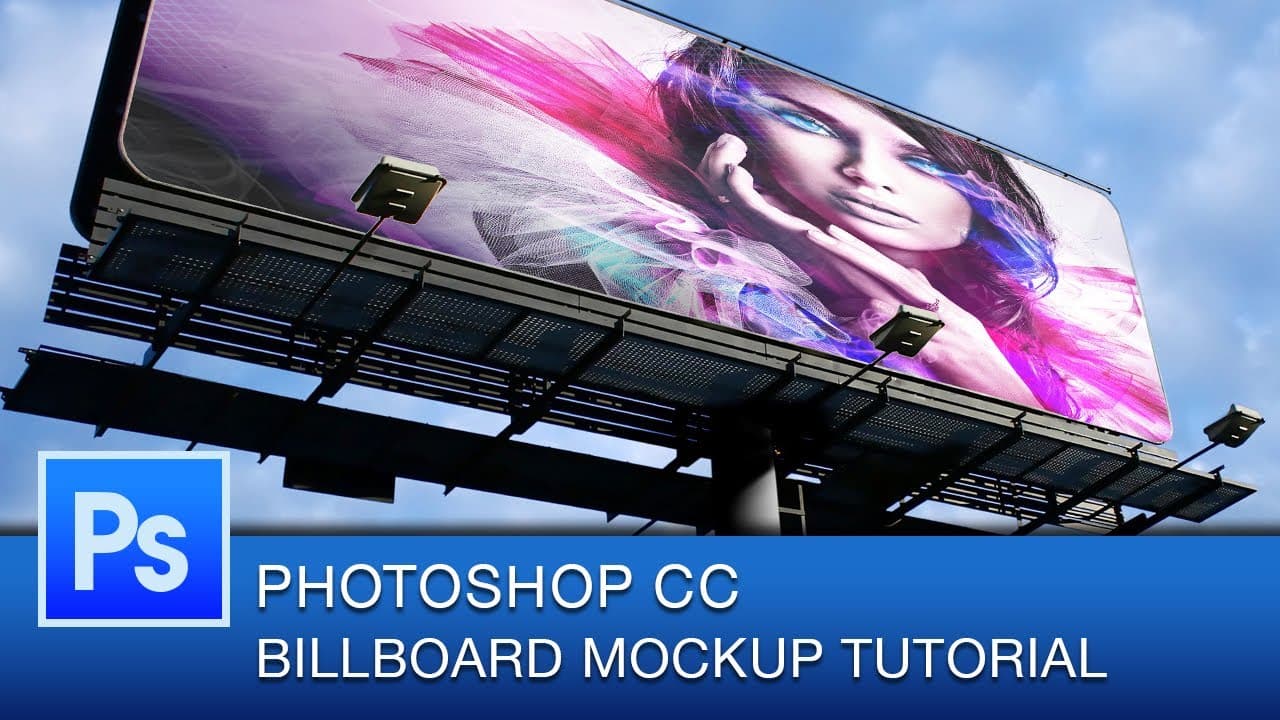
Learn how to quickly mock-up a billboard design in Photoshop using selection tools, guides, and transform distort.
Transcript
hey everyone and welcome to another Photoshop CC tutorial in today's tutorial I'm actually going to show you how to do a billboard mock-up in Photoshop now what we won't be doing is we will not be producing a full print ready resolution billboard we'll just be mocking something up in Photoshop to show what a billboard would look like as if you were... Read More
Key Insights
- 🪄 Magic wand selection is suitable for billboard mock-ups with detailed backgrounds.
- 🦮 Guides help in aligning the artwork accurately with the edges of the billboard.
- 👀 Resizing artwork while maintaining proportions is crucial for a professional look.
- 💐 Lowering image opacity and adjusting blend modes enhance realism for printed billboards.
- 👻 Utilizing adjustment layers and non-destructive editing allows for further customization.
- ❓ Free billboard stock images are available online for demonstration purposes.
- ❓ Precision in alignment contributes to the overall realism of the mock-up.
Install to Summarize YouTube Videos and Get Transcripts
Explore YouTube Video Summarizer or Get YouTube Transcript Extractor
Questions & Answers
Q: What tools are essential for creating a billboard mock-up in Photoshop?
The essential tools include the magic wand selection tool, guides for alignment, and transform distort for adjusting the artwork to fit the billboard.
Q: How do you resize and align the artwork in the mock-up process?
To resize, drag from the corners while holding shift to maintain proportions. Align edges of the artwork with the billboard edges using guides or existing features as reference.
Q: Why is reducing the opacity of the image important in creating a realistic mock-up?
Lowering the opacity mimics the appearance of a printed billboard, avoiding a perfectly sharp image that may look unnatural in the context of a real-world billboard.
Q: What are some additional tips for enhancing the realism of a mock-up billboard?
Use adjustment layers like curves, experiment with blend modes, and consider the material the billboard would be printed on to adjust the look accordingly.
Summary & Key Takeaways
-
Tutorial on creating a mock-up billboard in Photoshop.
-
Utilizes magic wand selection, guides, and transform distort tools.
-
Tips on resizing, aligning artwork, and adjusting opacity for a realistic look.
Read in Other Languages (beta)
Share This Summary 📚
Summarize YouTube Videos and Get Video Transcripts with 1-Click
Try YouTube Summary with ChatGPT & Claude or YouTube Transcript Generator
Explore More Summaries from Roberto Blake 📚






Summarize YouTube Videos and Get Video Transcripts with 1-Click
Try YouTube Summary with ChatGPT & Claude or YouTube Transcript Generator