What Digital Tools Do PhD Students Really Need?
TL;DR
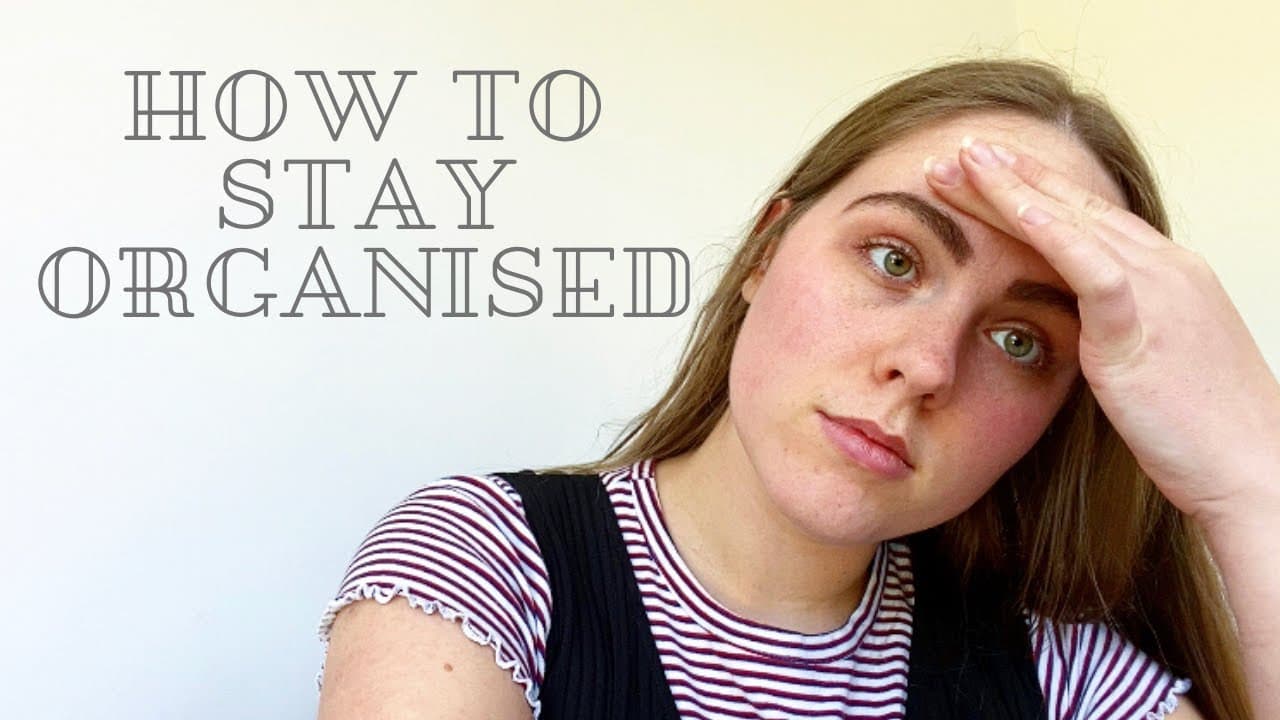
PhD students need essential digital tools for productivity and organisation, including reference managers like Mendeley and Zotero, LaTeX for text editing, and cloud storage options like Google Drive. Additionally, effective note-taking apps, calendar tools for daily planning, and project management software help streamline their workflow and ensure successful progress throughout their studies.
Transcript
hey everyone and welcome back to my channel today we're going to be talking about digital tools that PhD students can use so anything for productivity organization planning all of those things but honestly a lot of these things can be used by anyone whether you're a normal student or working on any kind of research or projects or really a lot of th... Read More
Key Insights
- 😄 Reference managing systems like Mendeley or Zotero are essential for organizing research papers and facilitating ease of access.
- 💁 LaTeX or Overleaf serves as a convenient text editor for formatting and organizing academic documents.
- 😶🌫️ Cloud storage options like Google Drive or Dropbox offer secure backup and easy accessibility to research work.
- 💁 Note-taking apps and tools play a crucial role in short and long-form note-taking, ensuring important information is recorded and easily accessible.
- 😀 Calendar apps like Google Calendar assist in daily planning and time-blocking for PhD students.
- 😀 To-do list apps like Google Keep or Notes app help track and prioritize tasks.
- 📽️ Project management tools like Asana or Trello aid in tracking progress, managing tasks, and planning long-term projects effectively.
Install to Summarize YouTube Videos and Get Transcripts
Explore YouTube Video Summarizer or Get YouTube Transcript Extractor
Questions & Answers
Q: What is the recommended reference managing system for PhD students?
One option is Mendeley, which allows you to store and organize research papers, add notes, and access them on any device. Zotero is another free alternative that offers similar features. EndNote is a paid service but also popular.
Q: How does LaTeX simplify document formatting for PhD students?
LaTeX allows you to use templates that automatically format documents, including headings, page numbers, and references. It offers convenient features like section numbering and easy organization of references, making it popular among academics.
Q: What are some cloud storage options for backing up work?
Google Drive and Dropbox are recommended options. Storing work in the cloud ensures access from any device and reduces the risk of losing important documents.
Q: What are the benefits of using project management tools?
Project management tools like Gantt charts in Asana or Trello help PhD students track progress, plan tasks, and manage multiple projects effectively. They provide a visual representation of timelines and allow delegation of tasks.
Summary & Key Takeaways
-
The video explores the importance of using a reference managing system like Mendeley or Zotero to organize research papers and easily access them across devices.
-
It highlights the benefits of using LaTeX or Overleaf as a text editor for formatting and organizing documents, especially in academia.
-
The importance of cloud storage, such as Google Drive or Dropbox, for backing up and accessing work is emphasized.
-
Various note-taking apps like Google Keep, Notes app, Evernote, and spreadsheets are recommended for short and long-form note-taking.
-
Google Calendar is suggested as a daily planning tool, along with to-do list apps like Google Keep and Notes app.
-
Project management tools like Gantt charts in Asana or Trello are discussed for tracking progress and planning long-term projects.
Read in Other Languages (beta)
Share This Summary 📚
Summarize YouTube Videos and Get Video Transcripts with 1-Click
Try YouTube Summary with ChatGPT & Claude or YouTube Transcript Generator
Explore More Summaries from PhD and Productivity 📚
Summarize YouTube Videos and Get Video Transcripts with 1-Click
Try YouTube Summary with ChatGPT & Claude or YouTube Transcript Generator