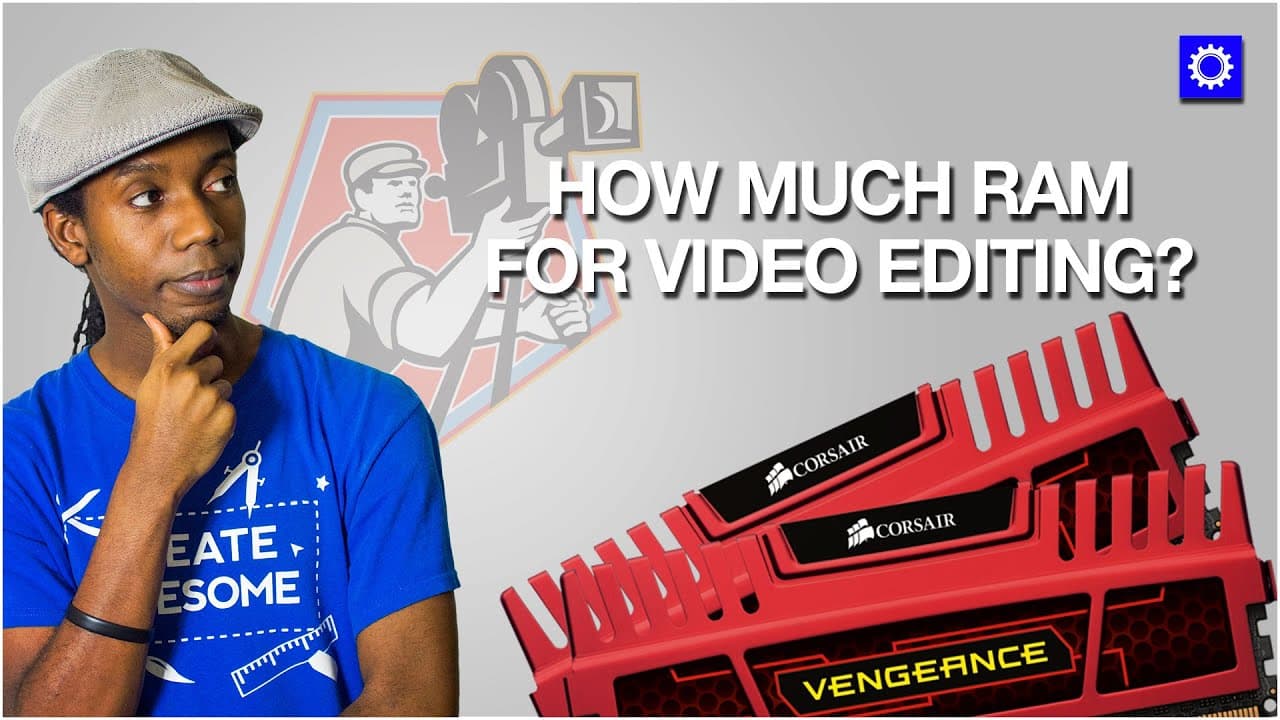
How Much Ram Do You Need for Video Editing?
TL;DR
RAM is crucial for video editing; 16GB is optimal, 32GB is comfortable, while 64GB is overkill.
Transcript
- Hey everybody, this is Roberto Blake of robertoblake.com, and today I'm geeking out with you about RAM. We're gonna talk about how much RAM you actually need for video editing. Video editing is one of the most intensive things you're going to do on a computer, whether it's a desktop or a laptop, whether it's a Mac or whether it's a PC. You're gon... Read More
Key Insights
- 🎮 RAM is essential for efficient video editing.
- 🍠 16GB of RAM is the sweet spot for most video editing tasks.
- 🎮 CPU performance plays a crucial role in video rendering.
- 🐏 Beyond 32GB, additional RAM offers diminishing returns for video editing.
- ❣️ GPU becomes more crucial for heavy color grading and effects in video editing.
- 😉 Roberto Blake's 4K video editing setup includes 32GB of RAM, which he considers overkill for most users.
- 😉 Real 4K video editing requires sufficient RAM for smooth rendering.
Install to Summarize YouTube Videos and Get Transcripts
Explore YouTube Video Summarizer or Get YouTube Transcript Extractor
Questions & Answers
Q: What is the minimum RAM required for video editing?
Eight gigs is the bare minimum for video editing, but 16GB is recommended for smoother performance when rendering large video files.
Q: Is 32GB of RAM necessary for video editing?
While 32GB of RAM is comfortable for video editing, it may be overkill unless you are working with extremely large files or complex effects.
Q: How does RAM affect render times in video editing?
Increasing RAM beyond 16GB does not significantly decrease render times, as you experience diminishing returns, making 16GB the sweet spot for most video editors.
Q: Why is CPU crucial for video rendering times?
The CPU plays a significant role in video rendering times, with GPU and RAM also contributing, especially for tasks like color grading and effects.
Summary & Key Takeaways
-
Video editing demands RAM for smoother rendering.
-
16GB RAM provides the optimal balance for rendering speed.
-
Additional RAM beyond 32GB offers diminishing returns for video editing.
Read in Other Languages (beta)
Share This Summary 📚
Summarize YouTube Videos and Get Video Transcripts with 1-Click
Try YouTube Summary with ChatGPT & Claude or YouTube Transcript Generator
Explore More Summaries from Roberto Blake 📚






Summarize YouTube Videos and Get Video Transcripts with 1-Click
Try YouTube Summary with ChatGPT & Claude or YouTube Transcript Generator