How to Use Blender's Sculpting Mask Brush (Tutorial)
TL;DR
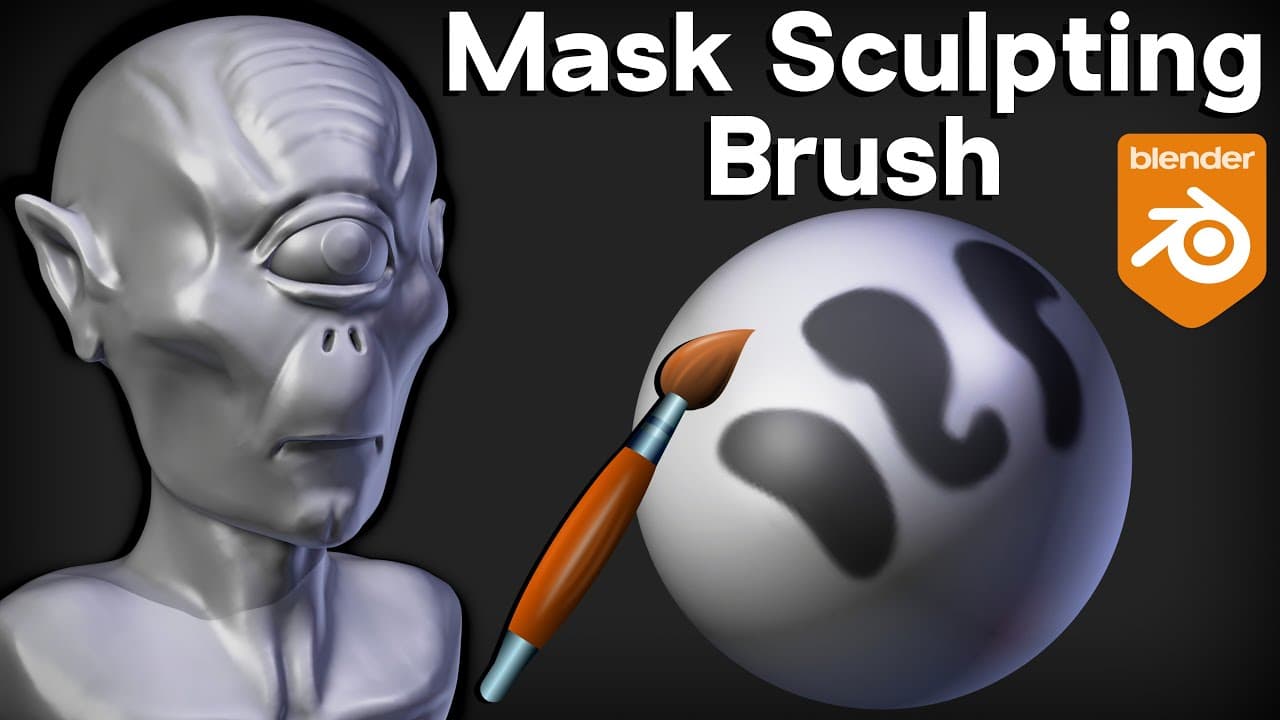
Learn how to use the mask brush in Blender sculpting mode to add and remove masks on vertices, and apply different sculpting brushes only to specific areas of a mesh.
Transcript
in this video I will show you how to use the mask brush in blender sculpting mode and I'll show you some different reasons of why you might want to use the mask brush and after watching this video if you'd like to learn more about sculpting and blender then definitely check out my blender sculpting tutorial playlist with the link in the description... Read More
Key Insights
- 😷 The mask brush affects vertices, not faces, so it is essential to use objects with sufficient geometry for masks to work effectively.
- 🤿 Inverting the mask can be useful for sculpting inside a masked area without affecting the surrounding mesh.
- 🤿 Adjusting the hardness value of the mask brush can control the smoothness or sharpness of the mask edges.
- 🎈 The mask brush can be used to isolate specific parts of a mesh for sculpting, such as creating eye sockets or adding details to specific areas.
- 🖌️ Combining the mask brush with other sculpting brushes, like the clay strips brush or grab brush, allows for precise sculpting on select regions.
- 🤿 Masks can be used to add intricate patterns or details to a mesh by selectively applying sculpting brushes only on masked areas.
- 🤿 It is possible to add masks directly by dragging the mouse over the desired area and then refining the mask using the mask brush.
Install to Summarize YouTube Videos and Get Transcripts
Explore YouTube Video Summarizer or Get YouTube Transcript Extractor
Questions & Answers
Q: What is the purpose of using the mask brush in Blender sculpting mode?
The mask brush allows you to add masks on vertices, which can be used to selectively sculpt only specific areas of a mesh without affecting nearby regions.
Q: How can I adjust the brush settings for the mask brush in Blender sculpting mode?
The brush settings can be accessed through the side panel or the active tool and workspace settings, where you can modify properties like brush size, strength, and hardness.
Q: Can I remove a mask that I have applied using the mask brush?
Yes, you can remove a mask by holding down the control key and painting over the masked area. Alternatively, you can change the direction of the brush to subtract mode or press alt M to clear the mask completely.
Q: Is it possible to invert the mask to sculpt inside a masked area?
Yes, you can invert the mask by pressing ctrl I. This allows you to sculpt within the masked area while keeping the rest of the mesh unaffected.
Key Insights:
- The mask brush affects vertices, not faces, so it is essential to use objects with sufficient geometry for masks to work effectively.
- Inverting the mask can be useful for sculpting inside a masked area without affecting the surrounding mesh.
- Adjusting the hardness value of the mask brush can control the smoothness or sharpness of the mask edges.
- The mask brush can be used to isolate specific parts of a mesh for sculpting, such as creating eye sockets or adding details to specific areas.
- Combining the mask brush with other sculpting brushes, like the clay strips brush or grab brush, allows for precise sculpting on select regions.
- Masks can be used to add intricate patterns or details to a mesh by selectively applying sculpting brushes only on masked areas.
- It is possible to add masks directly by dragging the mouse over the desired area and then refining the mask using the mask brush.
- The video recommends checking out the creator's blender sculpting tutorial playlist for more in-depth sculpting lessons.
Summary & Key Takeaways
-
The video demonstrates how to use the mask brush in Blender sculpting mode to add masks on vertices, allowing for selective sculpting on specific areas of a mesh.
-
The brush settings can be accessed through the side panel or the active tool and workspace settings.
-
Masks are only applied to vertices, so objects with more subdivided geometry are better suited for using the mask brush.
Read in Other Languages (beta)
Share This Summary 📚
Summarize YouTube Videos and Get Video Transcripts with 1-Click
Try YouTube Summary with ChatGPT & Claude or YouTube Transcript Generator
Explore More Summaries from Ryan King Art 📚
Summarize YouTube Videos and Get Video Transcripts with 1-Click
Try YouTube Summary with ChatGPT & Claude or YouTube Transcript Generator