How to Use to p5.js Web Editor (1.2)
TL;DR
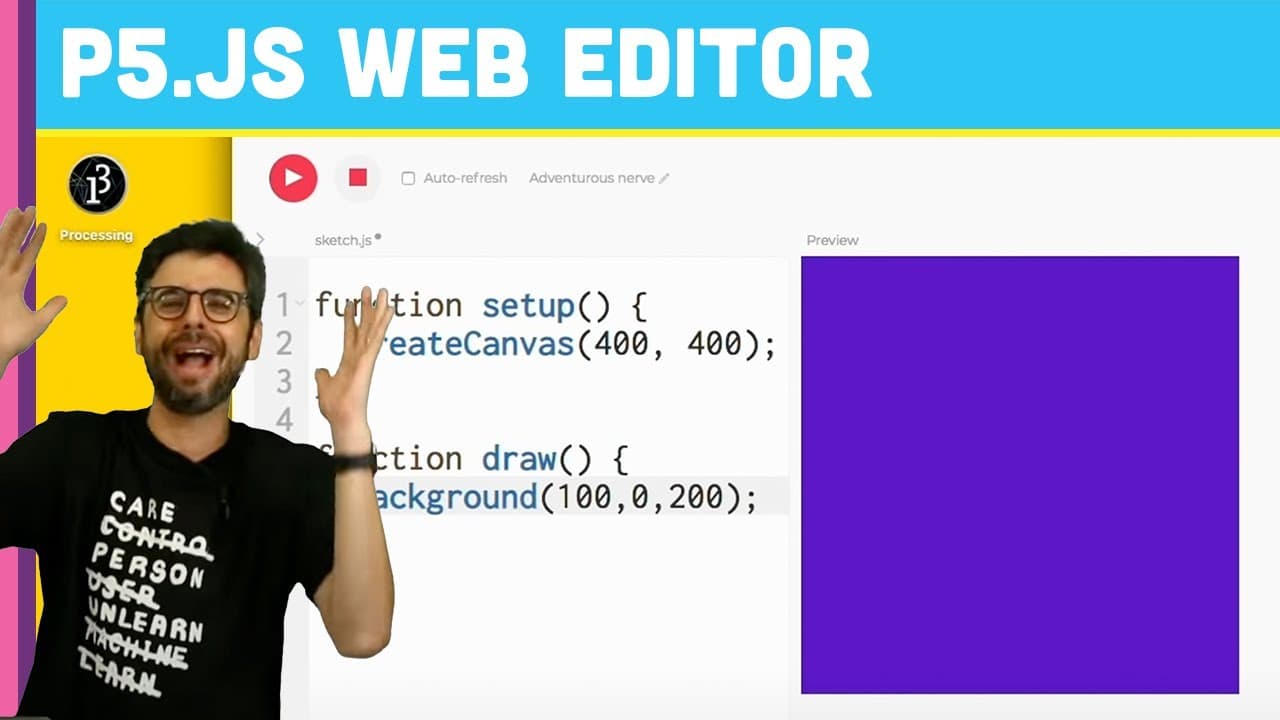
Learn how to set up and navigate the p5 web editor for coding creative sketches.
Transcript
[BELL DINGS] OK. Hi. So before, I know I said that in the next-- if you watched the previous videos, I said in the next video I'm going to start coding. Apologies. I'm not going to start coding just yet. I'm going to do one more thing. I'm going to show you how to get set up with the web editor itself. So the first thing you want to do is go to a w... Read More
Key Insights
- 🕸️ Access the p5 web editor at editor.p5js.org using any web browser.
- 💾 Creating an account enables saving sketches, sharing creations, and accessing advanced features.
- 👨💻 Customizing settings like text size and theme enhances coding visibility and comfort.
- 🧑💻 Existing Google or GitHub accounts can be used to log in to the p5 web editor.
- 🕸️ Explore additional resources in the processing foundation playlist for a comprehensive overview of the web editor.
- 🕸️ The p5 web editor facilitates creating and sharing interactive sketches for creative projects.
- 👨💻 Personalize sketch names and settings for a more organized and user-friendly coding experience.
Install to Summarize YouTube Videos and Get Transcripts
Explore YouTube Video Summarizer or Get YouTube Transcript Extractor
Questions & Answers
Q: How do you access the p5 web editor?
You can access the web editor at editor.p5js.org using any web browser of your choice.
Q: Why is creating an account important in the p5 web editor?
Creating an account allows you to save sketches, share your work, and access advanced features like embedding and uploading assets.
Q: How can you customize the settings for a better coding experience?
You can adjust settings like text size and choose a high contrast theme in the p5 web editor to enhance visibility and coding comfort.
Q: Can you log in to the p5 web editor using existing accounts?
Yes, you can log in with your Google or GitHub account to access the p5 web editor without creating a new account.
Summary & Key Takeaways
-
Access the web editor at editor.p5js.org using any web browser.
-
Create an account to save sketches and access advanced features like sharing and embedding.
-
Customize settings for better visibility and coding experience.
Read in Other Languages (beta)
Share This Summary 📚
Summarize YouTube Videos and Get Video Transcripts with 1-Click
Try YouTube Summary with ChatGPT & Claude or YouTube Transcript Generator
Explore More Summaries from The Coding Train 📚






Summarize YouTube Videos and Get Video Transcripts with 1-Click
Try YouTube Summary with ChatGPT & Claude or YouTube Transcript Generator