Windows 10 on ARM x64 Emulation Review on Raspberry Pi 4
TL;DR
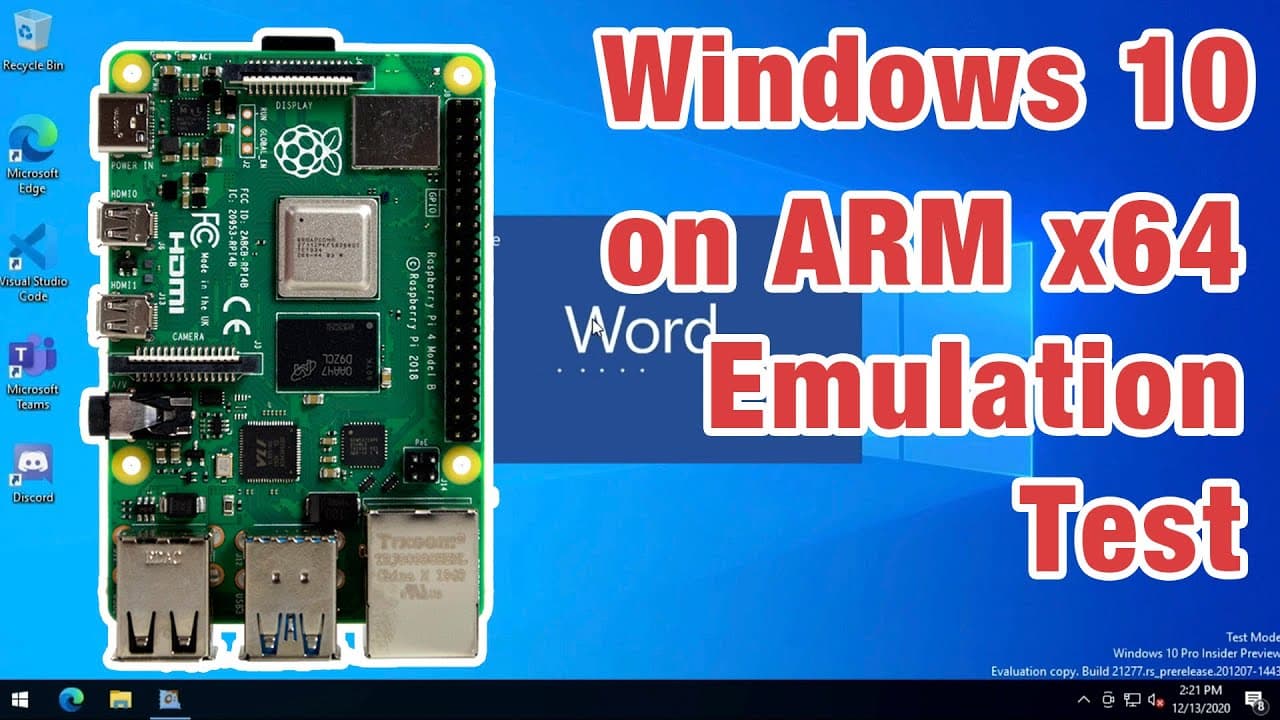
A new Windows 10 ARM build enables 64-bit application support on Raspberry Pi 4.
Transcript
hey guys what's going on it's don here from nova spare tech and welcome back to the channel and today we are going to be checking out 64-bit emulation on the latest windows 10 on arm on the raspberry pi 4. so let's get started now before i begin i don't normally do crazy updates on the windows 10 raspberry pi in general unless there's like some cra... Read More
Key Insights
- 🫦 Windows 10 ARM now supports 64-bit applications, significantly increasing its usability on Raspberry Pi 4.
- 🏛️ The installation process requires specific software and an insider build for optimal setup.
- ☠️ Using an SSD over an SD card is critical for enhanced performance, reducing load times and improving application responsiveness.
- 🏃 Common productivity applications, like Adobe's Acrobat Reader, run efficiently, contributing to the platform's practical usability.
- 🎨 Current compatibility issues remain with audio, Bluetooth, and some applications due to driver unavailability and software design.
- 🗯️ Multitasking is feasible on the Raspberry Pi 4, particularly with adequate RAM and the right configurations.
- ❓ The community is actively seeking to enhance functionality and compatibility, indicating ongoing support and development.
Install to Summarize YouTube Videos and Get Transcripts
Explore YouTube Video Summarizer or Get YouTube Transcript Extractor
Questions & Answers
Q: What are the steps to install Windows 10 ARM on Raspberry Pi 4?
To install Windows 10 ARM on Raspberry Pi 4, you need Windows on Raspberry Pi software. Download the ISO image for build 21277, follow on-screen instructions, and burn it onto an SD card or USB drive. It’s recommended to use SSDs for better speed and performance.
Q: How does the performance of 64-bit applications compare on Windows 10 ARM?
Many 64-bit applications perform surprisingly well on Windows 10 ARM, showing speeds that are often faster than some lower-end laptops. However, applications that rely on wrappers, like Microsoft Teams and Discord, tend to run slower, suggesting compatibility issues.
Q: What limitations are currently present in Windows 10 ARM?
The current limitations include unavailability of drivers for Bluetooth, Wi-Fi, and sound, meaning external dongles are necessary for these functionalities. Additionally, graphic drivers are still in development, affecting the overall multimedia experience and gaming capabilities.
Q: Can you run Microsoft Office on this setup?
Yes, you can run Microsoft Office 2013 on Windows 10 ARM, and it performs well. However, Office 2019 fails to install entirely, and Office 2016 encounters errors during installation, highlighting a need for compatibility improvements for newer software versions.
Q: Are there any notable benchmarks from this setup?
The Raspberry Pi 4 running Windows 10 ARM has shown impressive benchmark results, performing better than some Intel Atom Z8350 chips. A test conducted by a community member revealed a Cinebench score of 193, showcasing the device's capabilities in handling demanding tasks.
Q: How much RAM is recommended for optimal performance?
A minimum of 4GB to 8GB of RAM is recommended for running Windows 10 ARM smoothly on Raspberry Pi. With Windows being resource-intensive, this range allows for better multitasking and performance when handling various applications simultaneously.
Summary & Key Takeaways
-
The latest Windows 10 build for ARM devices introduces 64-bit emulation, allowing users to run various applications on the Raspberry Pi 4.
-
Users must install Windows on Raspberry Pi software and follow specific steps to set up the 64-bit version, utilizing an SSD for improved performance.
-
While many applications run smoothly, some, particularly those with wrappers like Microsoft Teams, experience slower performance.
Read in Other Languages (beta)
Share This Summary 📚
Summarize YouTube Videos and Get Video Transcripts with 1-Click
Try YouTube Summary with ChatGPT & Claude or YouTube Transcript Generator
Explore More Summaries from Novaspirit Tech 📚






Summarize YouTube Videos and Get Video Transcripts with 1-Click
Try YouTube Summary with ChatGPT & Claude or YouTube Transcript Generator