#19 C Arrays | C Programming For Beginners
TL;DR
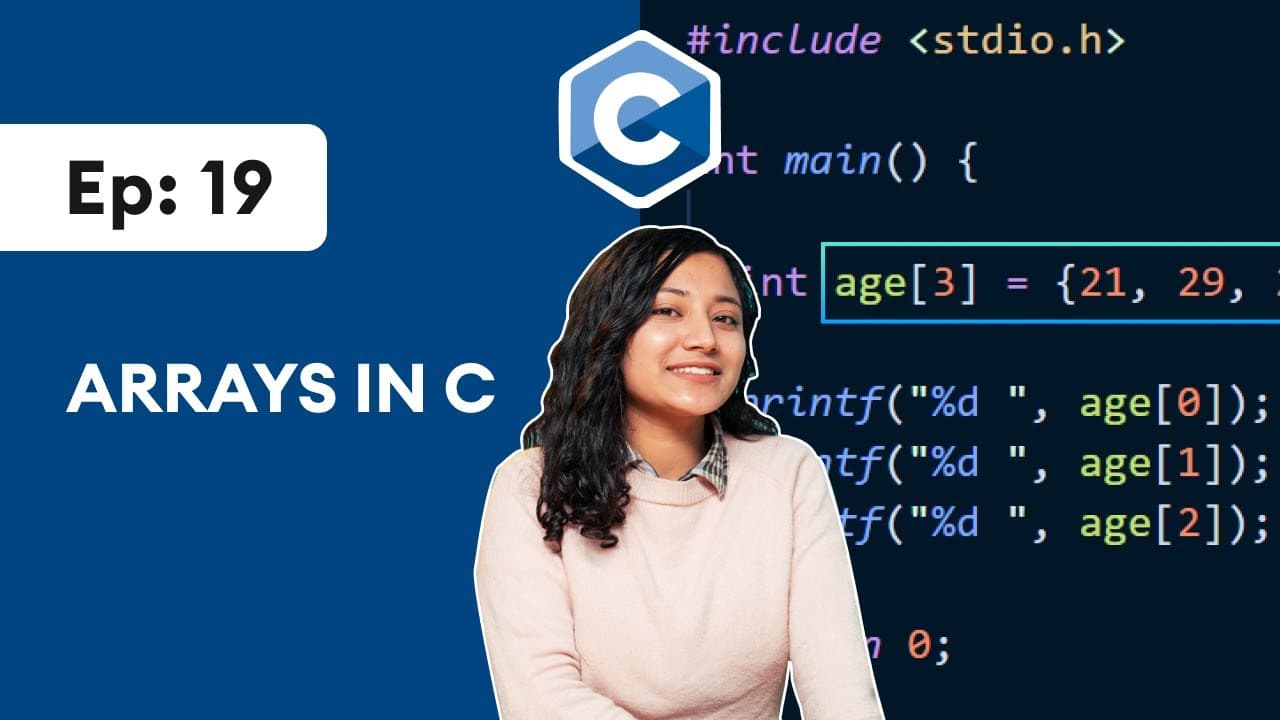
Learn how to create and access arrays in C programming, which allow for storing multiple data values in a single variable.
Transcript
what's up guys welcome back to this series and c programming in this video we'll learn about arrays in c so far we have been using single variables to store a single data now we will learn to store multiple data together inside a single variable using an array so let's get started an array is a collection of similar type of data before we learn abo... Read More
Key Insights
- ⬛ Arrays in C programming allow for storing multiple data values in a single variable, improving efficiency when dealing with large sets of data.
- 💱 Array size and data type in C programming are fixed and cannot be changed once declared.
- 📇 Arrays can be declared and initialized using specific values or assigned values individually using their respective indices.
- 📇 The index of an array starts at 0, with subsequent elements at higher indices.
- ➰ For loops can be used to process and manipulate array elements more efficiently.
- ♿ Attempting to access array elements outside of their bounds can result in unpredictable values or errors.
- ⬛ Arrays are beneficial for solving programming problems that involve storing and manipulating large collections of data.
Install to Summarize YouTube Videos and Get Transcripts
Explore YouTube Video Summarizer or Get YouTube Transcript Extractor
Questions & Answers
Q: What is an array, and why do we use them in C programming?
An array is a collection of similar type of data that allows for storing multiple values in a single variable. We use arrays in C programming to efficiently store and manipulate large sets of data.
Q: How do we declare an array in C programming?
To declare an array in C programming, we use the syntax: data_type array_name[size], where data_type refers to the type of data to be stored (e.g., int), array_name is the identifier for the array, and size specifies the number of elements that can be stored in the array.
Q: How do we assign values to an array in C programming?
Values can be assigned to an array in C programming using the equal to (=) operator. Each value is enclosed in curly brackets and separated by commas. The values are assigned to consecutive indices in the array.
Q: How do we access specific elements in an array in C programming?
In C programming, array elements can be accessed using the array name and the index of the desired element in square brackets. Array indices start from 0, so the first element is at index 0, the second at index 1, and so on.
Key Insights:
- Arrays in C programming allow for storing multiple data values in a single variable, improving efficiency when dealing with large sets of data.
- Array size and data type in C programming are fixed and cannot be changed once declared.
- Arrays can be declared and initialized using specific values or assigned values individually using their respective indices.
- The index of an array starts at 0, with subsequent elements at higher indices.
- For loops can be used to process and manipulate array elements more efficiently.
- Attempting to access array elements outside of their bounds can result in unpredictable values or errors.
- Arrays are beneficial for solving programming problems that involve storing and manipulating large collections of data.
- Arrays in C programming are powerful tools for handling and organizing data sets efficiently.
Summary & Key Takeaways
-
An array is a collection of similar type of data and is used to store multiple values in a single variable in C programming.
-
Arrays are useful when you need to store a large number of values, such as storing the ages of 100 people.
-
Arrays in C have a fixed size and data type, which cannot be changed once declared.
Read in Other Languages (beta)
Share This Summary 📚
Summarize YouTube Videos and Get Video Transcripts with 1-Click
Try YouTube Summary with ChatGPT & Claude or YouTube Transcript Generator
Explore More Summaries from Programiz 📚

Summarize YouTube Videos and Get Video Transcripts with 1-Click
Try YouTube Summary with ChatGPT & Claude or YouTube Transcript Generator