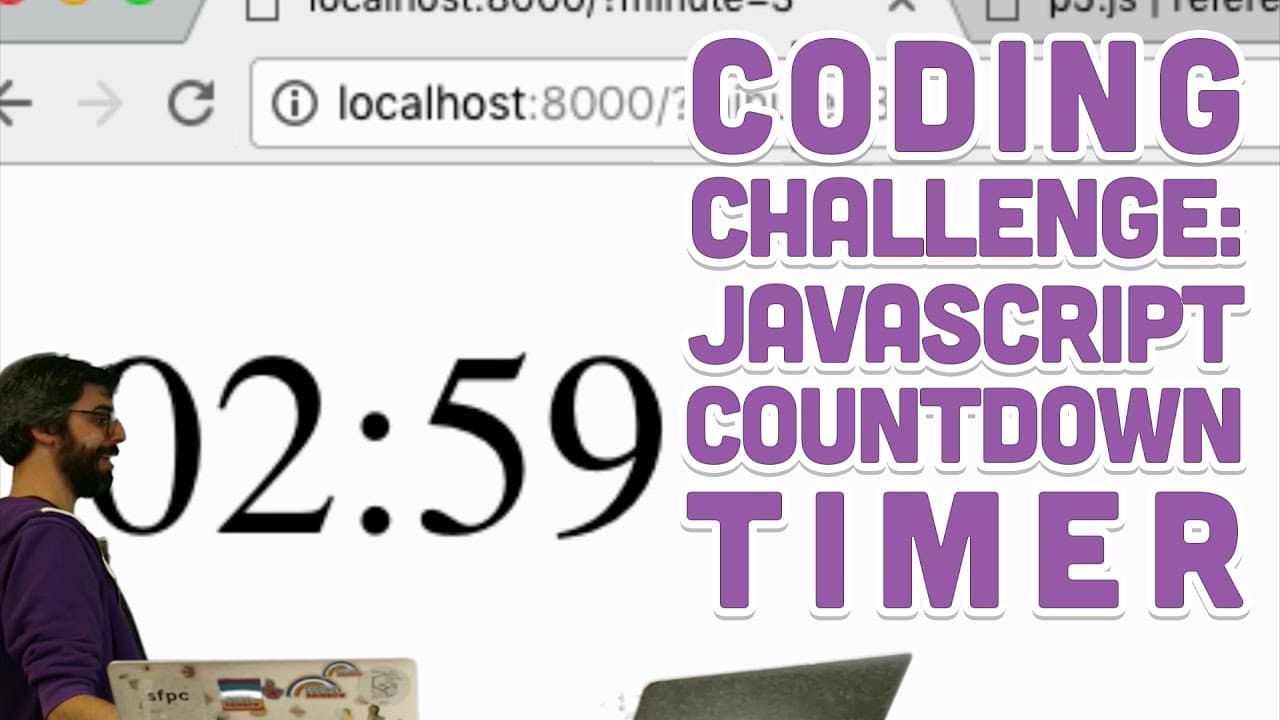
Coding Challenge #66: JavaScript Countdown Timer
TL;DR
A JavaScript coding challenge creates a timer using setInterval, then improves it for accuracy using Millis in p5.js library.
Transcript
hello welcome to a coding challenge where I make exactly this a countdown clock timer in the browser now I did it with a function called set interval because it's a nice demonstration out set interval works and it works really nice but I have to admit I've learned since after making the challenge that it's quite it's not such an accurate way of doi... Read More
Key Insights
- ⏲️ Using setInterval function for timer creation in JavaScript.
- ❓ SetInterval limitations in browser performance and timing accuracy.
- ❓ Implementing Millis in p5.js for more accurate timing functionality.
- 👨🦱 Demonstrating URL query parameters for dynamic timer duration adjustment.
- 🤣 Utilizing floor and modulus operations for converting seconds into minutes and seconds.
- ❤️🩹 Incorporating preload and loadSound functions for playing a sound when the timer ends.
- ✋ Clearing intervals with clearInterval function to stop the timer.
Install to Summarize YouTube Videos and Get Transcripts
Explore YouTube Video Summarizer or Get YouTube Transcript Extractor
Questions & Answers
Q: What function is used initially for creating the timer in JavaScript?
The setInterval function is used to create the timer in JavaScript, updating the counter every second and displaying it on the webpage.
Q: What is the drawback of using setInterval for accurate timing in a browser?
setInterval may not be accurate if the browser gets locked up, leading to timer inaccuracies over time, prompting the need for more precise timing methods.
Q: How does the implementation of Millis in p5.js improve the timer accuracy?
Millis in p5.js provides a more accurate timing method by checking milliseconds instead of relying on intervals, ensuring precise timer functionality even under browser constraints.
Q: How can URL query parameters be used to set the timer duration dynamically?
By using URL query parameters in the JavaScript code, users can input specific values for minute parameters, dynamically adjusting the timer duration based on user input.
Summary & Key Takeaways
-
Coding challenge to create a countdown timer using setInterval in JavaScript.
-
Demonstrates using set interval for timer functionality and limitations.
-
Improves accuracy by implementing Millis function in p5 for more precise timing.
Read in Other Languages (beta)
Share This Summary 📚
Summarize YouTube Videos and Get Video Transcripts with 1-Click
Try YouTube Summary with ChatGPT & Claude or YouTube Transcript Generator
Explore More Summaries from The Coding Train 📚






Summarize YouTube Videos and Get Video Transcripts with 1-Click
Try YouTube Summary with ChatGPT & Claude or YouTube Transcript Generator