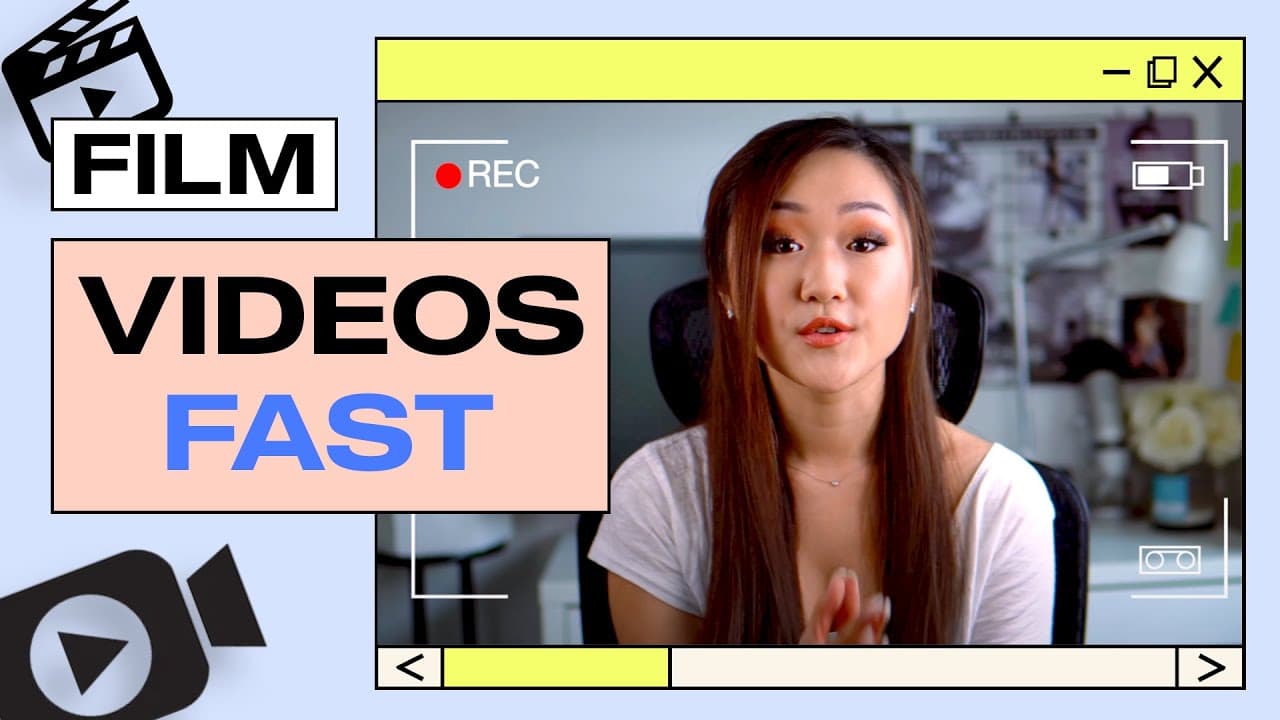
How to Film Youtube Videos 🎥 (Tips to be FAST and EFFICIENT!)
TL;DR
Learn tips to film YouTube videos efficiently and naturally.
Transcript
What's up everyone. Welcome back to my channel, the number one place for new coaches, content creators and entrepreneurs. In today's video, I really want to share with you guys some tips and strategies on how exactly I film my youtube videos, specifically how I went from spending over five hours of just filming one video alone to finally cutting th... Read More
Key Insights
- Using a bullet point script structure instead of a full transcription helps maintain a natural tone and reduces filming time significantly.
- Over scripting can lead to a robotic delivery, while under scripting might cause the speaker to go off track, highlighting the need for a balanced approach.
- Filming in smaller chunks allows for easier corrections and more efficient editing, as it eliminates the need to redo entire segments for minor mistakes.
- Having a project management tool like Asana on mobile helps in organizing scripts and prompts, making the filming process smoother.
- Investing in a remote control for the camera can save time by allowing the creator to start and stop recording without leaving their seat.
- Minor mistakes during filming can often be edited out, so it's important to maintain composure and continue rather than restarting.
- Using a chunk filming method results in multiple short clips that are easier to manage and edit, reducing the burden on video editors.
- Consistent practice and having the right tools and equipment are key to improving filming efficiency over time.
Install to Summarize YouTube Videos and Get Transcripts
Explore YouTube Video Summarizer or Get YouTube Transcript Extractor
Questions & Answers
Q: What is the main tip for improving filming efficiency?
The main tip for improving filming efficiency is to use a bullet point script structure instead of a full transcription. This approach helps maintain a natural tone, reduces the need for memorization, and significantly cuts down on filming time by allowing for a more flexible delivery.
Q: How does filming in chunks benefit the editing process?
Filming in chunks benefits the editing process by creating multiple short clips instead of one long take. This method makes it easier to manage and edit the footage, as it allows for quick corrections of mistakes without having to redo entire segments, thus saving time and effort for both the creator and the editor.
Q: What role does a project management tool play in filming?
A project management tool like Asana plays a crucial role in filming by helping organize scripts and prompts efficiently. It allows the creator to have a clear overview of what needs to be covered, ensuring a structured approach to filming and reducing the likelihood of missing important points during recording.
Q: Why is a camera remote recommended for filming?
A camera remote is recommended for filming because it allows the creator to start and stop recording without leaving their seat. This convenience saves time and minimizes disruptions during the filming process, making it easier to maintain focus and continuity, especially when filming in chunks.
Q: How should minor mistakes during filming be handled?
Minor mistakes during filming should be handled by maintaining composure and continuing with the recording, as they can often be edited out later. It's important to control one's mindset and breathing, and to trust the editing process, which can remove small errors without the need for a complete retake.
Q: What is the potential drawback of filming in chunks?
The potential drawback of filming in chunks is the need to get up frequently to start or stop the recording, which can be cumbersome. However, this issue can be mitigated by using a camera remote, allowing the creator to control the recording process from their seat, thus maintaining efficiency.
Q: Why is it important to have a balanced approach to scripting?
Having a balanced approach to scripting is important because over scripting can lead to a robotic delivery, while under scripting might cause the speaker to go off track. A balanced script provides structure while allowing for flexibility, ensuring a natural and engaging delivery without unnecessary delays.
Q: What is the impact of consistent practice on filming efficiency?
Consistent practice significantly impacts filming efficiency by helping creators refine their techniques and become more comfortable with the filming process. Over time, this leads to faster setup, smoother delivery, and a more intuitive understanding of how to best utilize tools and equipment, ultimately reducing overall production time.
Summary & Key Takeaways
-
The video shares strategies to efficiently film YouTube videos by using a structured yet flexible script approach. This method helps maintain a natural delivery and reduces filming time.
-
Filming in smaller chunks rather than trying to record in one take allows for easier corrections and more efficient editing, resulting in a more streamlined production process.
-
Investing in simple tools like a camera remote can significantly enhance the filming experience by minimizing disruptions and improving overall efficiency.
Read in Other Languages (beta)
Share This Summary 📚
Summarize YouTube Videos and Get Video Transcripts with 1-Click
Try YouTube Summary with ChatGPT & Claude or YouTube Transcript Generator
Explore More Summaries from Vanessa Lau 📚






Summarize YouTube Videos and Get Video Transcripts with 1-Click
Try YouTube Summary with ChatGPT & Claude or YouTube Transcript Generator