YouTube Tips, Channel Grading and More!
TL;DR
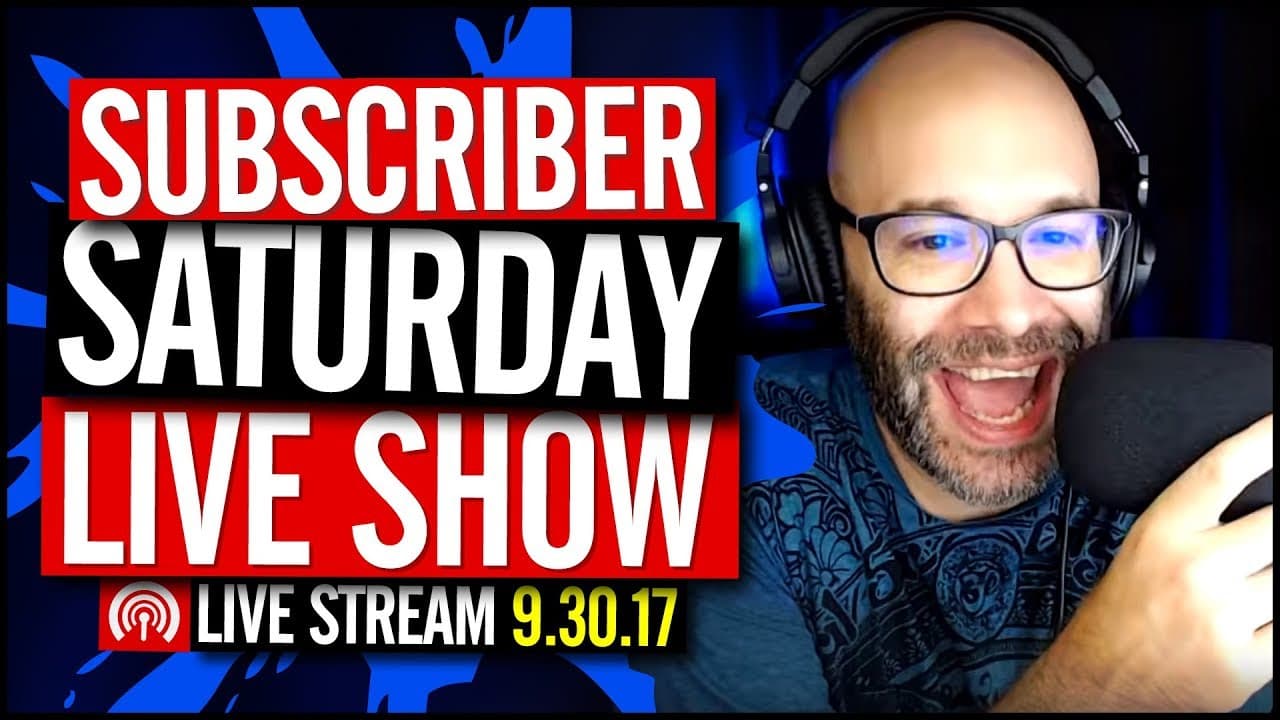
Nick answers questions and grades channels on a live stream, providing useful advice for YouTube creators.
Transcript
today I'm answering your YouTube questions we are grading channels and more and we're starting great what is going on my name is Nick welcome to another Saturday livestream if this is your first time here and you're watching this on the replay and you want to learn how to grow your channel make videos and all types of other YouTube related stuff st... Read More
Key Insights
- 🤪 Going live on YouTube requires a different set of skills but offers a unique opportunity for interaction with viewers.
- 🎮 It is important to optimize videos for search in order to get more views on a video, especially for new channels.
- 🤩 Consistency, patience, and continuous improvement are key to growing a YouTube channel.
- 🧍 Creating a content plan and defining goals for different types of videos can provide direction and help a gaming channel stand out.
- 🎮 DSLRs offer more creative control and options for customization, which can enhance the quality of videos.
- 🫵 Building a presence within the YouTube community can help a channel gain exposure and connect with potential viewers.
- 🍳 Gradually upgrading equipment and exploring different lighting options can enhance video quality without breaking the bank.
- ☄️ Personal branding on YouTube comes with potential safety concerns, but similar risks can exist even without using your name.
- 🍻 Social media platforms like Twitter can be used to share channel links and participate in discussions with other creators.
- 🪜 Fan funding options like Patreon can be useful, but adding value to supporters is crucial for success.
- ❓ Starting a YouTube channel requires planning, branding, and content creation, while being consistent and continuously learning.
- 😨 Green screens can add a professional touch to videos, but care must be taken to ensure a quality result.
Install to Summarize YouTube Videos and Get Transcripts
Explore YouTube Video Summarizer or Get YouTube Transcript Extractor
Questions & Answers
Q: Can you grade my channel quickly?
Channel grading will be done later in the stream. Follow the instructions on Twitter or wait for the free channel grading portion.
Q: Can you help me grow my channel?
Check out Nick's videos and apply the advice given. Consistency and optimizing for search are important factors for channel growth.
Q: How do I get more than 100 views on a video?
Focus on ranking your videos in search results by optimizing your video titles, tags, and descriptions. Also, consider sharing your content on relevant communities like Reddit or Facebook groups.
Q: What program should I use for intros and outros?
After Effects or Sony Vegas are great options for creating intros and outros. Canva can also be helpful for creating graphic elements.
Summary & Key Takeaways
-
Nick is doing a live stream to answer YouTube questions and grade channels.
-
He is in a different location, at his mom's house in Arizona, which explains the change in set-up.
-
Viewers have the opportunity to get feedback on their channels, including input from Nick's mom.
Read in Other Languages (beta)
Share This Summary 📚
Summarize YouTube Videos and Get Video Transcripts with 1-Click
Try YouTube Summary with ChatGPT & Claude or YouTube Transcript Generator
Explore More Summaries from Nick Nimmin 📚



Summarize YouTube Videos and Get Video Transcripts with 1-Click
Try YouTube Summary with ChatGPT & Claude or YouTube Transcript Generator