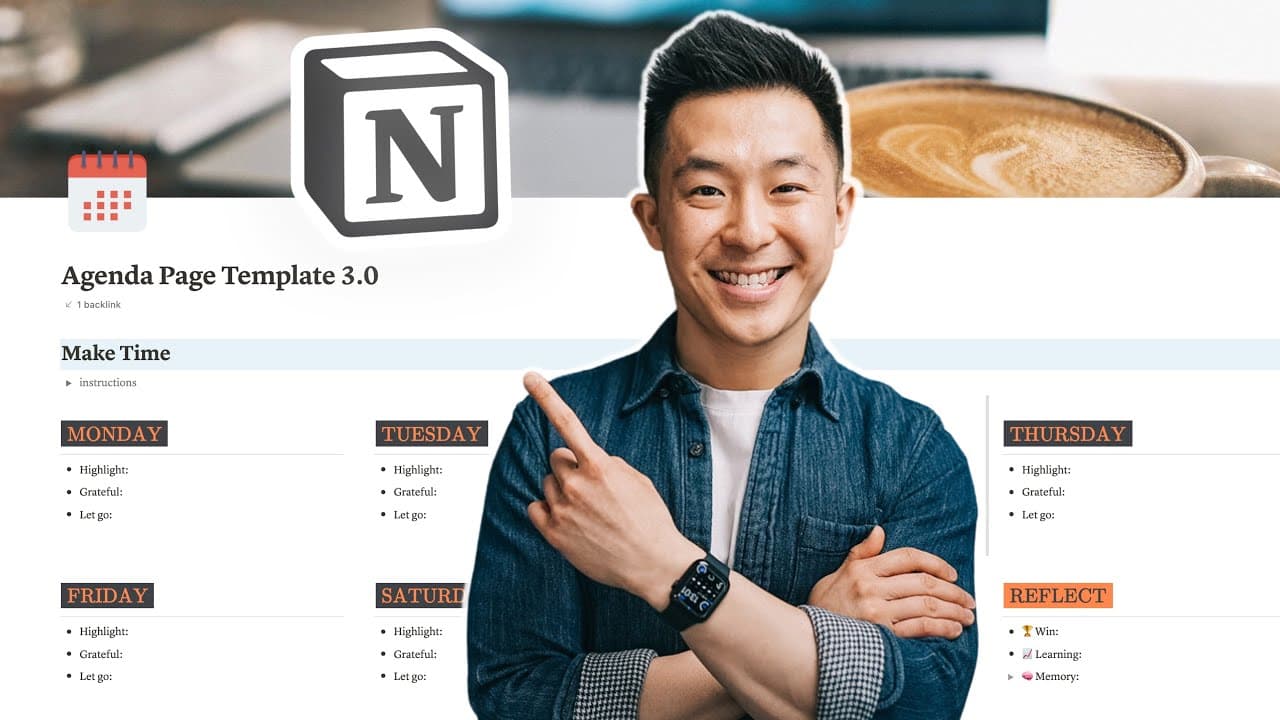
Notion Weekly Agenda Template 🌟 📆 Practical & Aesthetic!
TL;DR
Learn how to format and customize a Notion agenda planner template, along with a daily workflow and reflective prompts for effective planning.
Transcript
this is a weekly agenda template i used when i first downloaded a notion years ago this is how it looked after my first major upgrade and this is a current template i'm using to plan my life one day at a time in this video i go through formatting tricks i use to make this look pretty yet practical and my daily five minute workflow that i've adhered... Read More
Key Insights
- 🎨 Notion agenda planners can be customized to have an appealing visual design while maintaining practicality.
- 🎨 Utilizing tools like Canva, Flat Icons, and color palette generators can enhance the aesthetics of the planner.
- 🤳 The suggested daily workflow involving writing down a highlight and practicing self-reflection promotes intentional productivity and personal development.
- 🎈 Work streams in the agenda planner help organize projects and tasks that span multiple days or weeks.
- 👷 Copying and pasting uncompleted work streams to the next week's agenda can ensure continuity in planning.
Install to Summarize YouTube Videos and Get Transcripts
Explore YouTube Video Summarizer or Get YouTube Transcript Extractor
Questions & Answers
Q: How can I change the cover image of a Notion agenda planner?
To change the cover image, you can use a free online tool like Canva and create a design with dimensions of 1536 by 614 pixels.
Q: How can I customize the weekday headers in Notion?
By using inline equations, you can change the colors of the word and the background in the weekday headers. Copy the provided equation into an empty row and modify the values accordingly.
Q: What is the daily workflow suggested in the video?
The daily workflow involves writing down one highlight, one thing to be grateful for, and one thing to let go. The highlight represents the main task for the day, which should be scheduled on the calendar.
Q: Why is self-reflection included in the agenda planner?
Self-reflection is included as it has benefits for personal growth and healthy relationships. The video suggests three prompts for reflection: a win from the week, a learning from a failure, and a memorable moment.
Key Insights:
- Notion agenda planners can be customized to have an appealing visual design while maintaining practicality.
- Utilizing tools like Canva, Flat Icons, and color palette generators can enhance the aesthetics of the planner.
- The suggested daily workflow involving writing down a highlight and practicing self-reflection promotes intentional productivity and personal development.
- Work streams in the agenda planner help organize projects and tasks that span multiple days or weeks.
- Copying and pasting uncompleted work streams to the next week's agenda can ensure continuity in planning.
- Minimizing friction and adapting the template to personal planning needs is recommended for a smooth planning experience.
Summary & Key Takeaways
-
The video provides a demonstration of how to format and make a Notion agenda planner visually appealing and practical.
-
It includes tips on changing the cover image, customizing headers, selecting color palettes, and pairing fonts.
-
The video also introduces a daily workflow inspired by the book "Make Time" and prompts for self-reflection.
Read in Other Languages (beta)
Share This Summary 📚
Summarize YouTube Videos and Get Video Transcripts with 1-Click
Try YouTube Summary with ChatGPT & Claude or YouTube Transcript Generator
Explore More Summaries from Jeff Su 📚






Summarize YouTube Videos and Get Video Transcripts with 1-Click
Try YouTube Summary with ChatGPT & Claude or YouTube Transcript Generator