Top 15 Canva Tips for Productivity!
TL;DR
Learn game-changing tips for using Canva more efficiently, including creating color palettes, adjusting backgrounds, and innovative design hacks.
Transcript
so i've talked about how you can use a free online tool a color hunt to get inspiration for color palettes right and it even has hex codes available so you can use the colors immediately but what if you want to use the color scheme of a specific image or company logo you found online you can literally just copy the image and paste it into a camera ... Read More
Key Insights
- 🎨 Color Hunt and Canva's photo color extraction feature provide inspiration and immediate access to color palettes.
- ❓ Adjusting background transparency and applying blur effects enhance the visibility of text on top of backgrounds.
- 🤍 Utilizing white outlines and splatter effects can create visually appealing and engaging designs.
- 🎨 Canva's shortcuts, such as duplicating elements and cropping images, increase productivity while designing.
- 🖼️ Smart Mockups and frames help incorporate screenshots and product mockups into presentations.
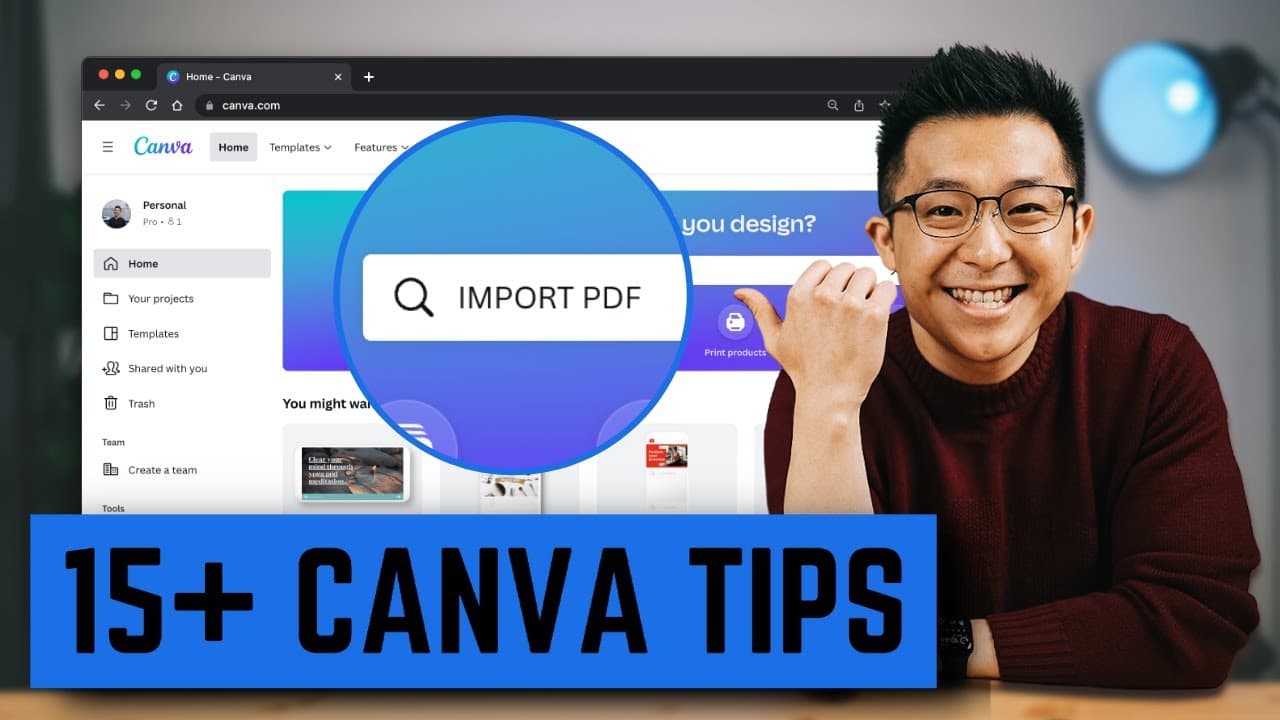
- 👻 Canva allows importing and editing PDF documents for resume customization or data inclusion.
- 🧑🎓 Designing standout business cards can make students stand out during job searches.
- 🏪 Canva Pro offers advanced features like background removal, transparent background downloads, and color eyedropper tool for convenience.
- 🎨 Canva's font pairings guide and color wheel tool assist in making design choices for non-artists.
Install to Summarize YouTube Videos and Get Transcripts
Explore YouTube Video Summarizer or Get YouTube Transcript Extractor
Questions & Answers
Q: How can I extract color palettes from images or logos in Canva?
Simply copy and paste the image into Canva, go to "Photo Colors," select the desired colors, click "Add a New Color," copy the hex code, and incorporate it into your design.
Q: How can I create a separation between backgrounds and text in Canva?
Adjust the transparency slider to 90, click "Edit Image," go to "See All" under adjust, and change the blur to around five for a more distinct separation.
Q: What is a simple way to make elements stand out more in a design?
Drag the image into the design, click "Edit Image," go to "Shadows," click "Glow," adjust the settings to create a white outline, and increase the transparency to 100.
Q: Can I import and edit PDF documents in Canva?
Yes, simply drag the PDF document into Canva, and it becomes editable, allowing you to make changes to resumes, cover letters, or industry reports.
Q: How can I design unique business cards in Canva?
Create your own design using the provided templates or search for business card templates on the Canva homepage. Download as a PNG or JPEG image to send digitally.
Summary & Key Takeaways
-
Use a free online tool like Color Hunt to get inspiration for color palettes and find hex codes for immediate use.
-
Copy and paste an image into Canva to automatically detect and extract colors, then add them to your designs.
-
Improve design aesthetics by applying blur effects to backgrounds and adding white outlines to elements.
-
Enhance designs with creative effects like splatter effects for a disappearing effect or using frames to showcase before and after comparisons.
-
Increase productivity with Canva by utilizing shortcuts for duplicating elements, cropping images, and creating basic shapes.
-
Make presentations more professional by incorporating screenshots or product mockups using Smart Mockups or frames.
-
Import PDFs into Canva for editing resumes, cover letters, or industry reports.
-
Design standout business cards for students and use QR codes to showcase websites or portfolios.
-
Utilize Canva's free guide on font pairings and their color wheel tool for aesthetic design choices.
-
Unlock useful features with Canva Pro, such as the background remover, transparent background downloads, and the color eyedropper tool.
Read in Other Languages (beta)
Share This Summary 📚
Summarize YouTube Videos and Get Video Transcripts with 1-Click
Try YouTube Summary with ChatGPT & Claude or YouTube Transcript Generator
Explore More Summaries from Jeff Su 📚





Summarize YouTube Videos and Get Video Transcripts with 1-Click
Try YouTube Summary with ChatGPT & Claude or YouTube Transcript Generator