Photoshop CC Clipping Mask Tutorial | Photoshop CC
TL;DR
Learn how to use Photoshop's clipping mask tool for creating photo collages and more.
Transcript
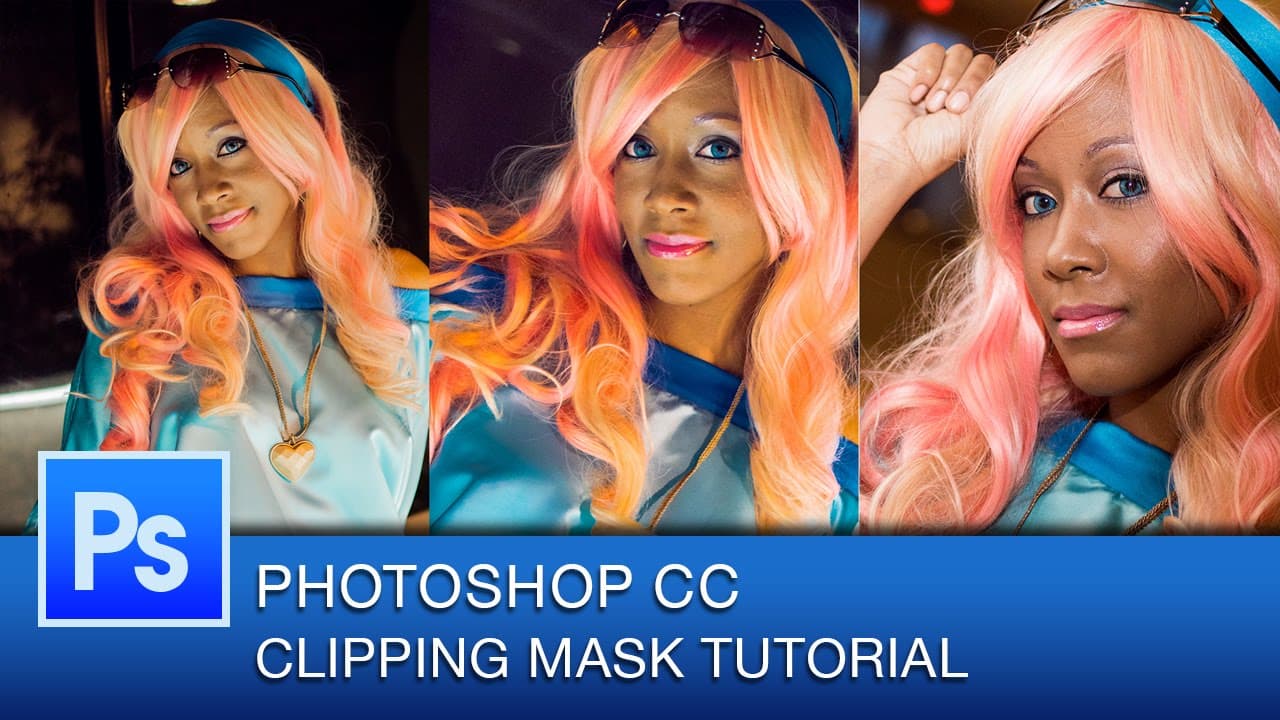
hey everyone this is graphic designer roberto blake and welcome to another photoshop cc tutorial video in today's video i'm going to be showing you how to use the clipping mask tool and how it can be used to go ahead and take multiple images and go ahead and do something like we've done here which could be a photo collage or just anything you need ... Read More
Key Insights
- 😷 Clipping masks in Photoshop allow for non-destructive cropping of images within shapes.
- 📋 The layer order in Photoshop determines what an image is going to be clipped to using clipping masks.
- 😷 Clipping masks can work with various shapes and objects, not limited to just rectangles.
- 🖇️ Linking layers can lock images to clipping masks, letting them move together.
- 😷 Releasing clipping masks in Photoshop reverts to the original layers for editing.
- 😷 Clipping masks are versatile and can be applied creatively in various design projects.
- 😷 Smart objects and vector shapes can be used with clipping masks in Photoshop.
Install to Summarize YouTube Videos and Get Transcripts
Explore YouTube Video Summarizer or Get YouTube Transcript Extractor
Questions & Answers
Q: How can clipping masks be used in Photoshop?
Clipping masks in Photoshop allow you to clip images within shapes, creating photo collages or artistic effects non-destructively. This technique is useful for various design projects.
Q: Can clipping masks work with shapes other than rectangles?
Yes, clipping masks in Photoshop can work with various shapes like hearts or custom shapes besides rectangles, offering artistic possibilities in design projects.
Q: What happens when you release a clipping mask in Photoshop?
Releasing a clipping mask in Photoshop reverts to the original layers, allowing you to move or edit them separately from the clipped images within shapes.
Q: How can clipping masks be used with text in Photoshop?
Clipping masks can be used with text in Photoshop by converting text to smart objects or paths, enabling text to be clipped within shapes creatively.
Summary & Key Takeaways
-
Roberto Blake demonstrates using the clipping mask tool in Photoshop to create photo collages easily.
-
Clipping masks allow images to be cropped non-destructively within shapes like rectangles.
-
The tutorial explains basic concepts and possibilities of using clipping masks for artistic effects.
Read in Other Languages (beta)
Share This Summary 📚
Summarize YouTube Videos and Get Video Transcripts with 1-Click
Try YouTube Summary with ChatGPT & Claude or YouTube Transcript Generator
Explore More Summaries from Roberto Blake 📚






Summarize YouTube Videos and Get Video Transcripts with 1-Click
Try YouTube Summary with ChatGPT & Claude or YouTube Transcript Generator