How to train a deep learning model using docker?
TL;DR
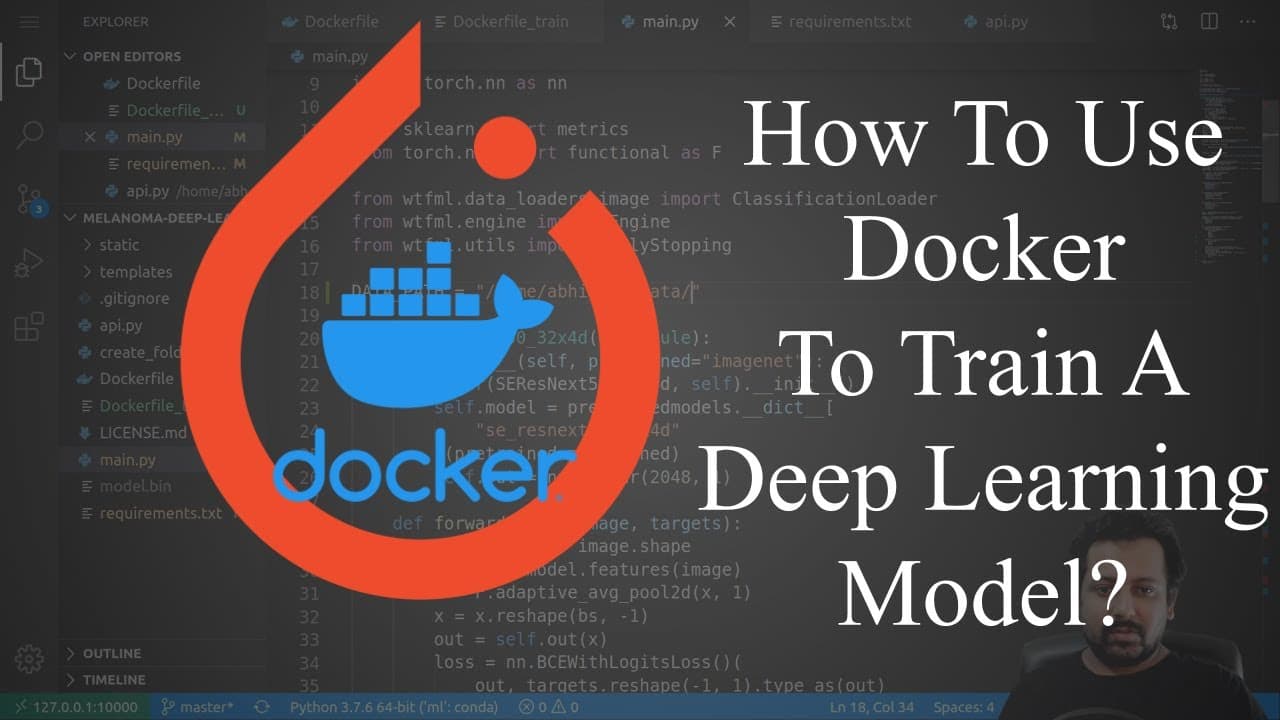
This video demonstrates how to use Docker to train a deep learning model by modifying the training code and creating a Docker file.
Transcript
hello everyone and one of the previous videos I showed you how you can use docker to containerize your flask based web application so there were a couple of videos on my channel previously one of them was training a model training a deep learning model for skin cancer detection then we created a web app then we wrapped the web app inside docker so ... Read More
Key Insights
- 👨💻 Docker can be used to train deep learning models by modifying the training code and creating a Docker file for deployment.
- 🪛 Installing CUDA and cuDNN drivers is necessary for utilizing GPUs in Docker containers.
- ⚾ Selecting a suitable base image from Docker Hub, such as Nvidia CUDA with Ubuntu, is important for enabling deep learning training.
- 👻 Mounting volumes allows easy access to host machine data from within Docker containers.
- 👻 Adjustments to the code and parameters, such as modifying data paths and specifying the number of workers and IPC as "host," can resolve errors related to memory and file access within Docker containers.
- 🚂 Training deep learning models with Docker offers portability and reproducibility, enabling easy deployment across different machines and environments.
Install to Summarize YouTube Videos and Get Transcripts
Explore YouTube Video Summarizer or Get YouTube Transcript Extractor
Questions & Answers
Q: How does the presenter modify the training code for using Docker?
The presenter removes the epochs and wraps the model for automatic mixed precision. They emphasize the importance of using a specific version of the "WTML" library.
Q: What steps are required to install CUDA and cuDNN drivers for training with Docker?
To install CUDA and cuDNN drivers, the presenter directs viewers to Nvidia's Docker repository and provides instructions for copying and running the relevant commands in the terminal.
Q: How does the presenter select a base image for the Docker file?
The presenter suggests visiting Docker Hub and searching for the desired image, such as "Nvidia CUDA 10.1 with Ubuntu 18.04." By modifying the Docker file, the presenter specifies the chosen image and includes CUDA runtime.
Q: How does Docker handle GPU detection and utilization?
Initially, Docker fails to detect GPUs in its container. The presenter explains that by using the Nvidia Docker runtime and specifying the "--gpus" parameter when running the Docker container, GPUs can be identified and utilized.
Summary & Key Takeaways
-
The video starts by highlighting previous videos on training a deep learning model for skin cancer detection and creating a web app using Flask.
-
The presenter explains the modifications made to the code, such as removing epochs and adding a data folder, to simplify the video demonstration.
-
The video then shows the process of creating a Docker file for deploying the Flask app and explains how to install CUDA and cuDNN drivers, choose a suitable base image, and build the Docker image for training the model.
Read in Other Languages (beta)
Share This Summary 📚
Summarize YouTube Videos and Get Video Transcripts with 1-Click
Try YouTube Summary with ChatGPT & Claude or YouTube Transcript Generator
Explore More Summaries from Abhishek Thakur 📚


Summarize YouTube Videos and Get Video Transcripts with 1-Click
Try YouTube Summary with ChatGPT & Claude or YouTube Transcript Generator