8.13: Assigning a CSS Class Dynamically - p5.js Tutorial
TL;DR
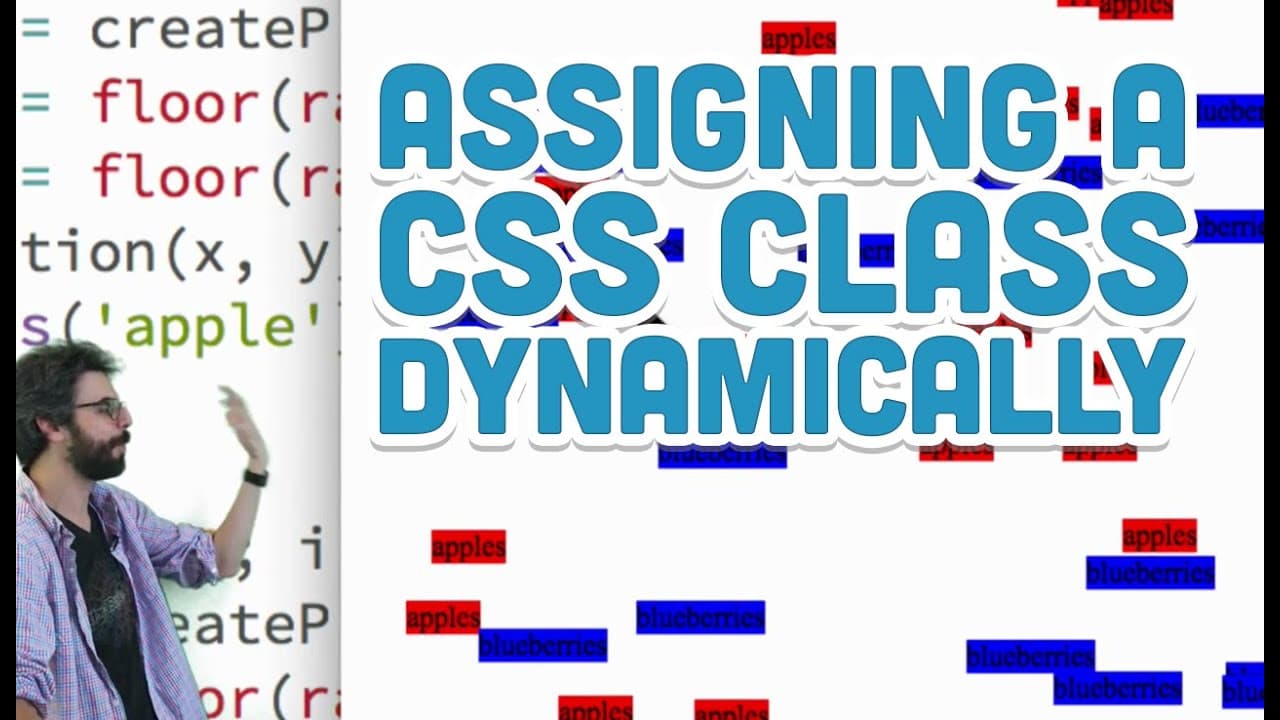
Learn how to dynamically assign classes and styles to DOM elements using JavaScript and CSS.
Transcript
so I've missed a I think two important details in this little rather long series now about HTML CSS and Dom manipulation in p5 that I would like to kind of fill in some gaps and so here is a scenario that I think will fill in one particularly important gap that I want to first talk about which is we have looked at how a class is a way of selecting ... Read More
Key Insights
- 🏛️ Classes in CSS can be dynamically assigned to DOM elements created with JavaScript.
- 👤 Toggling classes on DOM elements enables dynamic changes in styling based on user actions.
- 🕸️ Assigning classes and styles dynamically enhances flexibility and responsiveness in web design.
- 👪 Utilizing parent and child relationships with p5 variables can optimize DOM manipulation.
- 🏛️ Predefined CSS classes can be applied to DOM elements in JavaScript for consistent styling.
- 👻 Dynamically toggling classes on DOM elements allows for interactive and engaging user experiences.
- 🤗 Experimenting with dynamic styling in web development opens up creative possibilities for design and functionality.
Install to Summarize YouTube Videos and Get Transcripts
Explore YouTube Video Summarizer or Get YouTube Transcript Extractor
Questions & Answers
Q: How can JavaScript be used to dynamically assign CSS classes to DOM elements?
JavaScript can be used to create DOM elements and assign them classes, allowing for the application of predefined CSS styles dynamically.
Q: Can you explain how to toggle classes on DOM elements using JavaScript?
By toggling classes on DOM elements, you can dynamically change their appearance by adding or removing CSS styles based on user interactions.
Q: What is the significance of assigning classes and styles to DOM elements dynamically?
Dynamically assigning classes and styles to DOM elements allows for flexible and responsive web design, making it easier to manage and update styling across multiple elements.
Q: How can parent and child relationships be utilized with p5 variables in web development?
Parent and child relationships with p5 variables can streamline the manipulation and styling of DOM elements, offering more control and customization in web development projects.
Summary & Key Takeaways
-
Explains how to dynamically style DOM elements created with JavaScript based on predefined CSS classes.
-
Demonstrates assigning classes to DOM elements in JavaScript to apply styles defined in CSS.
-
Shows how to toggle classes on DOM elements to dynamically change their appearance.
Read in Other Languages (beta)
Share This Summary 📚
Summarize YouTube Videos and Get Video Transcripts with 1-Click
Try YouTube Summary with ChatGPT & Claude or YouTube Transcript Generator
Explore More Summaries from The Coding Train 📚






Summarize YouTube Videos and Get Video Transcripts with 1-Click
Try YouTube Summary with ChatGPT & Claude or YouTube Transcript Generator