How Should Your LinkedIn Profile Look Like | Phil Pallen
TL;DR
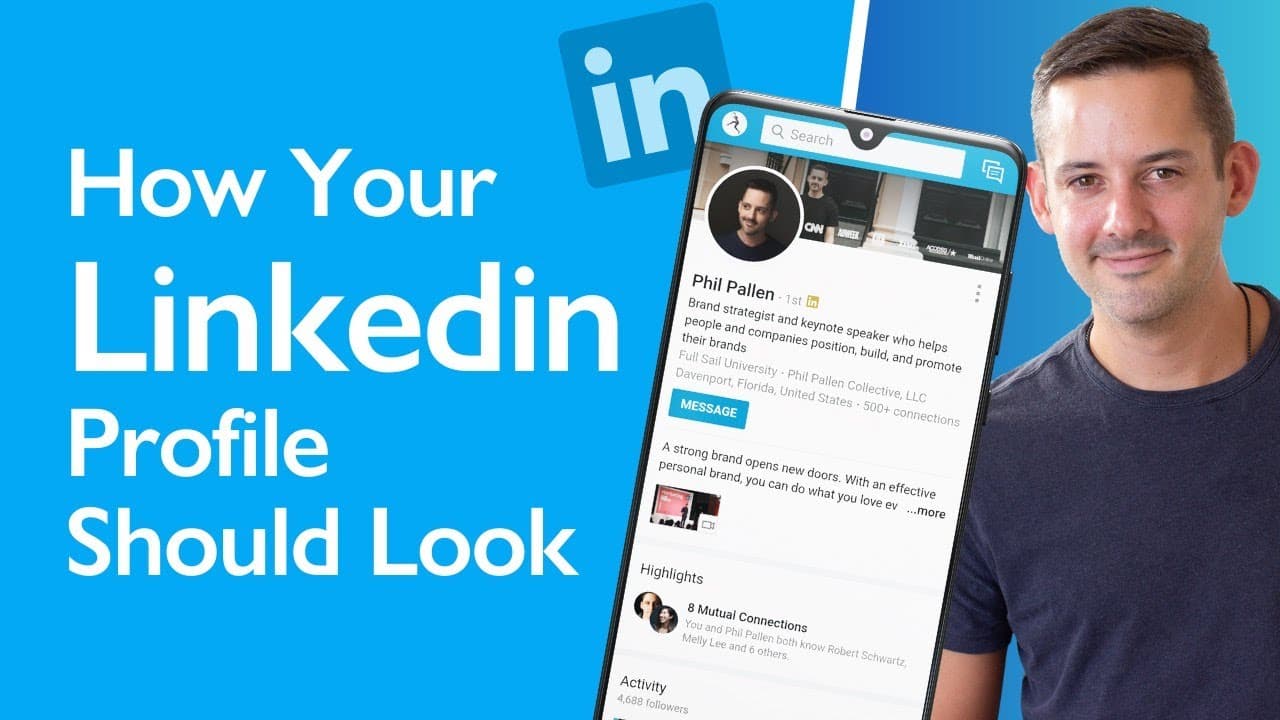
Learn how to improve your LinkedIn profile with tips on profile photos, cover photos, headlines, summaries, featured sections, experience, skills, and recommendations.
Transcript
in this video i'm going to show you how your linkedin profile should look i'm going to walk through my own profile step by step which i just updated prior to filming this video after reading through all kinds of posts and articles so that you don't have to you're welcome on this channel i talk a lot about linkedin instagram personal branding and ot... Read More
Key Insights
- 📷 A professional profile photo and an impactful cover photo are crucial for creating a good first impression on LinkedIn.
- ❓ Craft a headline that incorporates keywords and effectively communicates your skills and expertise.
- 👨🦱 Customizing your profile URL with your social media handle can enhance your personal branding.
- 🙊 The summary section should provide a concise overview of your career highlights, clients, speaking engagements, and unique perspective.
- 💦 Utilize the featured section to provide quick access to important links and visual content that showcase your work.
- 💁 Provide detailed information about your experience, including multiple roles and incorporating storytelling to demonstrate your impact.
- 😴 Pin the most relevant skills on your profile to showcase your expertise, and consider requesting recommendations from connections to strengthen your credibility.
Install to Summarize YouTube Videos and Get Transcripts
Explore YouTube Video Summarizer or Get YouTube Transcript Extractor
Questions & Answers
Q: What makes a good profile photo for LinkedIn?
A good profile photo for LinkedIn should be a clear, professional image of yourself, ideally cropped in close to your face. If you don't have professional photos, choose the best option you have and ensure you are looking at the camera.
Q: How can I make my LinkedIn cover photo more impactful?
Your cover photo on LinkedIn should go beyond a simple photo of yourself. Consider showcasing your projects, media publications, or other elements that represent your expertise or qualifications. Ensure it crops well on both desktop and mobile devices.
Q: How can I optimize my LinkedIn headline?
In your LinkedIn headline, incorporate keywords related to your job title and expertise. Additionally, include a brand sentence or keyword-filled sentence that illustrates what people can expect from you or what they can hire you for.
Q: How can I utilize the featured section on my LinkedIn profile?
The featured section on LinkedIn allows you to showcase important links and visual content. Choose strategically which links to feature, as only one link will show prominently with preview text. Consider having one prominent call to action or multiple links with smaller thumbnails.
Summary & Key Takeaways
-
Choose a professional profile photo and a cover photo that represents your expertise or showcases your projects.
-
Craft a compelling headline that incorporates keywords and showcases your skills and expertise.
-
Customize your profile URL to make it more professional and consistent with your personal brand.
-
Write an engaging summary that highlights your career highlights, clients, speaking engagements, and unique perspective.
-
Utilize the featured section to showcase important links and visual content.
-
Provide detailed information about your experience, including multiple roles and storytelling to illustrate your impact.
-
Pin the most relevant skills on your profile, and request recommendations from connections to strengthen your credibility.
Read in Other Languages (beta)
Share This Summary 📚
Summarize YouTube Videos and Get Video Transcripts with 1-Click
Try YouTube Summary with ChatGPT & Claude or YouTube Transcript Generator
Explore More Summaries from Phil Pallen 📚






Summarize YouTube Videos and Get Video Transcripts with 1-Click
Try YouTube Summary with ChatGPT & Claude or YouTube Transcript Generator