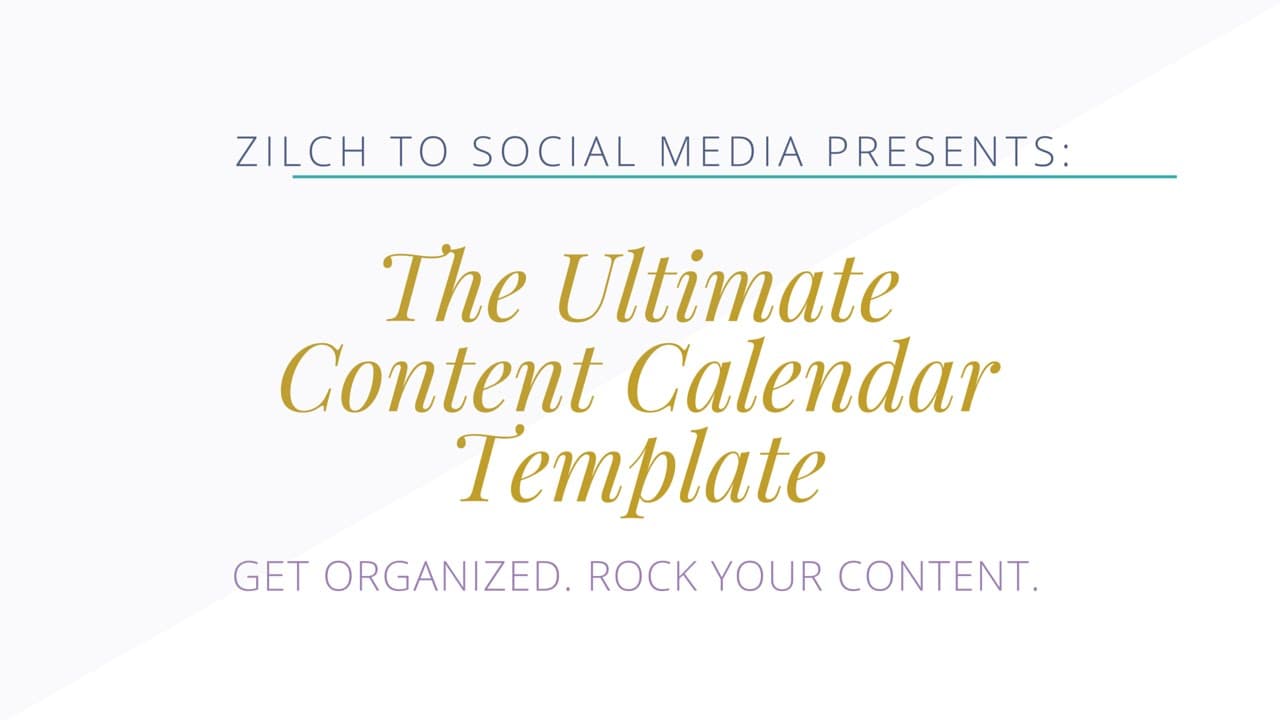
How To Create A Content Calendar Using My Template
TL;DR
Learn to use a content calendar template for effective planning.
Transcript
well hello and welcome to this tutorial video I'm going to be showing you how to utilize the ultimate content calendar template now just a little bit about me I'm Kim human as social media strategist and the creator of zilch to social and I wanted to of course show you how to utilize this ultimate content calendar template that I've designed especi... Read More
Key Insights
- Kim Human, a social media strategist, introduces an ultimate content calendar template designed for organizing content efficiently, particularly for beginners.
- The template is versatile and can be used for planning various content types, including social media posts, blogs, newsletters, and podcasts.
- Users are encouraged to customize the template to fit their specific needs, including setting time frames and adding notes for different platforms like Facebook, Twitter, and blogs.
- The template includes a task section where users can assign tasks such as creating graphics or scheduling posts, enhancing team collaboration.
- A social media sharing schedule is provided, emphasizing the importance of posting content multiple times to reach a wider audience.
- The tutorial encourages the use of Adobe Acrobat for viewing the PDF template and offers a link to download the software.
- Kim offers a free social media content class that complements the template, providing deeper insights into creating engaging content and repurposing strategies.
- The tutorial is part of a broader course called Zilch to Social, aimed at enhancing social media marketing skills and growing online business engagement.
Install to Summarize YouTube Videos and Get Transcripts
Explore YouTube Video Summarizer or Get YouTube Transcript Extractor
Questions & Answers
Q: What is the purpose of the content calendar template introduced by Kim Human?
The purpose of the content calendar template is to help users, particularly beginners, organize and plan their content efficiently. It serves as a versatile tool for scheduling and managing various content types, such as social media posts, blogs, newsletters, and podcasts, allowing users to customize it according to their specific needs.
Q: How can users customize the content calendar template?
Users can customize the content calendar template by setting specific time frames, adding notes for different content platforms like Facebook, Twitter, and blogs, and using the task section to assign responsibilities such as creating graphics or scheduling posts. The template is designed to be flexible, allowing users to tailor it to their unique content planning requirements.
Q: Why is it important to post content multiple times according to the tutorial?
Posting content multiple times is important because it increases the likelihood of reaching a wider audience. Many users may not be online when the content is initially posted, or they may forget about it. By scheduling posts to appear multiple times, users can ensure their content is seen by more people, thereby enhancing engagement and driving more traffic to their platforms.
Q: What additional resources does Kim offer alongside the content calendar template?
Alongside the content calendar template, Kim offers a free social media content class that provides deeper insights into creating engaging content and repurposing strategies. This class is part of a broader course called Zilch to Social, which aims to enhance users' social media marketing skills and help them grow their online business engagement.
Q: What software does Kim recommend for viewing the content calendar template, and why?
Kim recommends using Adobe Acrobat for viewing the content calendar template because it is a reliable PDF viewer that allows users to open and interact with the template without any issues. Adobe Acrobat is widely used and provides the necessary tools for viewing and editing PDF documents, making it an ideal choice for this purpose.
Q: What is the Zilch to Social course about?
The Zilch to Social course is a comprehensive program designed to enhance users' social media marketing skills. It covers everything needed to grow a business through social media, including strategies for increasing engagement, growing a following, and generating more leads. The course is aimed at taking users' social media efforts to the next level.
Q: How does the tutorial suggest handling social media content scheduling?
The tutorial suggests using a social media sharing schedule to handle content scheduling. This schedule outlines specific times for reposting content across different platforms, ensuring that the content reaches a broader audience. It emphasizes the importance of scheduling posts in advance and adjusting the frequency based on the platform's nature, such as more frequent posts on Twitter.
Q: What is the goal of Kim's free social media content class?
The goal of Kim's free social media content class is to provide users with valuable insights into creating engaging social media content that resonates with their audience. The class covers essential topics such as content creation strategies, optimal posting times, and repurposing techniques. It aims to equip users with the skills needed to effectively use the content calendar template and enhance their overall social media presence.
Summary & Key Takeaways
-
Kim Human introduces a comprehensive content calendar template aimed at helping beginners organize and plan their content efficiently. The template is adaptable for various content types and platforms, allowing users to customize it according to their specific needs.
-
The tutorial emphasizes the importance of posting content multiple times across different platforms to maximize reach. It includes a task section for team collaboration, enhancing the planning process for social media strategies.
-
A free social media content class is offered, providing additional insights into creating engaging content and repurposing strategies. This tutorial is part of a broader course, Zilch to Social, aimed at improving social media marketing skills.
Read in Other Languages (beta)
Share This Summary 📚
Summarize YouTube Videos and Get Video Transcripts with 1-Click
Try YouTube Summary with ChatGPT & Claude or YouTube Transcript Generator
Explore More Summaries from Kimberly Ann Jimenez 📚
Summarize YouTube Videos and Get Video Transcripts with 1-Click
Try YouTube Summary with ChatGPT & Claude or YouTube Transcript Generator