How To Record PC Screen For YouTube Videos - Camtasia Tutorial
TL;DR
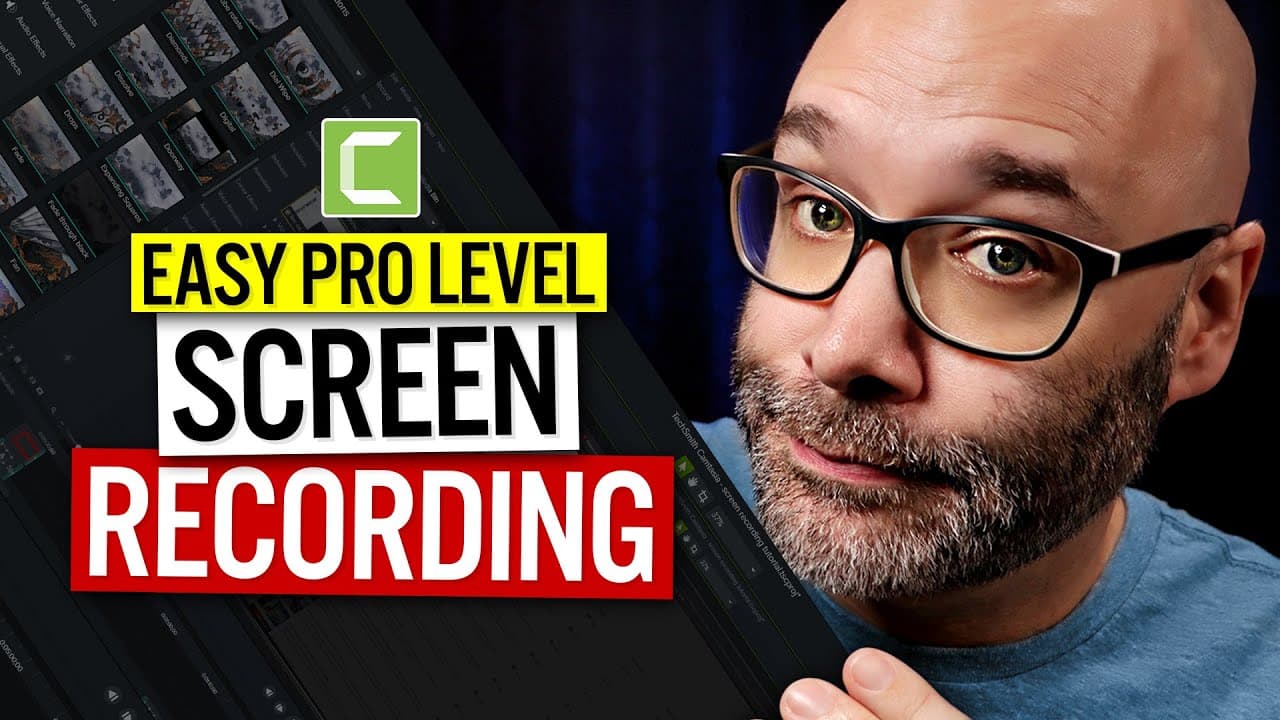
Learn how to create dynamic screen recordings using Camtasia, including tips for keeping mobile viewers engaged.
Transcript
- I'm gonna show you how to record your screen just like I do for my tutorials. I'm gonna show you how to record your screen in a moment dynamic way that will keep people watching for a longer period of time and I'm gonna show you how to add cool things like this, to your screen recordings and where you can get that graphic for free. And we're star... Read More
Key Insights
- 💻 Mobile viewership on YouTube is significant, so it is essential to create dynamic screen recordings that are engaging on smaller screens.
- 🧍 Camtasia is recommended for its extensive features that help make videos stand out and enhance screen recordings.
- 💁 Annotations, such as highlighting, underlining, and pixelation, can be used to draw attention to specific areas or hide sensitive information in screen recordings.
- 🫵 Camtasia offers various animation features, like zooming and spotlight effects, to make screen recordings visually appealing and guide viewers' attention.
- 🎮 The customizable graphics available with Camtasia can further enhance screen recordings and add a professional touch to videos.
- 👻 Camtasia allows for simultaneous recording and editing, which can significantly speed up the workflow for creating screen recordings.
- 🤪 Camtasia's versatility goes beyond screen recording, as it also offers robust video editing capabilities.
Install to Summarize YouTube Videos and Get Transcripts
Explore YouTube Video Summarizer or Get YouTube Transcript Extractor
Questions & Answers
Q: Why is it important to create dynamic screen recordings?
Dynamic screen recordings keep viewers engaged, especially on mobile devices where static recordings can be hard to follow due to small screens.
Q: What are the advantages of using Camtasia for screen recordings?
Camtasia offers extensive features for customization, editing, and simultaneous recording and editing. This allows for professional-looking videos and a faster workflow.
Q: How can annotations be used to enhance screen recordings?
Annotations in Camtasia can be used to highlight, underline, or pixelate specific areas of the recording. It helps draw attention to important elements and hide sensitive information.
Q: What are some animation features in Camtasia?
Camtasia offers animations such as zooming in and out, spotlight effects, and customizable cursor highlights. These animations make screen recordings more visually appealing and guide viewers' attention.
Summary & Key Takeaways
-
Recording screens in a static way makes it difficult for mobile viewers to follow. Camtasia offers dynamic features to enhance screen recordings and keep viewers engaged.
-
Camtasia is recommended for its extensive features that make videos stand out. It allows customization, editing, and simultaneous recording and editing for faster workflow.
-
Camtasia offers various tools, including annotations, pixelation, spotlighting, animations, and customizable graphics, to enhance screen recordings and draw attention to specific elements.
Read in Other Languages (beta)
Share This Summary 📚
Summarize YouTube Videos and Get Video Transcripts with 1-Click
Try YouTube Summary with ChatGPT & Claude or YouTube Transcript Generator
Explore More Summaries from Nick Nimmin 📚


Summarize YouTube Videos and Get Video Transcripts with 1-Click
Try YouTube Summary with ChatGPT & Claude or YouTube Transcript Generator