Coding Challenge #63.1: Texturing Cloth Simulation Part 1
TL;DR
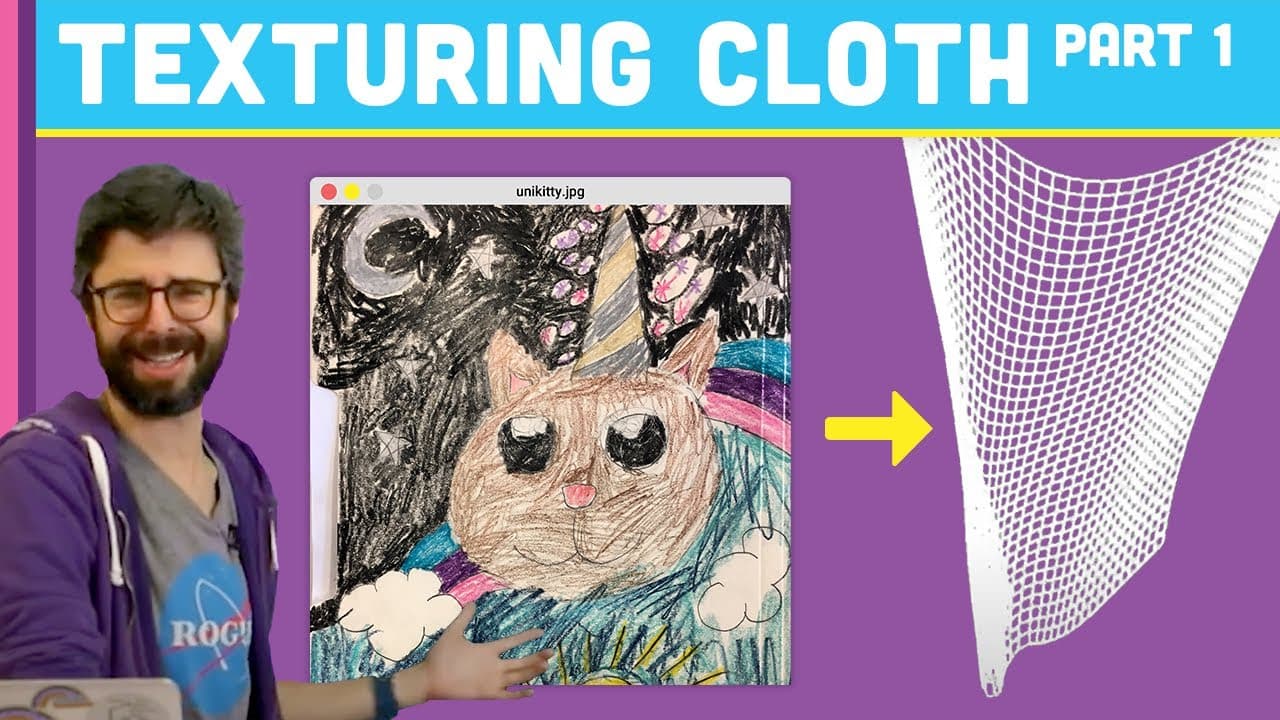
Learn how to texture arbitrary polygons in Processing with images.
Transcript
memories like the corner of my mind is that those lyrics I'm not sure you might resume I remember me from my name is Dan Shipman you may remember me from coding challenge number 20 I think was over 20 a 3d cloth simulation so this is a coding challenge I did a while back and I would like to update this coding challenge and one of the things I want ... Read More
Key Insights
- 👚 Introduction to updating a 3D cloth simulation Coding Challenge.
- 🇧🇻 Explanation of texturing geometry using images and UV coordinates.
- 🎞️ Utilization of triangle strips for simplifying the creation of textured polygons.
- ❓ Demonstrating texturing techniques with the example of Unikitty image.
- 📳 Understanding texture mode variations for customized rendering in Processing.
- ❓ Possibilities of manipulating vertices to create unique visual effects with textures.
- 👨💻 Preview of upcoming coding challenge involving texturing a flag with Unikitty image.
Install to Summarize YouTube Videos and Get Transcripts
Explore YouTube Video Summarizer or Get YouTube Transcript Extractor
Questions & Answers
Q: How can you load an image into Processing for texturing?
You can load an image in Processing using the "loadImage()" function and then texture it onto geometry with the "texture()" function by mapping UV coordinates.
Q: What is the purpose of UV coordinates in texturing geometry?
UV coordinates help map points on the geometry to corresponding points on the image, allowing for precise texturing and alignment.
Q: What is the significance of using triangle strips in texturing?
Triangle strips simplify the creation of textured polygons by automatically connecting points in a zigzag pattern, enabling efficient and consistent texturing.
Q: How can texture mode influence the rendering of images in Processing?
Texture mode can be set to normal, which maps image pixels directly, or other modes like image to change how textures are applied to geometry in Processing.
Summary & Key Takeaways
-
Updates a previous 3D cloth simulation coding challenge.
-
Demonstrates how to texture geometry with images.
-
Introduces triangle strip shape for advanced texturing techniques.
Read in Other Languages (beta)
Share This Summary 📚
Summarize YouTube Videos and Get Video Transcripts with 1-Click
Try YouTube Summary with ChatGPT & Claude or YouTube Transcript Generator
Explore More Summaries from The Coding Train 📚






Summarize YouTube Videos and Get Video Transcripts with 1-Click
Try YouTube Summary with ChatGPT & Claude or YouTube Transcript Generator