How to Resolve Merge Conflicts in GitHub
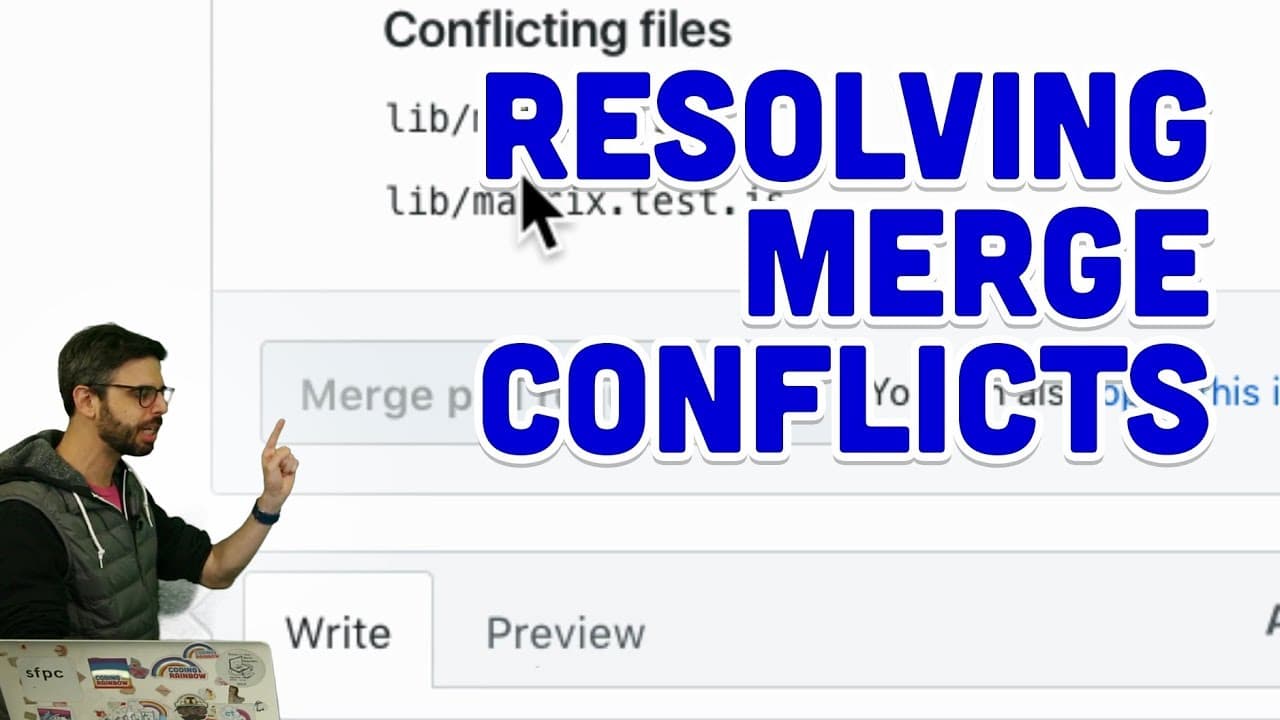
TL;DR
To resolve merge conflicts in GitHub, use the interface to visualize the conflicting changes and select the desired version. This involves reviewing the proposed options for the conflicting lines of code and marking them as resolved before merging. Proper conflict resolution is essential for maintaining code integrity and successful collaboration.
Transcript
(ringing bell) - Hello, surprise. It's a video about Git and GitHub, and this video is about resolving merge conflicts. So, I probably should be doing this video in my poem repository, which I use for all of my intro to Git and GitHub videos but I happen to be here, streaming live, and working on this neural network library that I've been building ... Read More
Key Insights
- 🫥 Merge conflicts occur when two users modify the same lines of code concurrently, leading to overlap and ambiguity in version control.
- 👤 GitHub's interface provides a visual representation of conflicts, making it easier for users to understand and resolve conflicts efficiently.
- 👨💻 Resolving conflicts ensures that code changes are integrated correctly and prevents errors or bugs from occurring post-merge.
Install to Summarize YouTube Videos and Get Transcripts
Explore YouTube Video Summarizer or Get YouTube Transcript Extractor
Questions & Answers
Q: What triggers a merge conflict in Git?
A merge conflict arises in Git when two users make conflicting changes to the same line(s) of code, causing ambiguity for the system to auto-merge.
Q: How does GitHub help in resolving merge conflicts?
GitHub provides a visual interface showing conflicting changes, allowing users to compare and choose which version of the code to keep for each conflicting section.
Q: Why is it essential to resolve merge conflicts before merging pull requests?
Resolving conflicts ensures code consistency and prevents potential issues post-merge, maintaining the integrity of the codebase and collaboration efficiency.
Q: What options does GitHub offer for resolving conflicts besides manual selection?
GitHub offers features like auto-merging simple conflicts and suggesting changes, simplifying the conflict resolution process for users.
Summary & Key Takeaways
-
Merge conflicts occur when two users work on the same file in Git; conflicts arise when changes overlap.
-
GitHub's interface allows users to visualize conflicts and choose which changes to keep based on proposed options.
-
Resolving conflicts is crucial before merging to ensure code integrity and collaboration success.
Read in Other Languages (beta)
Share This Summary 📚
Summarize YouTube Videos and Get Video Transcripts with 1-Click
Try YouTube Summary with ChatGPT & Claude or YouTube Transcript Generator
Explore More Summaries from The Coding Train 📚






Summarize YouTube Videos and Get Video Transcripts with 1-Click
Try YouTube Summary with ChatGPT & Claude or YouTube Transcript Generator