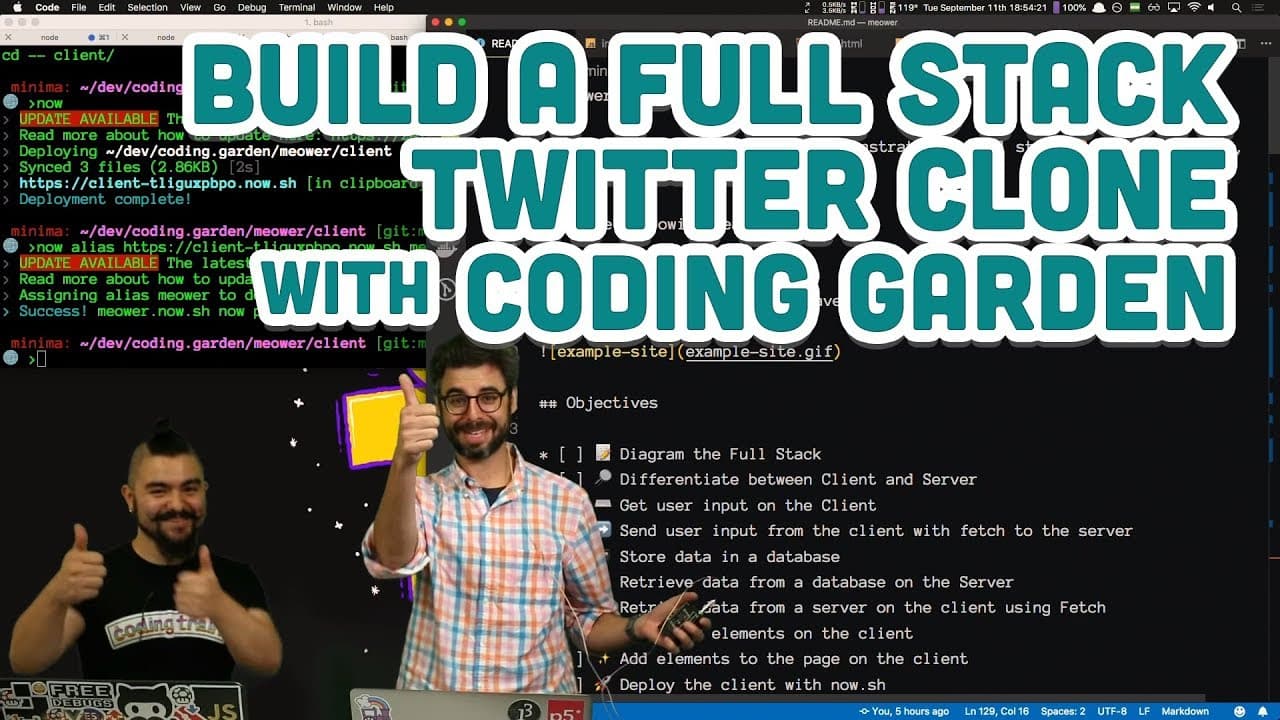
How to Build a Full Stack Twitter Clone for Cats
TL;DR
To build a full stack Twitter clone called Meowr, utilize a front-end with HTML, CSS, and JavaScript for user input, and a back-end powered by Node.js and MongoDB for data storage. Key steps include setting up a server for handling 'Mews' and using the Fetch API for seamless data communication between client and server.
Transcript
yes I muted myself okay okay hello welcome to a very special coding train episode with a slightly different looking coding train logo FLE some like plants and flowers and things will start growing from here I'm kind of damping here to see if people would chat start to say hi that the sound is working and everything because I'm straight I'm on time ... Read More
Key Insights
- ❤️🩹 Building a full-stack web application involves creating both the front end for user interaction and the back end for server-side functionality.
- 🥶 Fetch API simplifies making asynchronous requests to a server, replacing older methods like XMLHttpRequest.
- ☠️ Security measures such as rate limiting and bad word filtering can enhance the safety of a web application.
Install to Summarize YouTube Videos and Get Transcripts
Explore YouTube Video Summarizer or Get YouTube Transcript Extractor
Questions & Answers
Q: Explain the purpose of the front end and back end in a full-stack application.
The front end is what the user interacts with in a web application, while the back end handles server-side functionality and data storage.
Q: How does fetch differ from traditional AJAX methods for making API requests?
Fetch is a modern API in JavaScript that simplifies making asynchronous requests to a server, replacing older methods like XMLHttpRequest.
Q: What security concerns should developers address when accepting user input and storing it in a database?
Developers should validate input data to prevent SQL injection, cross-site scripting, and implement rate limiting to prevent abuse and ensure data integrity.
Q: How can rate limiting and bad word filtering enhance the security of a web application?
Rate limiting helps prevent abuse of server resources and ensures fair usage, while bad word filtering maintains a positive and safe user experience by blocking inappropriate content.
Summary & Key Takeaways
-
Dan introduces CJ from Coding Garden to present a live tutorial on building a full-stack web application.
-
The application created is a basic Twitter clone for cats called Meowr, with features for cats to send and view "Mews" (tweets).
-
CJ guides viewers through diagramming the full stack, setting up the front end with HTML, CSS, and JavaScript, and connecting it to a back-end server with Node.js and MongoDB.
Read in Other Languages (beta)
Share This Summary 📚
Summarize YouTube Videos and Get Video Transcripts with 1-Click
Try YouTube Summary with ChatGPT & Claude or YouTube Transcript Generator
Explore More Summaries from The Coding Train 📚






Summarize YouTube Videos and Get Video Transcripts with 1-Click
Try YouTube Summary with ChatGPT & Claude or YouTube Transcript Generator