Automate Data Analysis with This ChatGPT Plugin
TL;DR
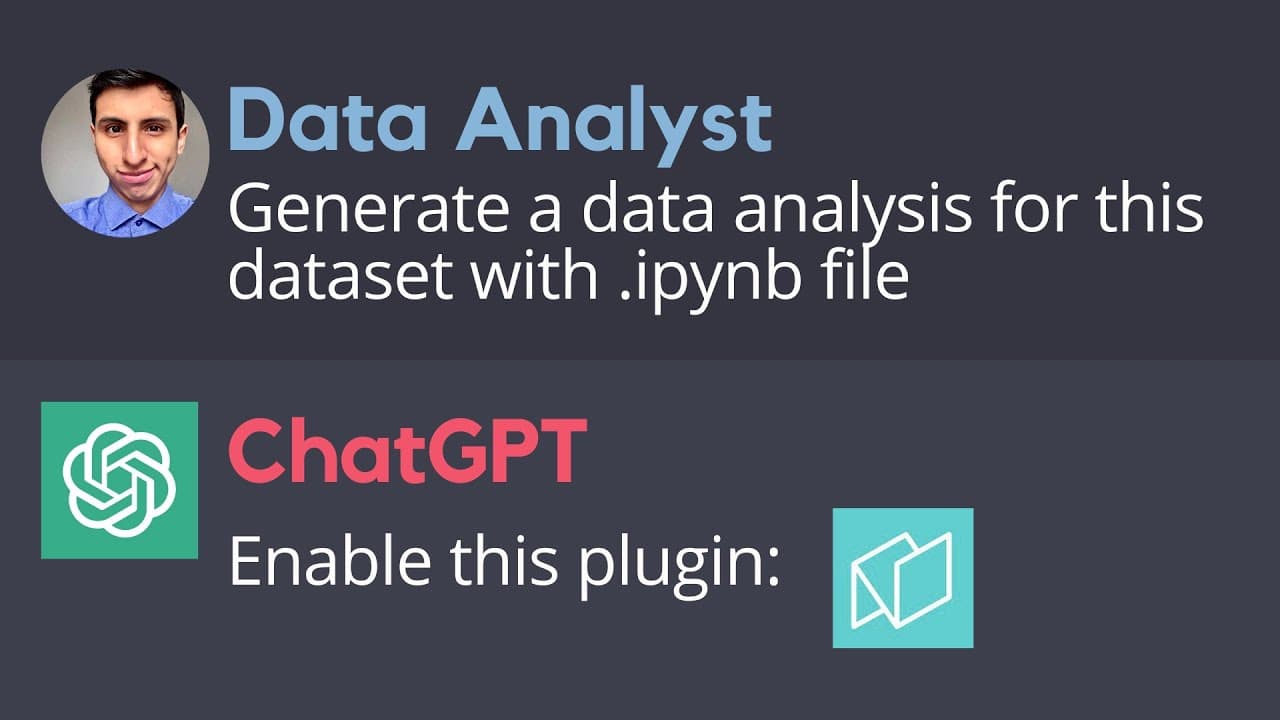
Learn how to use the Notable plugin in ChatGPT to automate data analysis, generate visualizations, and obtain a Python notebook with the code used.
Transcript
I just found a cool child GPD plugin that automates that analysis in seconds this plugin is called nodable and it will help us generate a complete data analysis from our data sets with just a prompt notable can generate quick reports like this one or we can customize our prompt to get a visualization and Analysis we want the best part is that we al... Read More
Key Insights
- 🔍 Notable is a plugin that automates data analysis and generates quick reports or customized visualizations and analysis.
- 📚 Learn Python is a platform that offers courses for learning Python, including a Python for data science course with coding challenges and exercises.
- 💡 Notable is currently the best plugin for data analysis with ChatGPT.
- 💻 Installing the Notable plugin requires a ChatGPT Plus subscription and can be done through the GPT-4 plugin store.
- 🔗 A Notable account is needed to access the generated notebook with the Python code used for the analysis.
- 📊 Notable can generate charts and graphs automatically, such as line plots and bar plots, based on the analyzed data.
- 🗂️ The analysis performed by Notable provides a high-level view of the data trends, but customization with more details is possible.
- 📝 By using specific prompts and providing dataset links, Notable can analyze and visualize different datasets, such as population data and soccer player data from FIFA games.
Install to Summarize YouTube Videos and Get Transcripts
Explore YouTube Video Summarizer or Get YouTube Transcript Extractor
Questions & Answers
Q: How does the Notable plugin automate data analysis in ChatGPT?
The Notable plugin automates data analysis in ChatGPT by allowing users to input data sets, prompts, and customization details, and generating visualizations and Python code for analysis.
Q: What types of visualizations can be generated using the Notable plugin in ChatGPT?
The Notable plugin in ChatGPT can generate various visualizations such as line plots, bar plots, histograms, box plots, scatter plots, and pie charts, depending on the user's prompts and customization preferences.
Q: Can multiple data sets be analyzed simultaneously using the Notable plugin in ChatGPT?
Yes, the Notable plugin in ChatGPT allows multiple data sets to be analyzed simultaneously. Users can provide the links to the data sets and specify the details for analysis, such as the variables to be considered and the desired visualizations.
Q: How can the generated Python code and visualizations be accessed after using the Notable plugin in ChatGPT?
After using the Notable plugin in ChatGPT, users can access the generated Python code and visualizations by viewing the notebook in the Notable project corresponding to their analysis. The notebook contains all the code used and can be accessed within the Notable project interface.
Q: Is prior Python knowledge required to use the Notable plugin in ChatGPT?
While prior Python knowledge is not required to use the Notable plugin in ChatGPT, it is recommended for further customization and working with the generated code. Users can enhance their Python skills through platforms like LearnPython.com, which offers a variety of courses for beginners to professionals.
Q: Does the Notable plugin in ChatGPT support customization of analysis and visualizations?
Yes, the Notable plugin in ChatGPT supports customization of analysis and visualizations. Users can provide specific instructions in their prompt, such as selecting specific countries, variables, or types of visualizations, to tailor the analysis according to their requirements.
Q: Do users need a subscription to ChatGPT Plus to use the Notable plugin?
Yes, users need to be ChatGPT Plus subscribers to have access to the Notable plugin functionality. The plugin store and its features, including the Notable plugin, are exclusive to ChatGPT Plus subscribers.
Summary & Key Takeaways
-
The video introduces the Notable plugin, which automates data analysis and generates reports in ChatGPT.
-
The plugin can be installed in ChatGPT by going to the plugin store and searching for "Notable."
-
The video demonstrates how to use the plugin to analyze population growth and soccer player data sets, providing step-by-step instructions and prompts.
Read in Other Languages (beta)
Share This Summary 📚
Summarize YouTube Videos and Get Video Transcripts with 1-Click
Try YouTube Summary with ChatGPT & Claude or YouTube Transcript Generator
Explore More Summaries from The PyCoach 📚

Summarize YouTube Videos and Get Video Transcripts with 1-Click
Try YouTube Summary with ChatGPT & Claude or YouTube Transcript Generator