This Loophole Helps Me Scrape ANY Website with ChatGPT | Web Scraping with ChatGPT
TL;DR
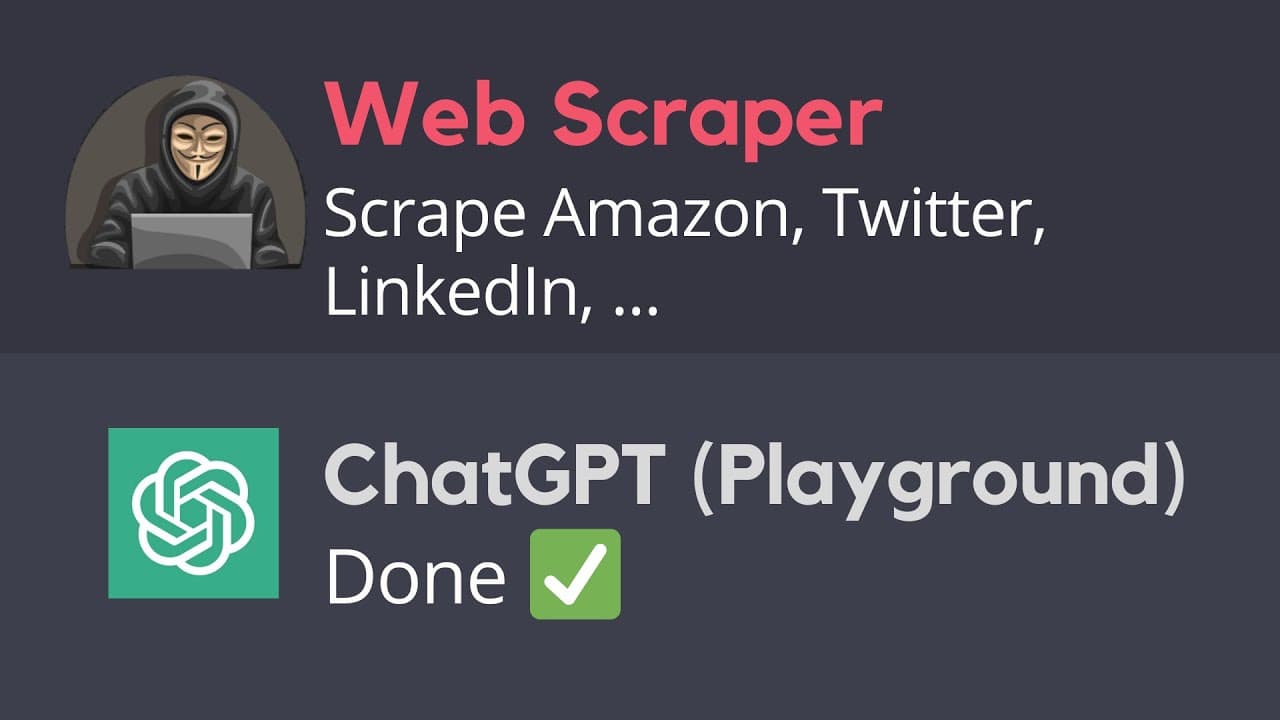
Learn how to scrape websites like Amazon and Twitter using Chat GPT and create the right prompts for effective scraping.
Transcript
in a previous video I showed you how to describe websites using chat GPT giving simple prompts for example scrapbook titles from bookstorescribe.com but this simple prompts don't always help as a script website with chat GPT and in this video I'm going to show you how to scrape any website using tab gbt but not this version that you're seeing but t... Read More
Key Insights
- 🔎 Website scraping with Chat GPT:
- Using Chat GPT to scrape websites requires giving instructions rather than simply copying and pasting the link.
- Instructions involve identifying the HTML elements that represent the desired content and specifying how to locate and extract that content.
- The HTML structure, class, and tag names are crucial in creating accurate instructions for website scraping.
- The generated code can be used with libraries like Python's Beautiful Soup or Selenium for web scraping purposes.
- The process can be applied to websites with basic HTML code, such as the example website provided.
- Scraping websites like Amazon requires specifying the elements to scrape using XPath, as Beautiful Soup is not sufficient for scraping Amazon.
- Selenium and Chrome Driver can be used for web scraping from Amazon.
- The instructions involve identifying the HTML element that represents the desired content (e.g., book titles) and specifying the attribute names, such as 'div' and 'link'.
- By giving the right instructions to Chat GPT, web scraping from Amazon can be done without writing code.
- 📱 Scraping Tweets from Twitter:
- To scrape tweets from Twitter, instructions must be given to locate and extract the desired elements.
- Inspecting the website reveals the HTML elements that represent tweets, such as the 'div' tag with the 'link' attribute.
- The generated code can be used with libraries like Python's Selenium and Chrome Driver to scrape tweets from Twitter.
- Only the visible tweets can be scraped initially, but scrolling down can allow for scraping the entire page of tweets.
- Additional instructions, such as specifying the number of times to scroll down, can be added to scrape all tweets on the page.
Install to Summarize YouTube Videos and Get Transcripts
Explore YouTube Video Summarizer or Get YouTube Transcript Extractor
Questions & Answers
Q: How does Chat GPT help in scraping websites?
Chat GPT allows users to provide instructions to locate and extract specific data from websites by generating the necessary code based on the given prompts.
Q: What is the importance of identifying HTML elements when scraping websites?
Identifying HTML elements helps in specifying the exact location of the desired data on a website, allowing Chat GPT to generate accurate scraping code.
Q: Why is it necessary to provide instructions to scrape websites instead of directly copying and pasting the website's link?
Chat GPT requires instructions to understand how the data should be extracted from a website since it cannot directly create the scraping code for that website.
Q: Can any website be scraped using Chat GPT?
Yes, any website can be scraped using Chat GPT as long as the user provides the necessary instructions to locate and extract the desired data.
Q: What are some examples of data that can be scraped using Chat GPT?
Examples include scraping movie titles from a website, book titles from Amazon, and tweets from Twitter, as demonstrated in the video.
Q: What are the limitations of using Chat GPT for website scraping?
Chat GPT may not always generate the correct scraping code on the first try, and users may need to experiment with different instructions or libraries to achieve successful scraping.
Q: How can the process of scraping all the tweets on a page be achieved?
In order to scrape all the tweets on a page, users can add instructions to scroll down a specific number of times before scraping the data, allowing for the extraction of all visible tweets.
Summary & Key Takeaways
-
The video demonstrates how to scrape websites using Chat GPT and provides instructions using HTML elements.
-
The process involves identifying the relevant elements on the website and providing instructions to locate and extract the desired data.
-
The video showcases examples of scraping movie titles from a website, book titles from Amazon, and tweets from Twitter.
Read in Other Languages (beta)
Share This Summary 📚
Summarize YouTube Videos and Get Video Transcripts with 1-Click
Try YouTube Summary with ChatGPT & Claude or YouTube Transcript Generator
Explore More Summaries from The PyCoach 📚
Summarize YouTube Videos and Get Video Transcripts with 1-Click
Try YouTube Summary with ChatGPT & Claude or YouTube Transcript Generator