How to Count Words in Text and Visualize Frequencies
TL;DR
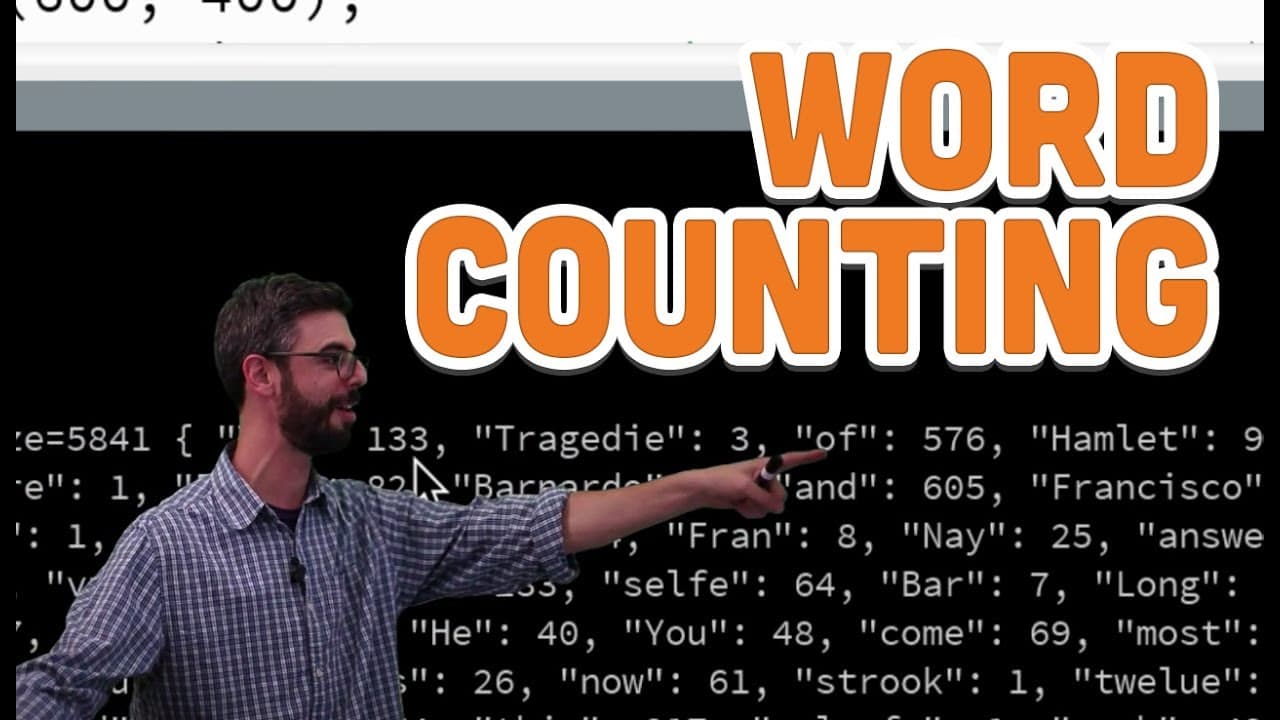
To count words in text, use a data structure called an 'int dictionary' to pair each word with its occurrence count. This method simplifies storing and organizing word frequencies, enabling visualizations that reveal insights about language use and patterns. Additionally, consider the impact of stop words and TFI-IDF for deeper text analysis.
Transcript
okay in this video I want to talk about the last piece of the puzzle for doing for for making a word counting application and processing and and then kind of talk about some ideas and some directions to go in applying uh uh this AB this new found ability to count Words in a body of text and what types of things we might do with that so just to star... Read More
Key Insights
- 🔑 Word counting applications enable visualizations for analyzing word frequencies efficiently.
- 🖐️ Stop words play a crucial role in text analysis by revealing underlying patterns and author characteristics.
- 🏪 Utilizing dictionaries in programming simplifies the process of storing and counting words for analysis.
- 🔑 Sorting dictionaries by keys or values helps in organizing word frequencies for further analysis.
- 🔑 TFI IDF concept helps in identifying key words by comparing word frequencies across different documents.
- 🔑 Visualization techniques can enhance the analysis of word frequencies, providing deeper insights into text data.
- 🤗 Exploring numerical data sources alongside text data opens up new avenues for analysis and insights.
Install to Summarize YouTube Videos and Get Transcripts
Explore YouTube Video Summarizer or Get YouTube Transcript Extractor
Questions & Answers
Q: How can word counting applications help in text analysis?
Word counting applications provide insights into word frequencies, aiding in text analysis for understanding patterns and author characteristics.
Q: What is the significance of stop words in text analysis?
Stop words are common, meaningless words that, when removed from text, can reveal valuable insights and nuances in text analysis.
Q: How are dictionaries utilized in processing for word counting?
Dictionaries in programming store words and their counts efficiently, facilitating word counting applications by pairing strings with numerical values.
Q: How can visualizing word frequencies enhance text analysis?
Visualizing word frequencies allows for a clear representation of patterns in text, aiding in identifying key words and trends for deeper analysis.
Summary & Key Takeaways
-
Processing tutorials on word counting applications, including examples of word frequency visualizations.
-
Exploring the concept of stop words in text analysis and understanding their significance.
-
Introducing the use of dictionaries in programming for storing word counts efficiently.
Read in Other Languages (beta)
Share This Summary 📚
Summarize YouTube Videos and Get Video Transcripts with 1-Click
Try YouTube Summary with ChatGPT & Claude or YouTube Transcript Generator
Explore More Summaries from The Coding Train 📚






Summarize YouTube Videos and Get Video Transcripts with 1-Click
Try YouTube Summary with ChatGPT & Claude or YouTube Transcript Generator