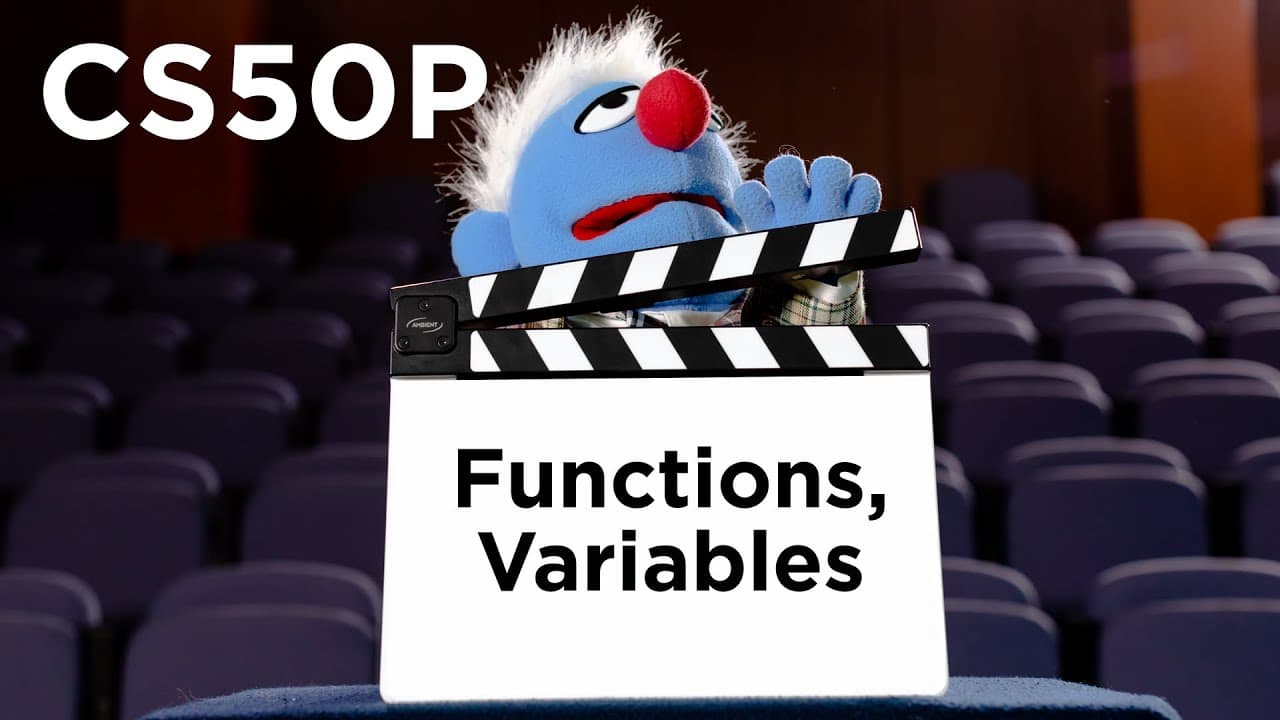
CS50P - Lecture 0 - Functions, Variables
TL;DR
Learn the basics of programming with Python, including functions, variables, and manipulating text.
Transcript
so all right this is cs50s introduction to programming with python my name is david malin and this is our week on functions and variables but odds are many of you most of you have never actually programmed before so let's start by doing just that let me go ahead here and open up my computer and on it a program called visual studio code or vs code w... Read More
Key Insights
- 👍 The current version of the code is more readable as it clearly shows the steps being taken to clean up and format the input. The lines of code are not too long and flow naturally.
- 👎 The previous version of the code was better because it was broken out into separate lines, making it easier to understand and modify individual steps if needed. The longer code allowed for more clarity and explicitness in each step of the process.
Install to Summarize YouTube Videos and Get Transcripts
Explore YouTube Video Summarizer or Get YouTube Transcript Extractor
Questions & Answers
Q: How can you create variables and assign values to them in Python?
In Python, you can create variables by using an assignment statement, which involves choosing a variable name and using the equal sign (=) to assign a value. For example, to create a variable called "x" and assign it the value 10, you can write "x = 10".
Q: What is the purpose of a command line interface (CLI) in programming?
A command line interface is a text-based interface that allows users to interact with a computer or program through typed commands. In programming, a CLI is commonly used to run and execute code, navigate files and directories, and perform various tasks in a command prompt or terminal window.
Q: How can you manipulate text in Python?
Python provides various string methods, such as strip(), title(), capitalize(), and more, to manipulate and transform text. These methods allow you to remove whitespace from the beginning and end of a string, capitalize the first letter of words, convert the entire string to title case, and perform other text transformations.
Q: What is the purpose of the print() function in Python?
The print() function in Python is used to display text or other values on the console or terminal window. It can be used to output individual strings or combine multiple strings and variables together for output. The print() function also supports various formatting options to customize the output.
Summary & Key Takeaways
-
The video introduces the concept of functions and variables in Python programming.
-
The instructor demonstrates how to write a simple program that prints "Hello, world!" using the print function.
-
The video also covers the use of command line interfaces and running Python programs in a terminal window.
Read in Other Languages (beta)
Share This Summary 📚
Summarize YouTube Videos and Get Video Transcripts with 1-Click
Try YouTube Summary with ChatGPT & Claude or YouTube Transcript Generator
Explore More Summaries from CS50 📚
Summarize YouTube Videos and Get Video Transcripts with 1-Click
Try YouTube Summary with ChatGPT & Claude or YouTube Transcript Generator