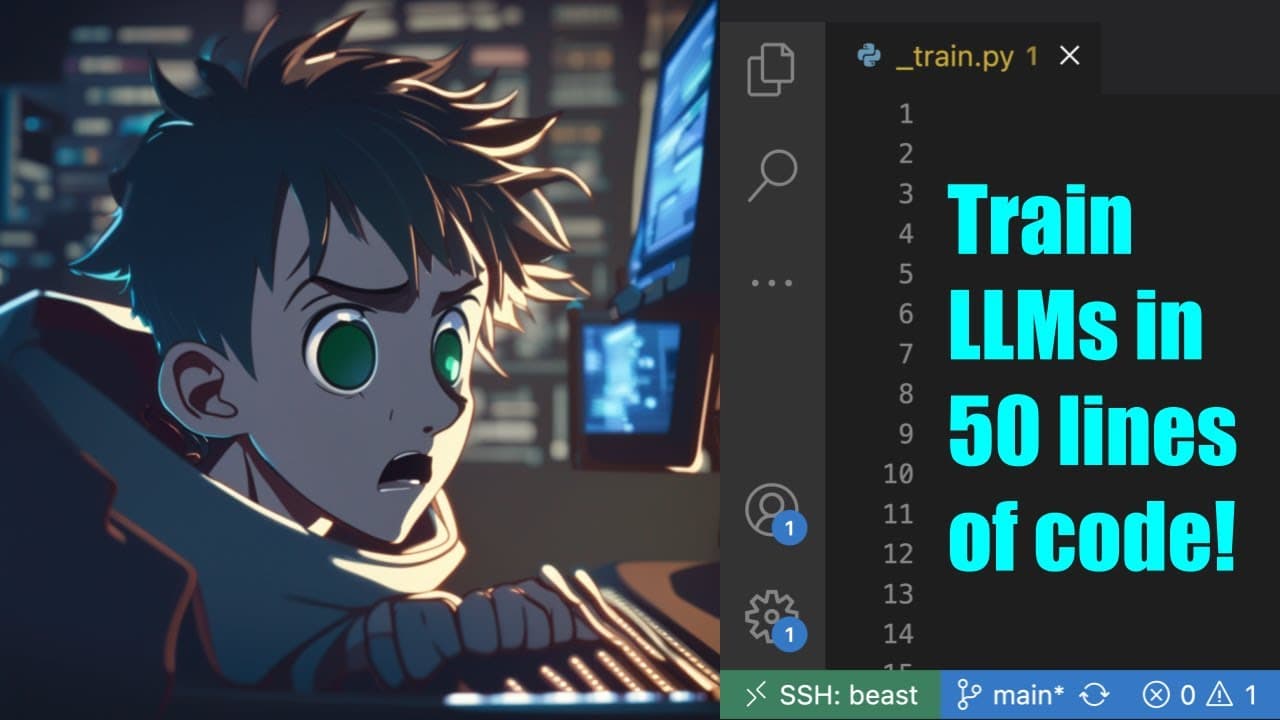
Train LLMs in just 50 lines of code!
TL;DR
Learn how to train your own Language Model in just 50 lines of code using a custom dataset and the hugging face library.
Transcript
hello everyone and welcome to my YouTube channel in today's video I'm going to show you how you can train llms in just 50 lines of code so to start with you need a data set obviously uh here I have a data set alpaca and uh we can go through the data set it has three different columns instruction input and output just like when you're training in an... Read More
Key Insights
- 🤗 Training a Language Model can be achieved with just 50 lines of code using the hugging face library.
- 👨💻 The code relies on the sft trainer for supervised fine-tuning and the Auto Train library for a code-free training alternative.
- 💁 The custom dataset used for training consists of input, output, and instruction columns, which are combined to form a text column.
- 👨💻 Resizing token embeddings can be useful but is not necessary in this code implementation.
Install to Summarize YouTube Videos and Get Transcripts
Explore YouTube Video Summarizer or Get YouTube Transcript Extractor
Questions & Answers
Q: What is the format of the custom dataset used for training the Language Model?
The custom dataset used for training the Language Model consists of three columns: input, output, and instruction. These columns are combined to form a text column.
Q: Can I train the Language Model using my own private dataset instead of the hugging face data set?
Yes, you can train the Language Model using your own private dataset by converting it to the data sets format and specifying the file path in the code.
Q: Is it necessary to resize the token embeddings for the model?
Resizing the token embeddings is not necessary in this code, but it can be useful if you make changes to the tokenizer or if you want to experiment with different token sizes.
Q: How can I train the Language Model on a single GPU?
To train the Language Model on a single GPU, you can set the "Cuda visible devices" flag to the GPU index you want to use in the command before running the code.
Summary & Key Takeaways
-
The video demonstrates how to train a Language Model using a custom dataset with three columns: input, output, and instruction.
-
The presenter provides a step-by-step guide on importing the necessary libraries and defining the training function.
-
The code utilizes the hugging face library and the sft trainer for supervised fine-tuning.
Read in Other Languages (beta)
Share This Summary 📚
Summarize YouTube Videos and Get Video Transcripts with 1-Click
Try YouTube Summary with ChatGPT & Claude or YouTube Transcript Generator
Explore More Summaries from Abhishek Thakur 📚

Summarize YouTube Videos and Get Video Transcripts with 1-Click
Try YouTube Summary with ChatGPT & Claude or YouTube Transcript Generator