How To Use HyperLinks In Excel
TL;DR
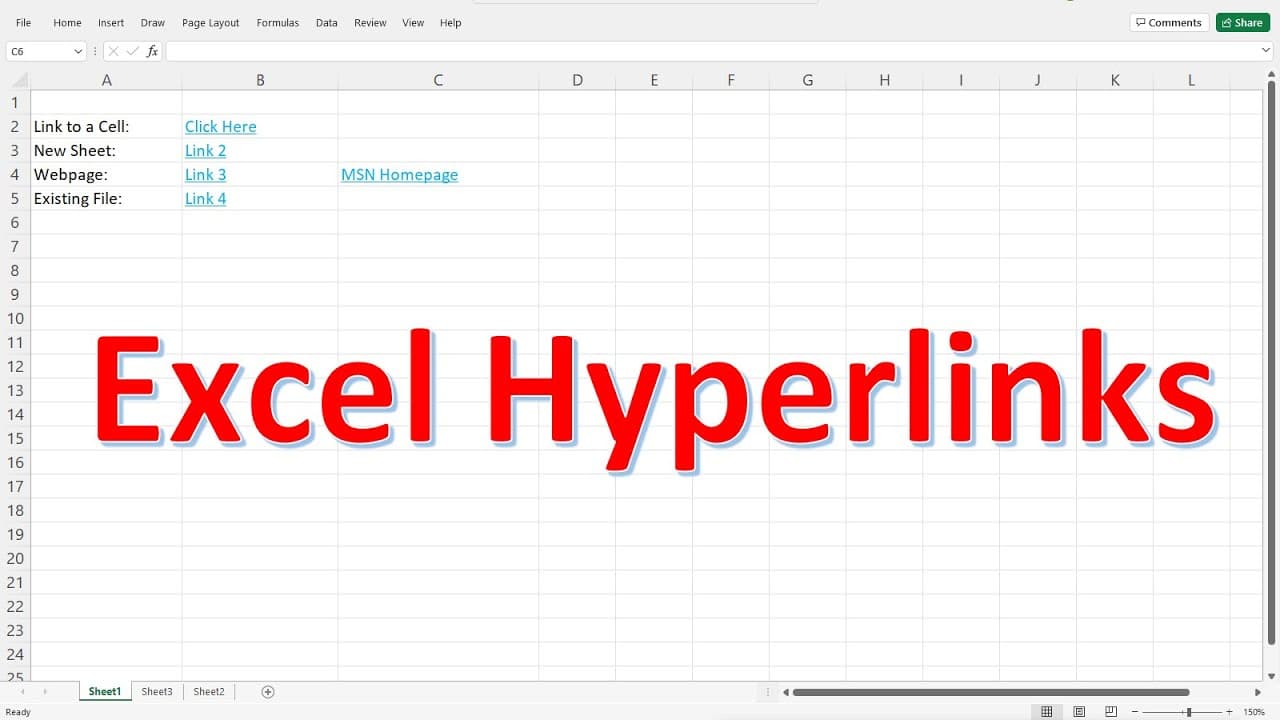
Learn how to create hyperlinks in Excel to quickly navigate to specific cells, sheets, web pages, and external files.
Transcript
in this video i'm going to show you how you can use the hyperlinks in excel to perform some basic functions so one of the first things that we can do is we can create a link that will take us to a specific cell within this sheet so let's call this link one once you highlight link one go to insert and then select link insert link and on the left you... Read More
Key Insights
- 👻 Hyperlinks in Excel allow for easy navigation within the same sheet or between different sheets.
- 📃 Web page hyperlinks can be created by entering the URL directly or browsing for the desired webpage.
- 📂 Excel hyperlinks can also open external files or programs for convenience.
- 💁 Customizing the display text and screen tips enhances the usability of hyperlinks.
- 🤨 Hyperlinks are especially useful in large Excel documents with many rows and sheets.
- 💨 Hyperlinks provide a quick way to access frequently visited web pages or files.
- 🧘 Excel hyperlinks can be edited or removed using the "Edit Hyperlink" option.
Install to Summarize YouTube Videos and Get Transcripts
Explore YouTube Video Summarizer or Get YouTube Transcript Extractor
Questions & Answers
Q: How do I create a hyperlink to a specific cell within the same sheet?
To create a hyperlink to a specific cell, highlight the text, go to Insert, select Link, choose "Place in This Document," and set the desired cell reference. You can also customize the display text and add screen tips.
Q: Can I link to a cell in a different sheet?
Yes, you can. Follow the same process as above, but select the desired sheet as a cell reference. This allows you to quickly switch between sheets by clicking the hyperlink.
Q: How can I create a hyperlink to a web page?
Use the "Link to an Existing File or Web Page" option, enter the webpage address directly or browse for the file, and customize the display text and screen tip. Clicking the hyperlink will open the web page in your default browser.
Q: Can I use hyperlinks to open external files or programs?
Yes, you can. Select "Existing File or Web Page," choose the appropriate file or program, and customize the display text and screen tip. Clicking the hyperlink will open the file or program.
Summary & Key Takeaways
-
Create hyperlinks in Excel to navigate to specific cells within the same sheet.
-
Link to cells in different sheets to easily switch between them.
-
Insert hyperlinks to web pages and external files for quick access.
Read in Other Languages (beta)
Share This Summary 📚
Summarize YouTube Videos and Get Video Transcripts with 1-Click
Try YouTube Summary with ChatGPT & Claude or YouTube Transcript Generator
Explore More Summaries from The Organic Chemistry Tutor 📚





Summarize YouTube Videos and Get Video Transcripts with 1-Click
Try YouTube Summary with ChatGPT & Claude or YouTube Transcript Generator