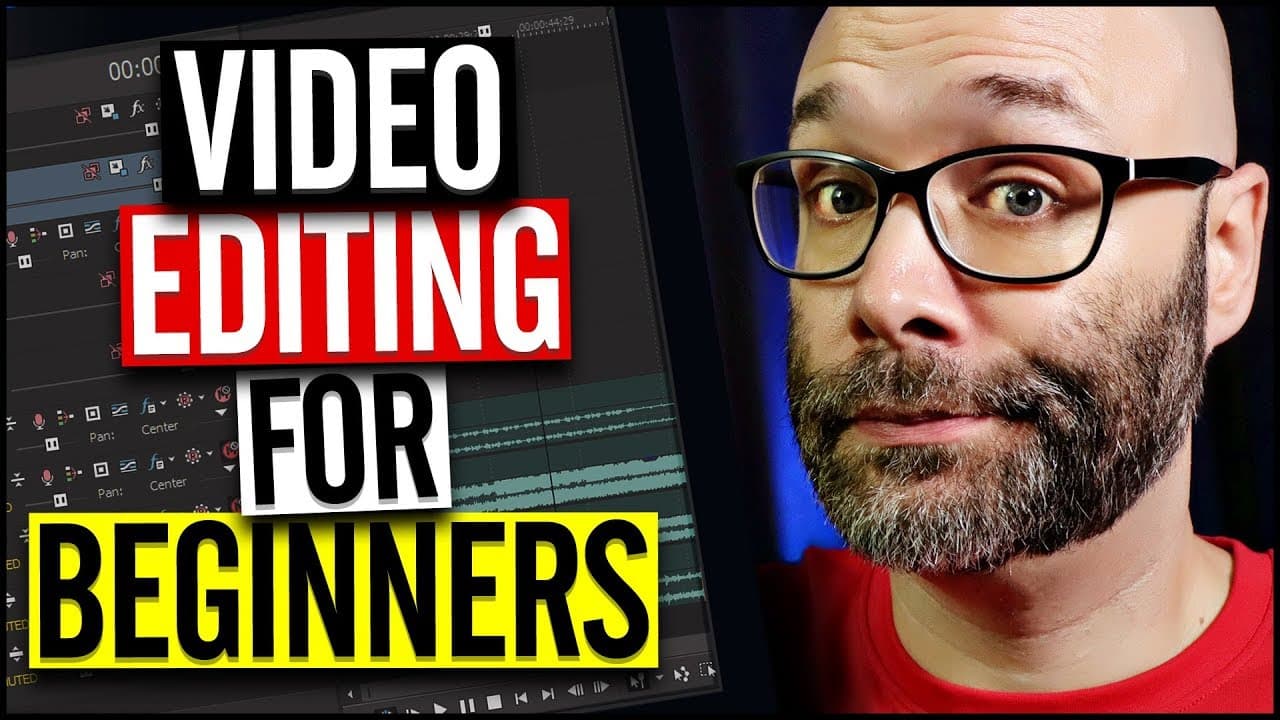
YouTube Video Editing For Beginners
TL;DR
Learn about different types of cuts, such as standard cut, jump cut, J cut, L cut, cross-cutting, action cuts, cutaways, and montages, to make your YouTube videos more interesting and professional.
Transcript
- In this series on video editing for beginners I'm gonna show you everything that you need to know to make awesome YouTube videos. As I add to this series, there's going to be a link down below that will take you into the entire series. But today we are talking about different cuts that you can use in your videos so that you can make your videos m... Read More
Key Insights
- 🍽️ Different cuts, such as jump cuts, J cuts, and L cuts, can add variety and interest to your videos, keeping viewers engaged.
- 💇 Action cuts, where you cut between actions, can make videos more dynamic and seamless if done correctly.
- 😫 Cutaways and montages are effective techniques to set the scene, illustrate a story, or show the passage of time.
- 🎮 The secret sauce for enhancing video quality mentioned in the video is Magic Bullet Looks, a plug-in by Red Giant.
Install to Summarize YouTube Videos and Get Transcripts
Explore YouTube Video Summarizer or Get YouTube Transcript Extractor
Questions & Answers
Q: What is a basic cut in video editing?
A basic or standard cut involves cutting a video clip at the desired point and inserting another clip, either to insert a second shot or bring different elements together.
Q: How can jump cuts make videos more engaging?
Jump cuts, characterized by abrupt transitions between scenes, are popular on YouTube. They can be used to transition between scenes or make the video more visually interesting. Cropping or pushing in on the frame can help soften the abruptness of jump cuts.
Q: What is the difference between a J cut and an L cut?
In a J cut, the audio begins before the video, while in an L cut, you hear the audio from the previous clip before the next clip starts playing. Both techniques add variety and creativity to video storytelling.
Q: How can cutaways enhance storytelling in vlogs?
Cutaways enable vloggers to set the scene, illustrate stories, or provide additional visuals while talking about a specific topic. By showing other shots or scenes while speaking, cutaways make the video more engaging.
Summary & Key Takeaways
-
This video is part of a series on video editing for beginners, providing everything you need to know to create awesome YouTube videos.
-
The content focuses on various cuts, including the standard cut, jump cut, J cut, L cut, cross-cutting, action cuts, cutaways, and montages.
-
The secret sauce for enhancing video quality mentioned in the video is a plug-in called Magic Bullet Looks by Red Giant.
Read in Other Languages (beta)
Share This Summary 📚
Summarize YouTube Videos and Get Video Transcripts with 1-Click
Try YouTube Summary with ChatGPT & Claude or YouTube Transcript Generator
Explore More Summaries from Nick Nimmin 📚

Summarize YouTube Videos and Get Video Transcripts with 1-Click
Try YouTube Summary with ChatGPT & Claude or YouTube Transcript Generator