Quick Tips For Buying a New Laptop | Laptop Buyers Guide
TL;DR
Quick tips for buying a laptop - consider budget, usage needs, and key components like processor, RAM, and graphics.
Transcript
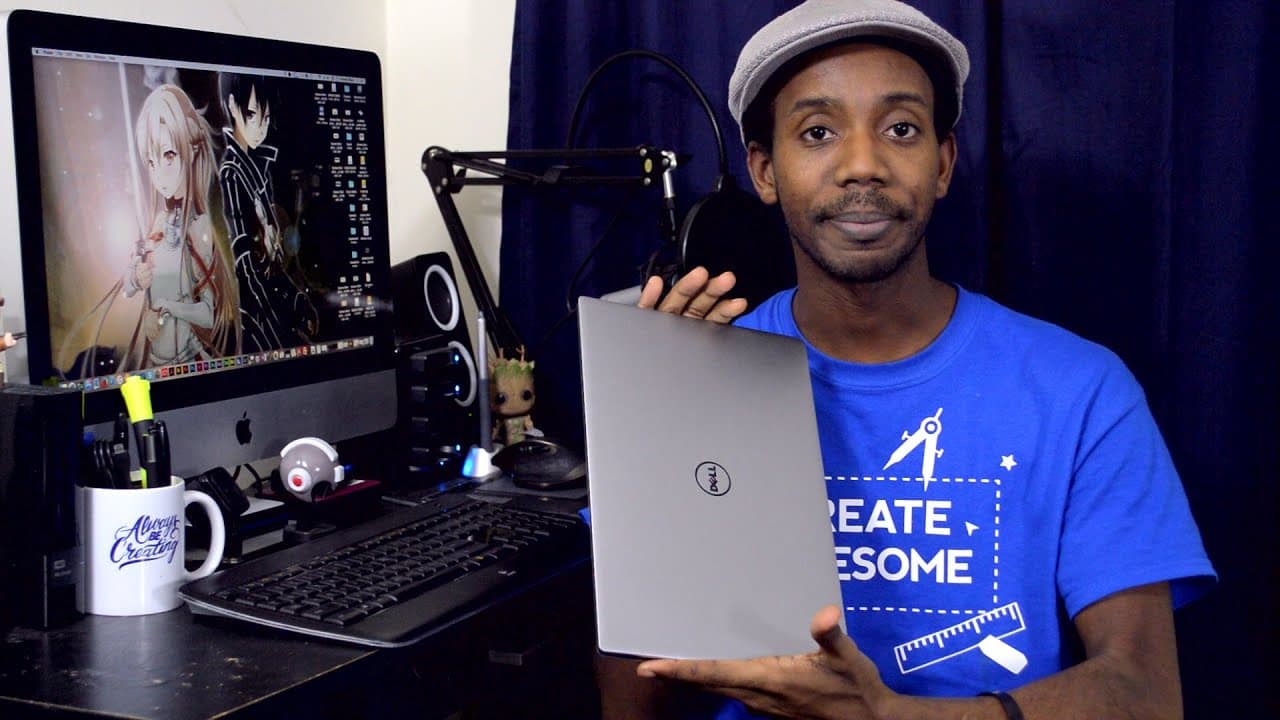
- Hey everybody, this is Roberto Blake of robertoblake dot com geeking out with you today trying to help you buy an awesome laptop. So, as many of you know, I actually have a new laptop that Dell sent over to put in to review. But we're not really talking about that today, we're talking about laptops in a much more general way. I'm going to give yo... Read More
Key Insights
- 🖐️ Budget considerations play a pivotal role in determining the type of laptop you can purchase.
- 🗯️ Understanding your specific usage needs, whether for gaming, productivity, or everyday tasks, is essential in selecting the right laptop.
- 🆚 Processor choice (i5 vs i7), storage options (SSD vs HDD), and RAM capacity significantly impact laptop performance.
- ⚾ Graphics card requirements vary based on usage, with dedicated GPUs beneficial for tasks like gaming and video editing.
- ⚾ The importance of USB ports and SD card slots should be considered based on individual preferences and workflow requirements.
- 💻 Refurbished laptops can offer cost-effective solutions, provided they are purchased from reputable sources like Amazon.
- 🧑🏭 Operating system preference, user experience requirements, and brand reputation should factor into the laptop buying decision.
Install to Summarize YouTube Videos and Get Transcripts
Explore YouTube Video Summarizer or Get YouTube Transcript Extractor
Questions & Answers
Q: What are the key factors to consider when buying a new laptop?
When buying a new laptop, it's essential to determine your budget, usage needs, and prioritize components like processor, RAM, and graphics based on your specific requirements.
Q: How does the choice between i5 and i7 processors affect laptop performance?
The i7 processor offers more power but comes at a higher price, while the i5 is suitable for most users and can provide sufficient performance for everyday tasks.
Q: Is a solid-state drive (SSD) worth the additional cost over a traditional hard disk drive (HDD)?
An SSD offers faster performance, quieter operation, and improved durability compared to an HDD, making it a worthwhile investment for those seeking enhanced speed and reliability.
Q: How important is RAM in determining a laptop's performance?
RAM is crucial for running multiple applications efficiently, and having a minimum of 8GB is recommended for most users, especially those engaging in tasks like video editing and multitasking.
Summary & Key Takeaways
-
Determine your laptop usage needs and budget before considering specific components like processor, RAM, and graphics.
-
Processor choice (i5 or i7), SSD vs HDD, and amount of RAM are crucial factors to consider in selecting a laptop.
-
Consider the need for a dedicated graphics card based on your usage requirements, such as gaming or video editing.
Read in Other Languages (beta)
Share This Summary 📚
Summarize YouTube Videos and Get Video Transcripts with 1-Click
Try YouTube Summary with ChatGPT & Claude or YouTube Transcript Generator
Explore More Summaries from Roberto Blake 📚






Summarize YouTube Videos and Get Video Transcripts with 1-Click
Try YouTube Summary with ChatGPT & Claude or YouTube Transcript Generator