How to Use Open Source Models with Python in 5 Minutes
TL;DR
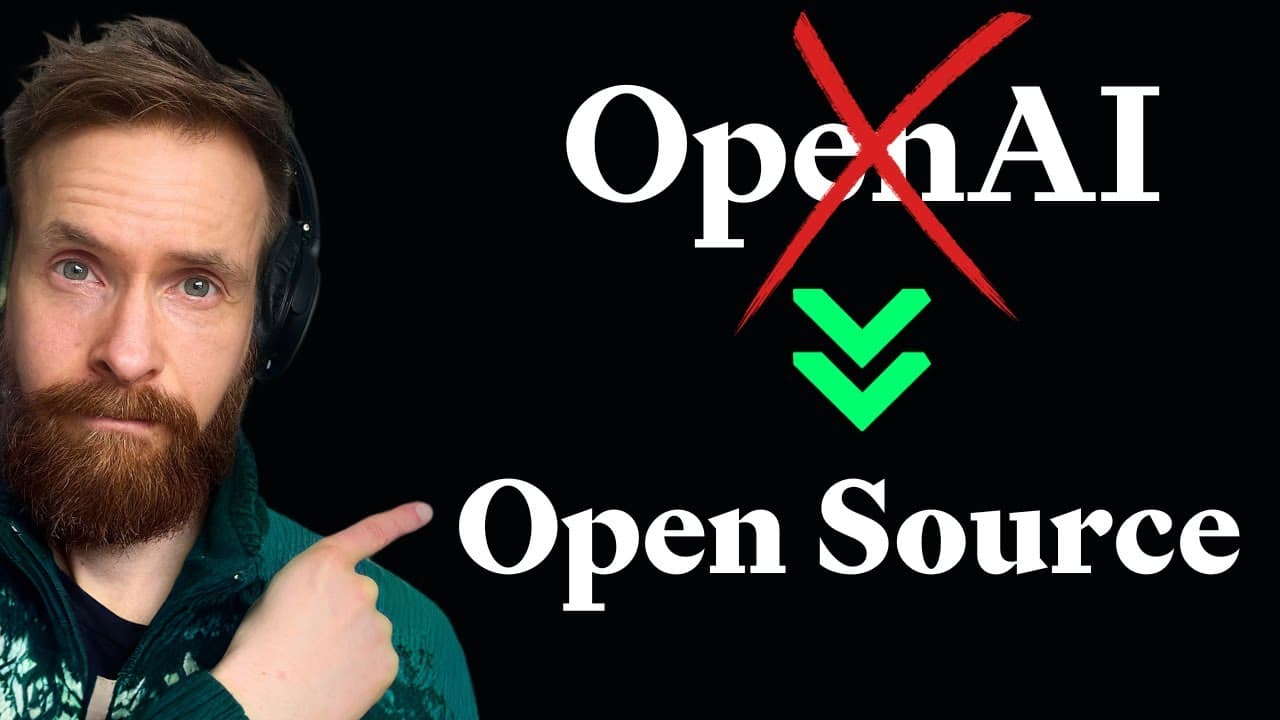
To quickly integrate open source models into your Python scripts, download LM Studio and select an appropriate model from Hugging Face. Adjust necessary settings like GPU offload and switch to a local inference server to run models offline, providing more flexibility and access to uncensored content.
Transcript
today I want to show you the absolute easiest way I have found to start using open source models locally in combination with your already existing Python scripts you can turn your old open AI chatbots into an open- Source version in just a few minutes this means that you can access uncensored models such as dolphin mistal 7B 52 and almost all other... Read More
Key Insights
- 🤗 LM Studio offers an easy way to integrate open source models into Python scripts.
- ❓ Adjusting settings in LM Studio can optimize the performance of the models.
- 🤗 The local inference server in LM Studio enables offline usage of open source models.
- ℹ️ Open source models provide a viable alternative to closed source proprietary models.
- 🤗 Using open source models offers more freedom and flexibility in exploring various topics.
- 🤗 Dolphin mistal 7B is a popular open source model available for use in LM Studio.
- ❓ The GPU offload feature in LM Studio enhances model performance.
Install to Summarize YouTube Videos and Get Transcripts
Explore YouTube Video Summarizer or Get YouTube Transcript Extractor
Questions & Answers
Q: How do you download open source models using LM Studio?
To download an open source model, go to LM Studio, select the desired model, and click on the download button. The model will be saved in the LM Studio window.
Q: Can you adjust settings for the models in LM Studio?
Yes, you can adjust settings like GPU offload, content length, and system prompt in LM Studio to optimize the performance of the models.
Q: How can you apply LM Studio to existing Python scripts?
By replacing the API connection with a local inference server, you can apply the open source models downloaded from LM Studio to existing Python scripts, allowing for offline usage.
Q: What are the advantages of using open source models over proprietary models?
Open source models, like dolphin mistal 7B, offer uncensored capabilities and greater flexibility compared to proprietary models like GPT-4. They allow for more freedom in exploring different topics without the risk of being shut down by closed source providers.
Summary & Key Takeaways
-
Use LM Studio to download open source models and easily access them for use in Python scripts.
-
Adjust settings, such as GPU offload and content length, for optimal performance.
-
Replace the API connection with a local inference server to run models offline.
Read in Other Languages (beta)
Share This Summary 📚
Summarize YouTube Videos and Get Video Transcripts with 1-Click
Try YouTube Summary with ChatGPT & Claude or YouTube Transcript Generator
Explore More Summaries from All About AI 📚





Summarize YouTube Videos and Get Video Transcripts with 1-Click
Try YouTube Summary with ChatGPT & Claude or YouTube Transcript Generator