How to Use BEM for CSS Class Naming with Examples
TL;DR
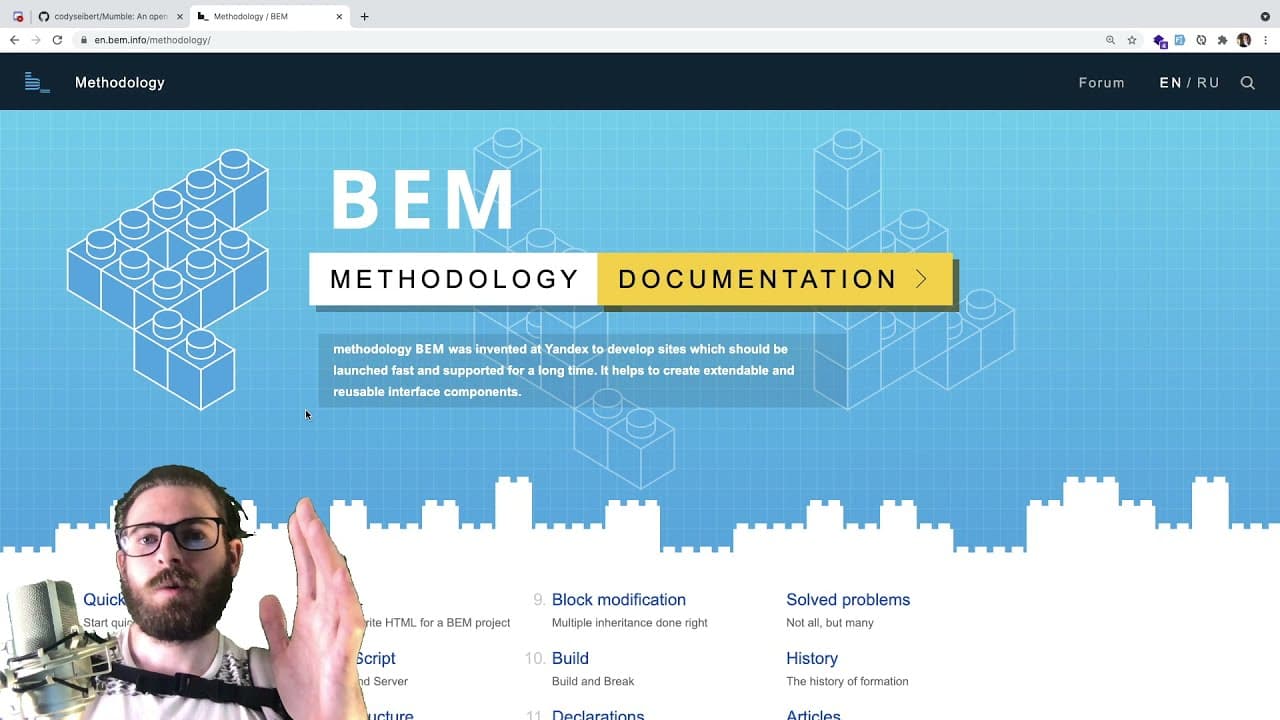
BEM (Block Element Modifier) is a CSS methodology that structures class names to prevent style conflicts in large applications. By dividing class names into blocks, elements, and modifiers, BEM ensures unique naming and easier styling management, significantly improving the scalability and maintainability of your code.
Transcript
hey everyone welcome back to another web dev junkie video hope you guys are having a great day so in this video i want to kind of talk about what bem is and how we are using it in a project to basically style our components so if you don't know what this is it's basically just a a methodology of naming your html elements okay so if you've used html... Read More
Key Insights
- 🥳 BEM is structured around three clear parts: block, element, and modifier, which helps maintain code readability.
- 🌥️ Consistent naming conventions provided by BEM can significantly improve collaboration among developers on large projects.
- 🕸️ BEM addresses issues common in CSS like style conflicts, thus improving the scalability of web applications.
- 🏃 Learning and understanding the nuances of BEM can save time and effort in debugging and maintaining styles in the long run.
- ❓ Developers are encouraged to utilize resources like BEM validators to ensure adherence to proper styling conventions.
- 🎮 The video offers an approachable overview to help beginners grasp the essentials of BEM methodology quickly.
- 🦡 Understanding BEM can help developers break bad habits related to arbitrary class naming and CSS organization.
Install to Summarize YouTube Videos and Get Transcripts
Explore YouTube Video Summarizer or Get YouTube Transcript Extractor
Questions & Answers
Q: What does the acronym BEM stand for in CSS?
BEM stands for Block Element Modifier. It is a naming convention that breaks down class names into three parts: the block (a standalone component), the element (a part of the block), and the modifier (a variant of the block or element). This structure improves clarity and reduces chances of styling conflicts, especially in larger codebases.
Q: How does BEM help in styling large applications?
BEM helps in styling large applications by imposing a systematic naming convention that minimizes class name duplication. By defining classes in a clear hierarchy and using unique names, developers can style components without the risk of overriding each other’s CSS rules, thus maintaining consistency and simplifying debugging.
Q: Can you explain how to implement modifiers in BEM?
Modifiers in BEM are appended to block or element names to signify variations. For instance, if you have a block named 'button', you could create modifiers like 'button--large' or 'button--small'. This naming strategy clearly indicates alterations in style or behavior while following the BEM structure, hence maintaining clarity.
Q: What challenges might you face if you don't use BEM in your projects?
Without using BEM, developers are likely to encounter issues such as class name duplication, styling conflicts, and difficulties in debugging. As projects become more complex and team collaboration increases, it can lead to styles affecting multiple components unpredictably, making maintenance cumbersome and error-prone.
Q: Why is it important to validate BEM code?
Validating BEM code is crucial to ensure adherence to the methodology, which promotes correct structure and naming conventions. It helps identify improper usage, such as incorrect targeting of nested elements, which can lead to potential conflicts and maintenance difficulties. Using a validator ensures that your codebase remains manageable and clean.
Q: What are some common mistakes developers make when implementing BEM?
Common mistakes include using generic class names that don’t follow the BEM convention, improperly nesting classes, and neglecting to use modifiers correctly. For example, directly targeting elements like images without proper naming conventions, such as appending --image to a block name, can lead to non-BEM compliant structures and unclear styles.
Summary & Key Takeaways
-
BEM, or Block Element Modifier, is a CSS naming convention designed to reduce style conflicts in large applications by clearly defining class names into a structured format.
-
The methodology divides class names into blocks, elements, and modifiers, promoting unique naming and preventing style overlap, facilitating easier debugging as applications grow.
-
The video discusses practical examples of implementing BEM in code, addressing common pitfalls, and suggesting resources for further study to help developers effectively adopt this approach.
Read in Other Languages (beta)
Share This Summary 📚
Summarize YouTube Videos and Get Video Transcripts with 1-Click
Try YouTube Summary with ChatGPT & Claude or YouTube Transcript Generator
Explore More Summaries from Web Dev Cody 📚





Summarize YouTube Videos and Get Video Transcripts with 1-Click
Try YouTube Summary with ChatGPT & Claude or YouTube Transcript Generator